Messaging and Internet 56
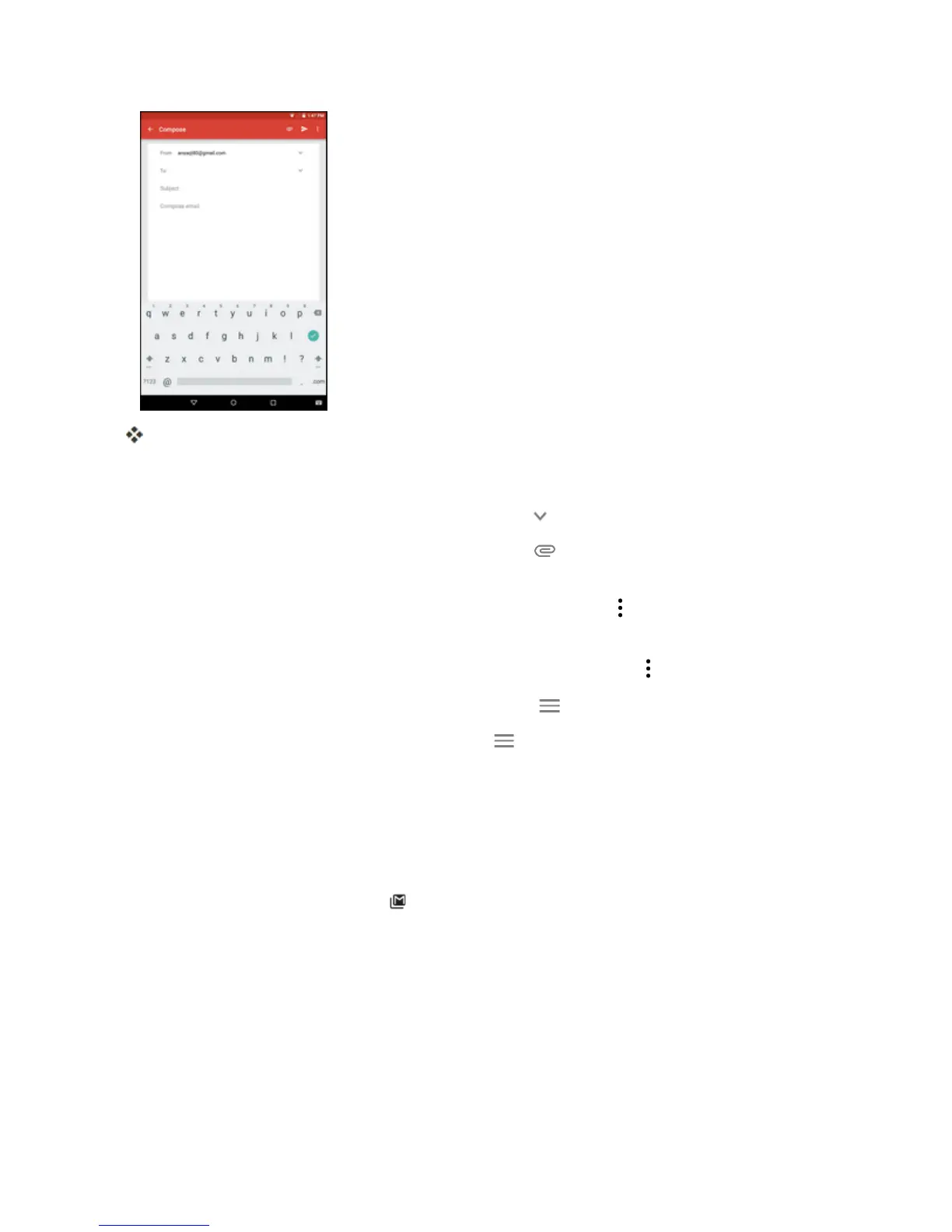
TheGmailmessageissent.
Gmail Composition Options
n Adding Cc/Bcc:Inthemailcompositionwindow,tap ,andthenaddrecipients.
n Attaching Files:Inthemailcompositionwindow,tap >Attach file.Locateandthentapthe
fileyouwanttoattach.
n
Save as a Draft (Send Later):Whilecomposingyourmessage, >Save draft.Themessage
issavedasadraftforlater.
n
Delete Mail Being Composed:Inthemailcompositionwindow,tap >Discard>DISCARD.
Note:Toviewyourdraftemailmessages,intheinbox,tap >Drafts.
Note:Toviewyoursentmessages,intheinbox,tap >Sent.
Check Received Gmail Messages
Yourtabletallowsyoutoaccess,read,andreplytoallyourGmailmessages.
Open New Gmail Messages
WhennewGmailarrives,youwillsee inthestatusbar.
1. Pulldownthestatusbartodisplaythenotificationpanel.



 To Next Page