Apps and Features 84
Apps and Features
Thefollowingtopicsdetailmanyofyourtablet’stoolsandfeaturessuchasmapsandnavigation,
calendar,clock,socialnetworkingapps,music,andmore.
Navigation Apps
Yourtabletoffersanumberoflocation-basednavigationprogramstohelpyoufigureoutwhereyou
areandgetyouwhereyou’regoing.
Enable Location Services on Your Tablet
Beforeusinganylocation-basedservices,youmustenableyourtablet’slocationfeature.For
informationaboutsettingyourtablet’slocationoptions,seeLocationAccessSettings.
Google Maps
UsetheGoogleMapsapptodetermineyourlocation,finddirections,browselocalbusinessesand
attractions,rateandreviewplaces,andmore.
View Maps of Specified Places
UseGoogleMapstolocateandmapaspecificaddressordestination.
1.
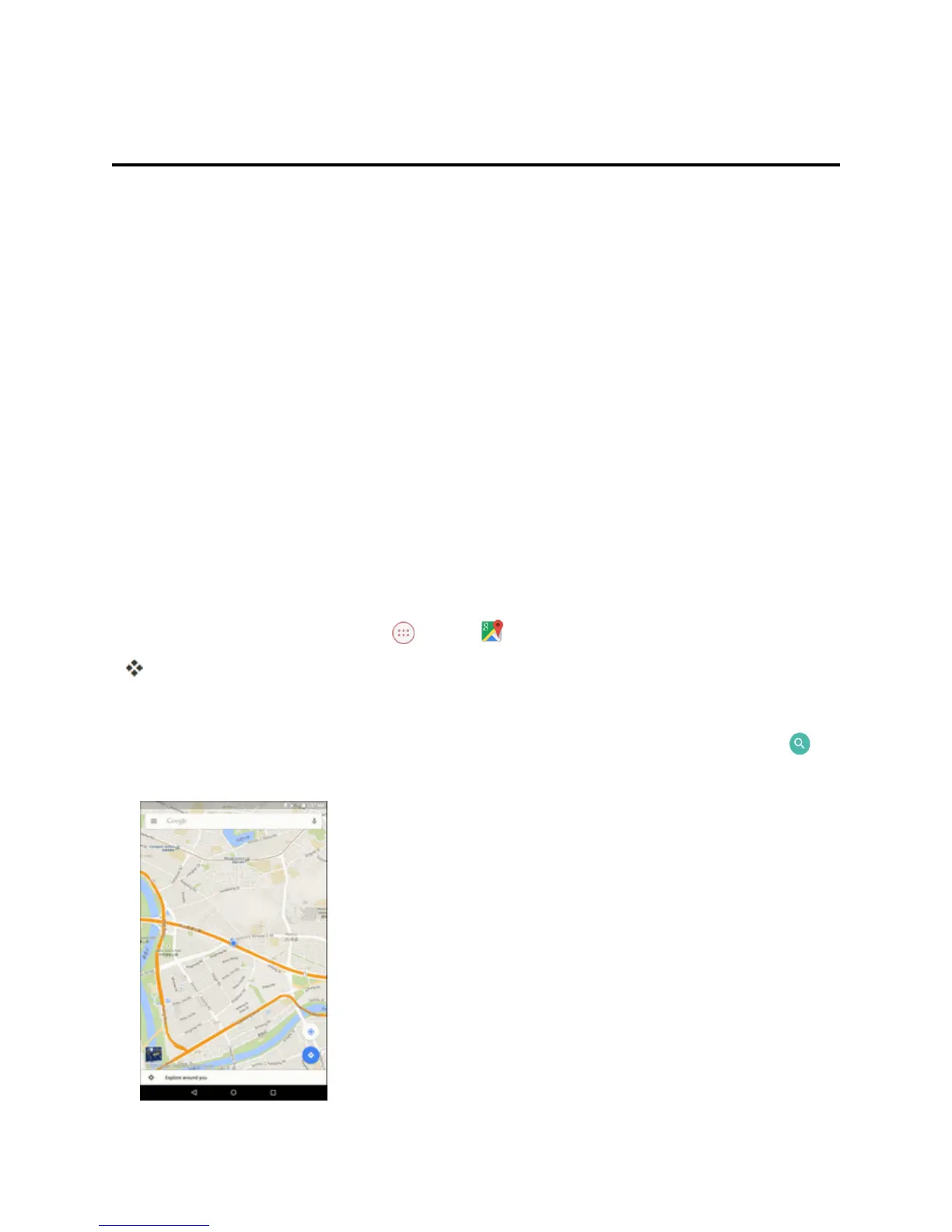
FromtheHomescreen,tap Apps >Maps .
GoogleMapsopens.
l Ifprompted,followtheonscreeninstructionstoaccepttermsofuse.
2.
Enteranaddress,city,facilityname,etc.,andthentapacandidateintheresultslistortap on
theonscreenkeyboard.



 To Next Page