Messaging and Internet 71
1.
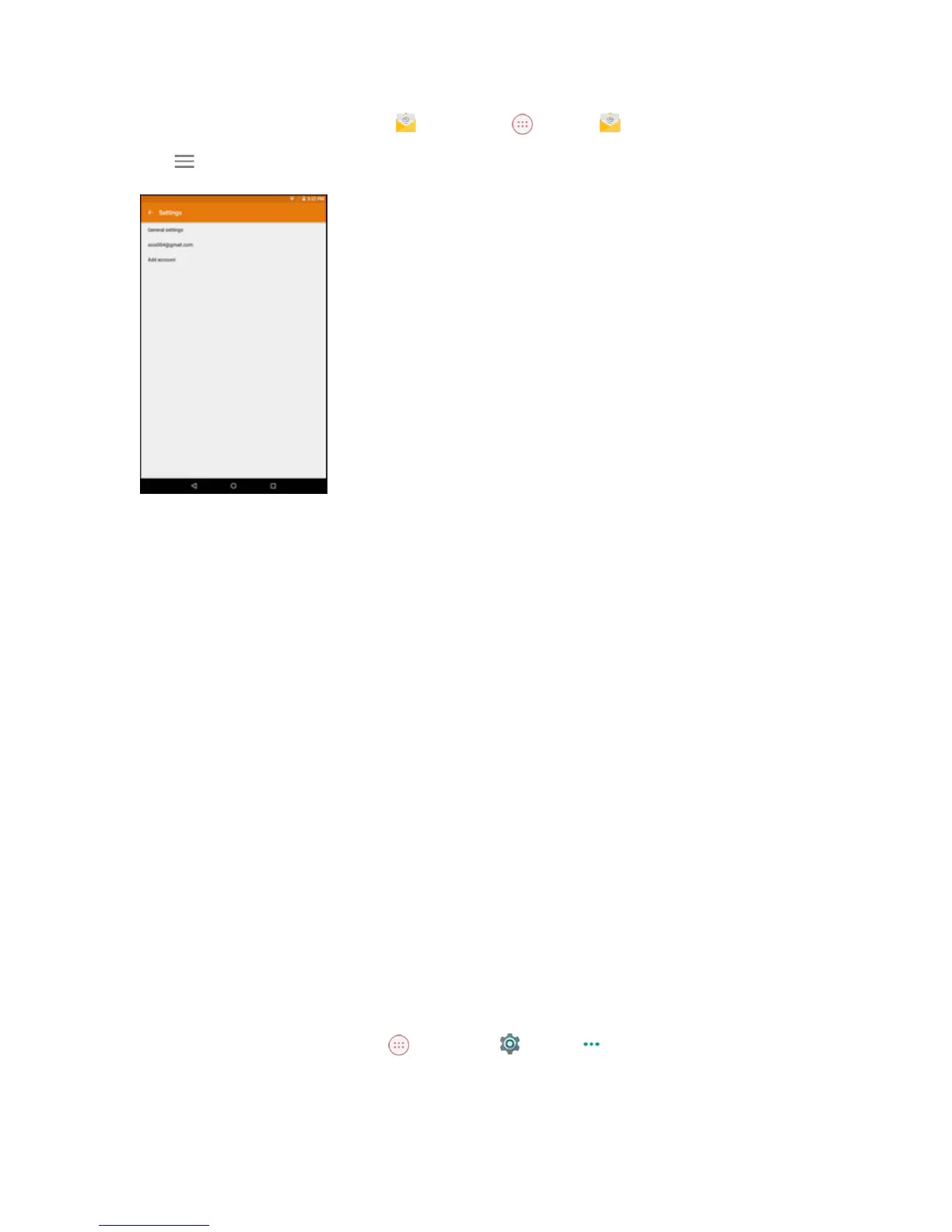
FromtheHomescreen,tap Email ortapApps >Email .
2.
Tap >Settings.
3. TapGeneral settingsoranemailaccount.Thenchangethedesiredsettings.
Data Services General Information (4G LTE)
Thefollowingtopicswillhelpyoulearnthebasicsofusingyourdataservices,includingmanaging
yourusername,launchingadataconnection,andnavigatingtheWebwithyourtablet.
Important:Certaindataservicesrequestsmayrequireadditionaltimetoprocess.Whileyourtablet
isloadingtherequestedservice,thetouchscreenoronscreenkeyboardmayappearunresponsive
wheninfacttheyarefunctioningproperly.Allowthetabletsometimetoprocessyourdatausage
request.
4G LTE
TheSprint4GLTEnetworkprovidesyourtabletwithwirelessInternetaccessovergreaterdistances
thanWi-Fianddeliversdatatransferratesofupto60Mbps.Toconnectyourtablettothe4GLTE
network,youneedtobeinanareacoveredbythe4GLTEnetwork.
FormoreinformationabouttheavailabilityofSprint4GLTEserviceinyourlocation,visit
sprint.com/coverage.
Note:Theavailabilityandrangeofthenetworkdependsonanumberoffactorsincludingyour
distancetothebasestation,andinfrastructureandotherobjectsthroughwhichthesignalpasses.
Set Your Network Options
1.
FromtheHomescreen,tap Apps >Settings >More >Cellular networks>
Network operators.
2. SelectChoose automaticallyorselectoneoftheavailablenetworks.



 To Next Page