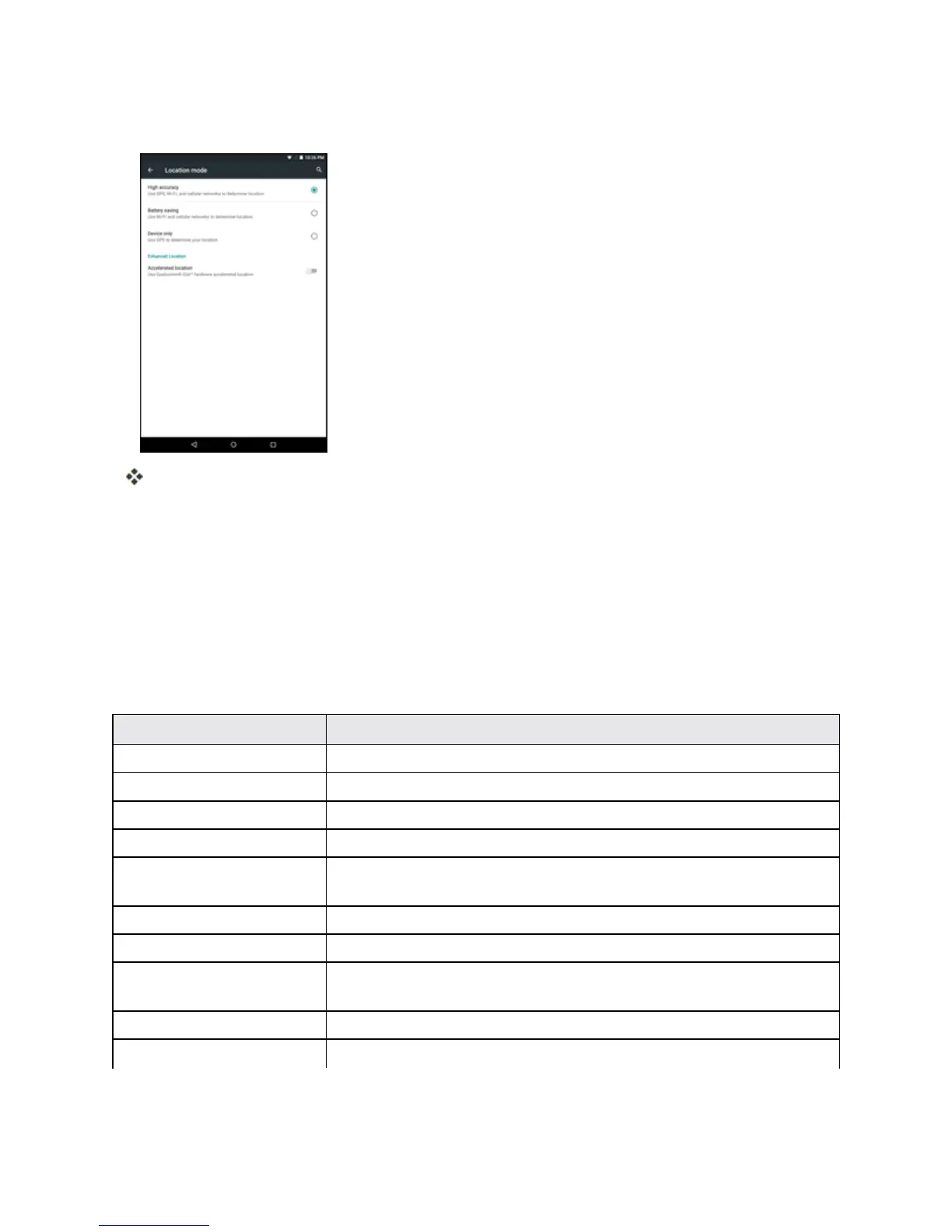
Settings 134
3. Selectthedesiredsettings.
Yourlocationsettingsareappliedandsaved.
Security Settings
TheSecuritysettingsmenusletyousetencryptionoptions,passwordvisibility,administrator
settings,andcredentialstorageoptions.
Security Settings Overview
ManysecuritysettingsaredependentonScreenlocksettings,SIMlocksettings,etc.Thefollowing
tableoutlinesthesettingsavailablethroughtheSecuritysettingsmenu:
Security Setting Description
Screen lock Managethescreenlockoptions.
Owner info Enterinformationthatisdisplayedonthelockscreen.
Lockscreen shortcuts Assignalockscreenshortcut.
Encrypt tablet Encryptalldataonyourtablet.
Setup SIM/RUIM card
lock
SetupSIMcardtolockorchangetheSIMpincodes.
Make passwords visible Toggletoshoworhidepasswordswhenenteringformdata.
Device administrators Vieworturnoffdeviceadministrators.
Unknown sources Allowordenyinstallationofapplicationsfromsourcesotherthanthe
GooglePlaystoreapplication.
Storage type Displaythestoragetypeforcertificates.
Trusted credentials DisplaytrustedCAcertificates.



 To Next Page