Apps and Features 93
3.
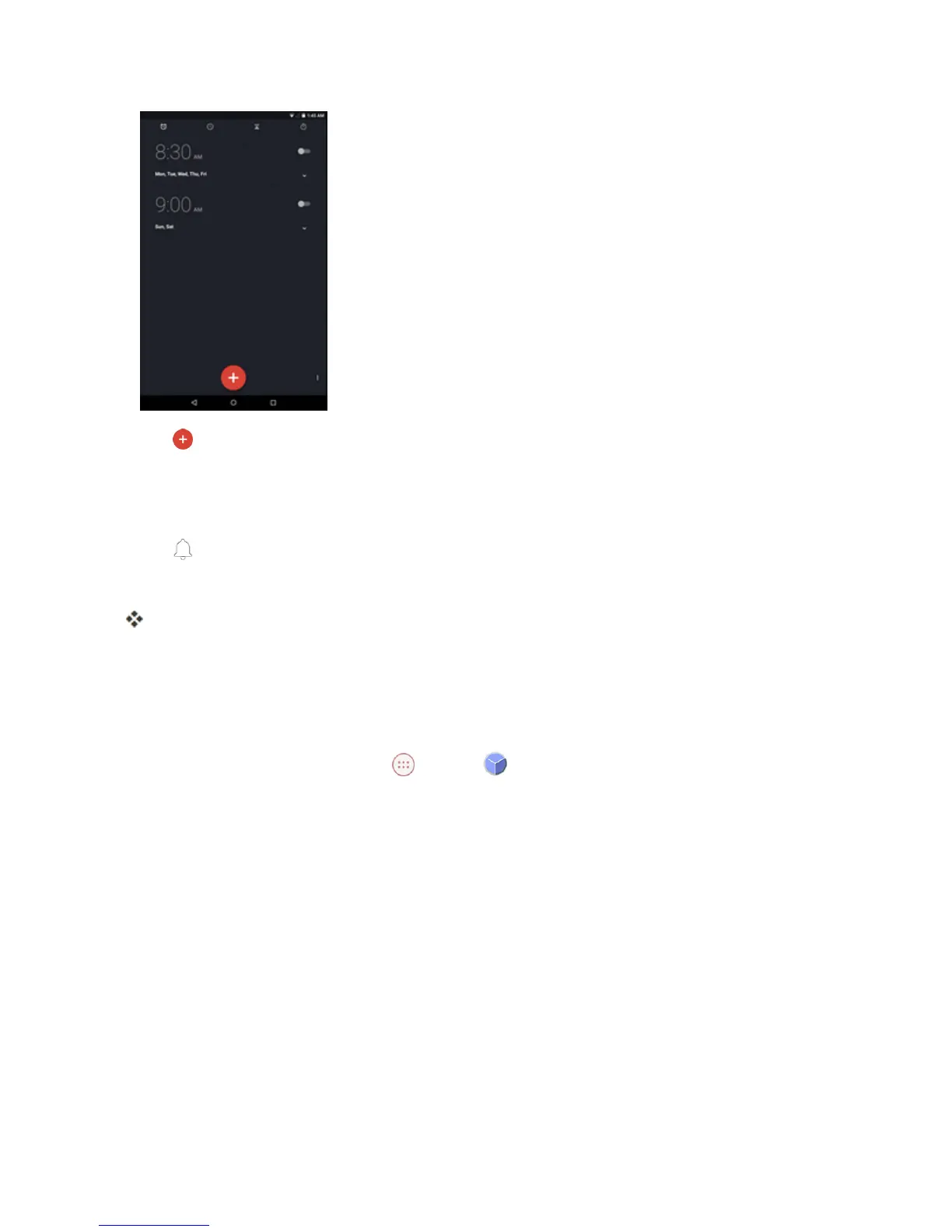
Tap toaddanewalarm.
4. SlidetheclockpointertosetthetimeandthentapOK.
5. ChecktheRepeatcheckboxtosettherepeatmode.Thenselectthedesiredweekdays.
6.
Tap tosettheringtone.ThenselectthedesiredalarmsoundandtapOKtoconfirm.
7. TapLabeltoenterthealarmlabel.EnterthenameandtapOK.
Thealarmisset.
Additional Clock Features
Yourtablet’sclockappprovidesadditionalusefulfeaturesincludingworldclock,stopwatch,and
timerfunctions.Allfeaturesareavailablefromtheclockappdisplay.
n
FromtheHomescreen,tap Apps >Clock .



 To Next Page