Camera and Video 82
1.
FromtheHomescreen,tap Apps >Photos .
2.
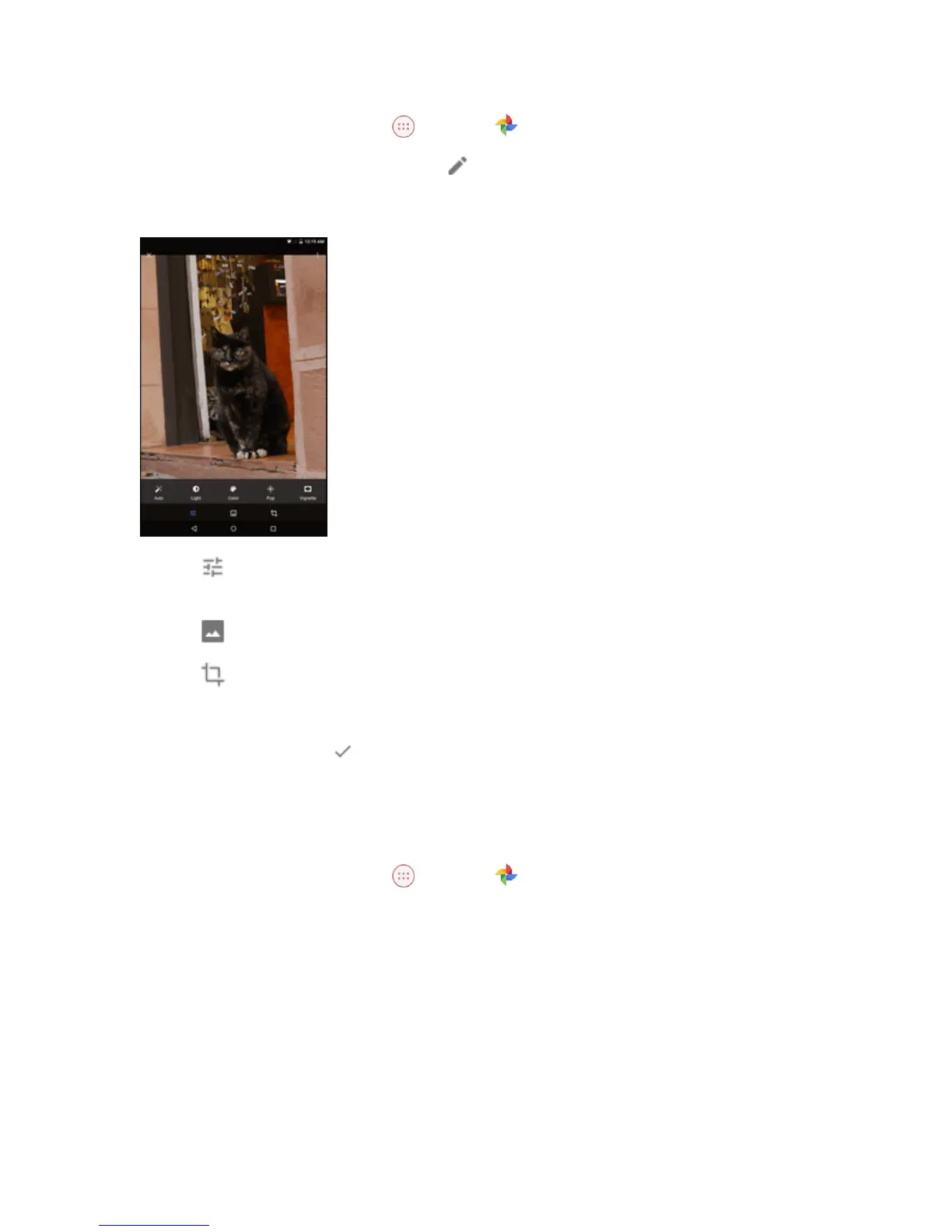
Selectthepictureyouwanttoeditandtap .
3. Selectoneoftheavailableoptions:
l
Tap toautomaticallyadjustcolorandexposure,manuallychangelighting,manually
adjustcolor,oraddeffects.
l
Tap toaddoradjustafilter.
l
Tap tocroporrotatethepicture.
Tip:Whileediting,youcantapandholdthepicturetocompareyoureditstotheoriginal.
4.
Whenfinishedediting,tap >SAVE.
Share Pictures or Videos
Youcanshareyourphotosorvideoswithyourfriendsandfamily.
1.
FromtheHomescreen,tap Apps >Photos .
2. Selectthepictureorvideoyouwanttoshare.



 To Next Page