Camera and Video 77
4.
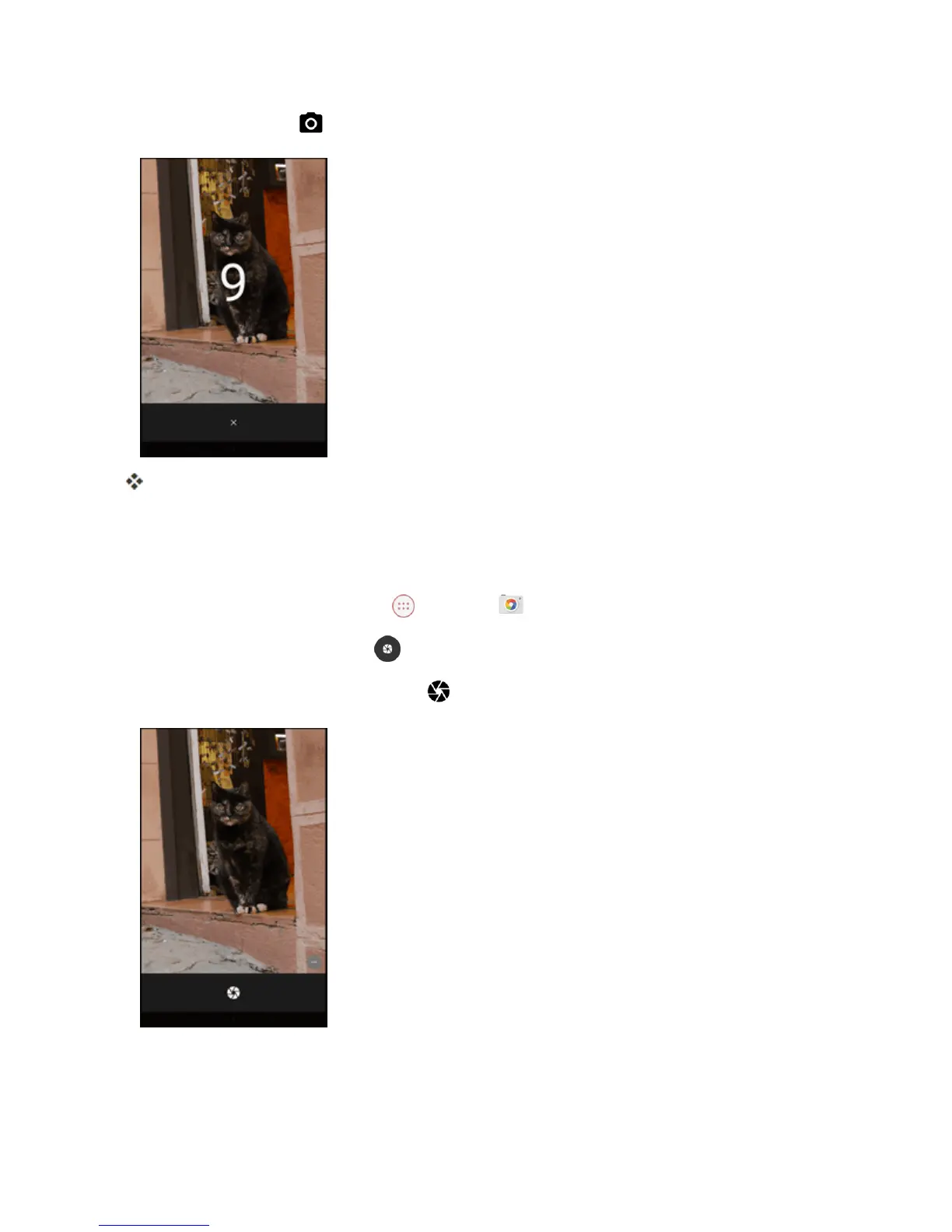
Tostartthetimer,tap .
Thepicturewillbetakenaftereither3secondsor10seconds.
Record a Picture Using Lens Blur
Youcanmakethesubjectofyourpicturestandoutbyblurringthebackground.
1.
FromtheHomescreen,tap Apps >Camera .
2.
Swipefromlefttoright,thentap toswitchtoLensBlurmode.
3.
Aimthecameraatyoursubjectandtap .
4. Whenprompted,slowlymovethedeviceup,keepingthefocuscenteredonthesubject.



 To Next Page