Basic Operations 33
Installing Applications
ManydifferentkindsofapplicationscanbeinstalledonyourtabletfromGooglePlay(providedby
GoogleInc.).Thecompanyisnotresponsibleinanywayforuser-installedapplications(quality,
reliability,legality,fitnessforapurpose,credibility,accuracy,etc.)orresultingmalfunctions
(viruses,etc.).
Important:Ourpoliciesoftendonotapplytothird-partyapplications.Third-partyapplicationsmay
accessyourpersonalinformationorrequireustodiscloseyourcustomerinformationtothethird-
partyapplicationprovider.Tofindouthowathird-partyapplicationwillcollect,access,use,or
discloseyourpersonalinformation,checktheapplicationprovider’spolicies,whichcanusuallybe
foundontheirwebsite.Ifyouaren’tcomfortablewiththethird-partyapplication’spolicies,don’tuse
theapplication.
Find and Install an App
WhenyouinstallappsfromtheGooglePlaystoreandusethemonyourtablet,theymayrequire
accesstoyourpersonalinformation(suchasyourlocation,contactdata,andmore)oraccessto
certainfunctionsorsettingsforyourtablet.Downloadandinstallonlyappsthatyoutrust.
1.
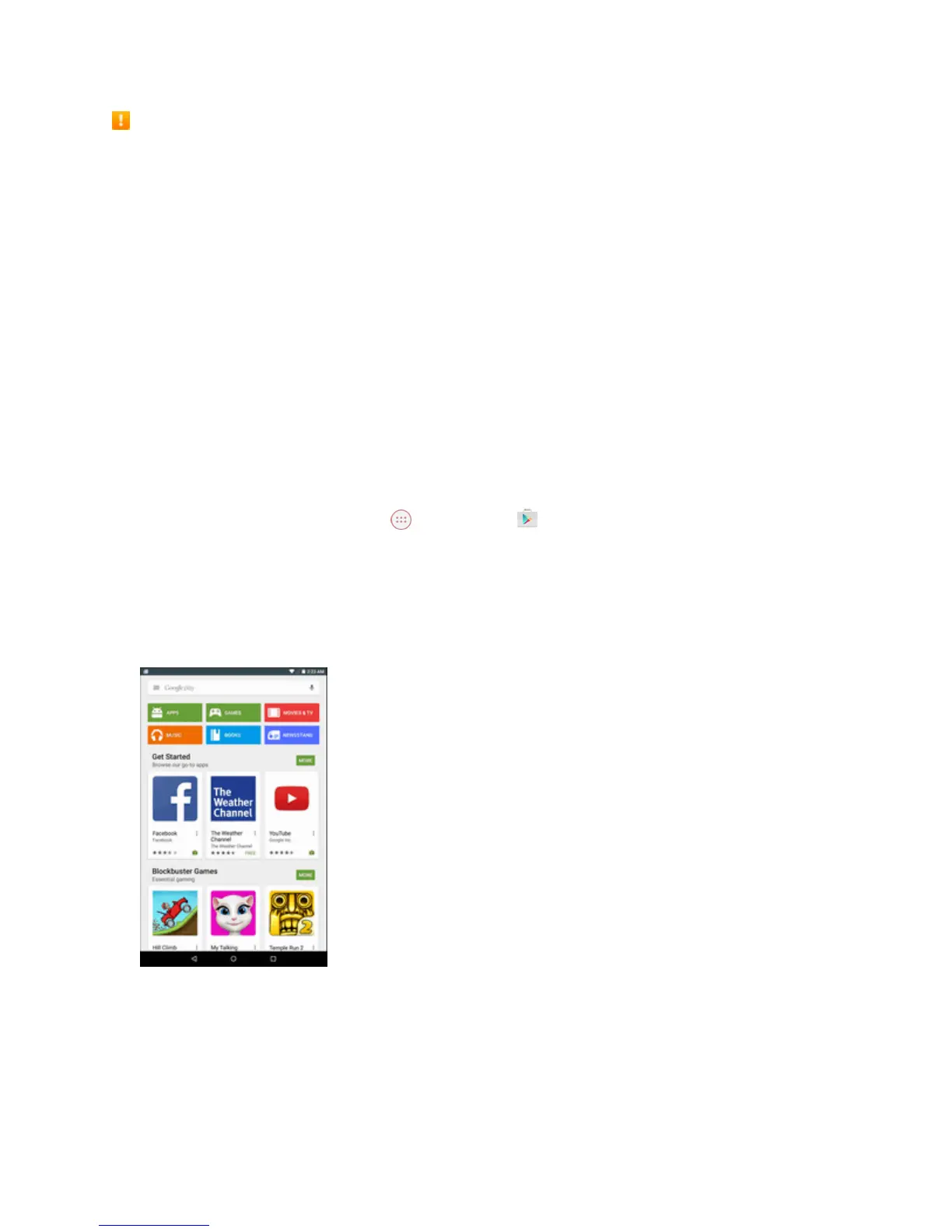
FromtheHomescreen,tapApps >Play Store .
2. WhenyouopentheGooglePlayStoreappforthefirsttime,theTermsofServicewindowwill
appear.TapACCEPTtocontinue.
3. Browsethroughthecategories(APPS,GAMES,MOVIES & TV,MUSIC,BOOKS,or
NEWSSTAND),findanitemyou'reinterestedin,andtapthename.
4. Tapanapptoreadadescriptionabouttheappanduserreviews.
5. TaplNSTALL(forfreeapplications)ortheprice(forpaidapplications).
Note:Ifyouhavenotalreadydoneso,youwillneedtosetupapaymentmethodtopurchasepaid
appsfromGooglePlay.



 To Next Page