Contacts 49
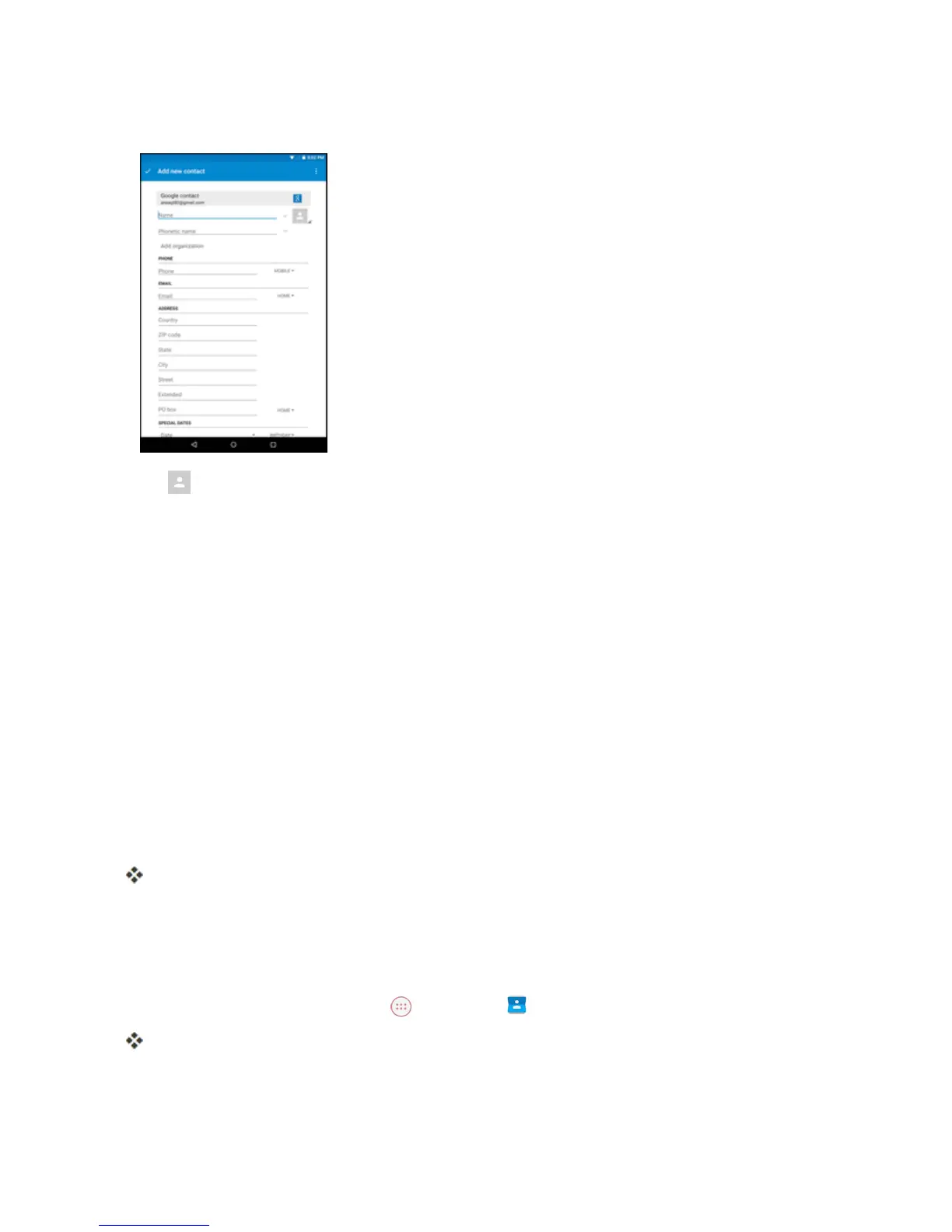
4. Usethekeyboardtoenterasmuchinformationasyouwant.
l
:Tapthepictureicontoassignapicturetothecontact.
l Name
l Phone
l Email
l Address
l SpecialDates
l Groups
l Addanotherfield:TapADD ANOTHER FIELDtoincludeadditionalinformationsuchasIM,
Notes,Nickname,Website,etc.
Note:Toselectatype(label)foraphonenumber,emailaddressorpostaladdress(suchasMobile,
Home,Work,etc.),tapthetypetotherightofthefieldandselecttheappropriatetype.
5. Whenyouhavefinishedaddinginformation,tapAdd new contact.
Thecontactisadded.
View Contacts
Viewacontact’sdetailsbydisplayingacontactentry.
1.
FromtheHomescreen,tapApps >Contacts .
YouwillseetheContactslist.
2. Tapacontacttoviewitsdetails.



 To Next Page