Camera and Video 76
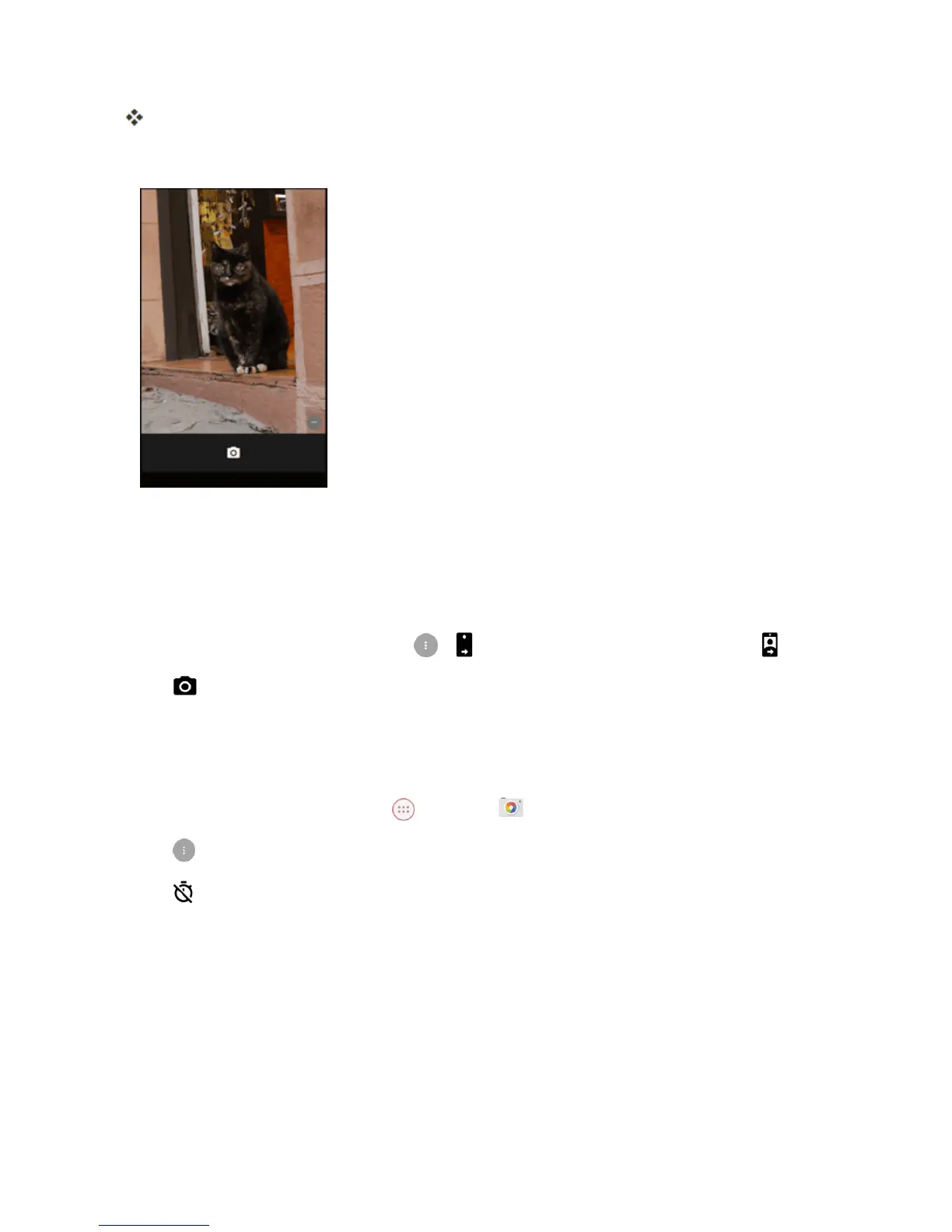
Thecameraviewfinderappears.
2. Aimthecameraatyoursubject.
l Thecamerawillautomaticallyfocus,butyoucantapanotherpartofthescreentomovethe
focusthere.
l Spreadtwofingersapartonthescreentozoomin.
l Pinchtwofingerstogetheronthescreentozoomout.
l
Toswitchtothefrontcamera,tap > .Toswitchbacktotherearcamera,tap .
3.
Tap totakethepicture.
Take a Picture with the Timer
Youcancapturephotosusingthetimer.
1.
FromtheHomescreen,tap Apps >Camera .
2.
Tap .
3.
Tap oncetousethe3-secondtimer.Tapitagaintousethe10-secondtimer.



 To Next Page