Get Started 7
4. OpenthecoverofthenanoSIM/microSDcardslots.
5. SlidethemicroSDcardoutoftheslottoremoveit.
6. ClosethecoverofthenanoSIM/microSDcardslots.
Format the microSD Card
WhenyouinsertanoptionalmicroSDcardforthefirsttime,itisrecommendedthatyouformatiton
yourtablet.
1.
FromtheHomescreen,tapApps >Settings .
2.
TapStorage .
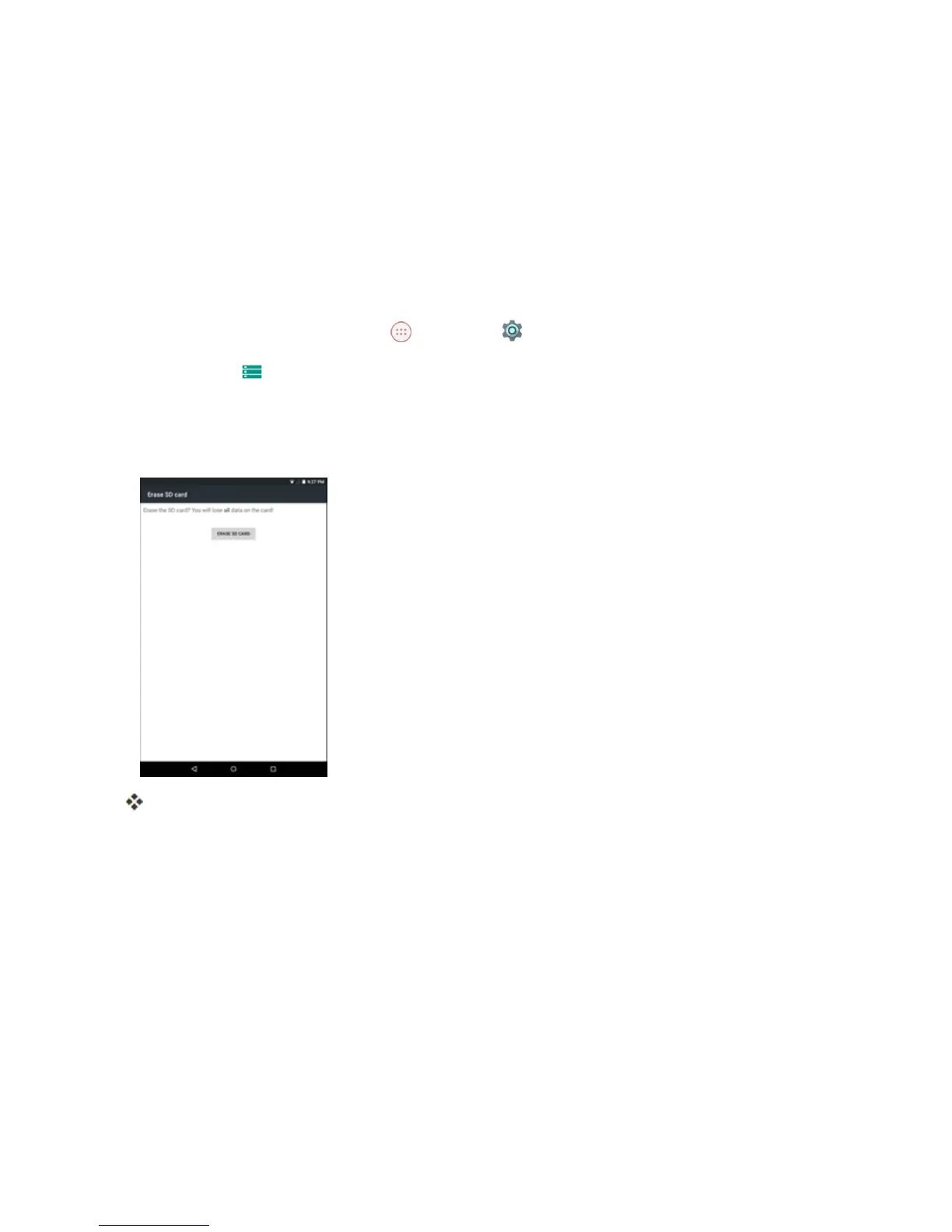
3. TapErase SD card.
4. TapERASE SD CARDagain,andthentapERASE EVERYTHINGtoconfirm.
Alldataonthememorycardiserased,andthecardisformattedforuseonyourtablet.
Charge the Battery
Followtheseinstructionstochargeyourtablet’sbatteryusingeithertheincludedACadapterorviaa
USBconnectiononyourcomputer.
Charge Using the AC Adapter
1. PlugtheUSBconnectorintothecharger/accessoryportatthetopofyourtablet.


 To Next Page