Settings 136
Screen Lock
Youcanincreasethesecurityofyourtabletbycreatingascreenlock.Whenenabled,youhaveto
drawthecorrectunlockpatternonthescreen,enterthecorrectPIN,orenterthecorrectpassword
tounlockthetablet’scontrolkeys,buttons,andtouchscreen.
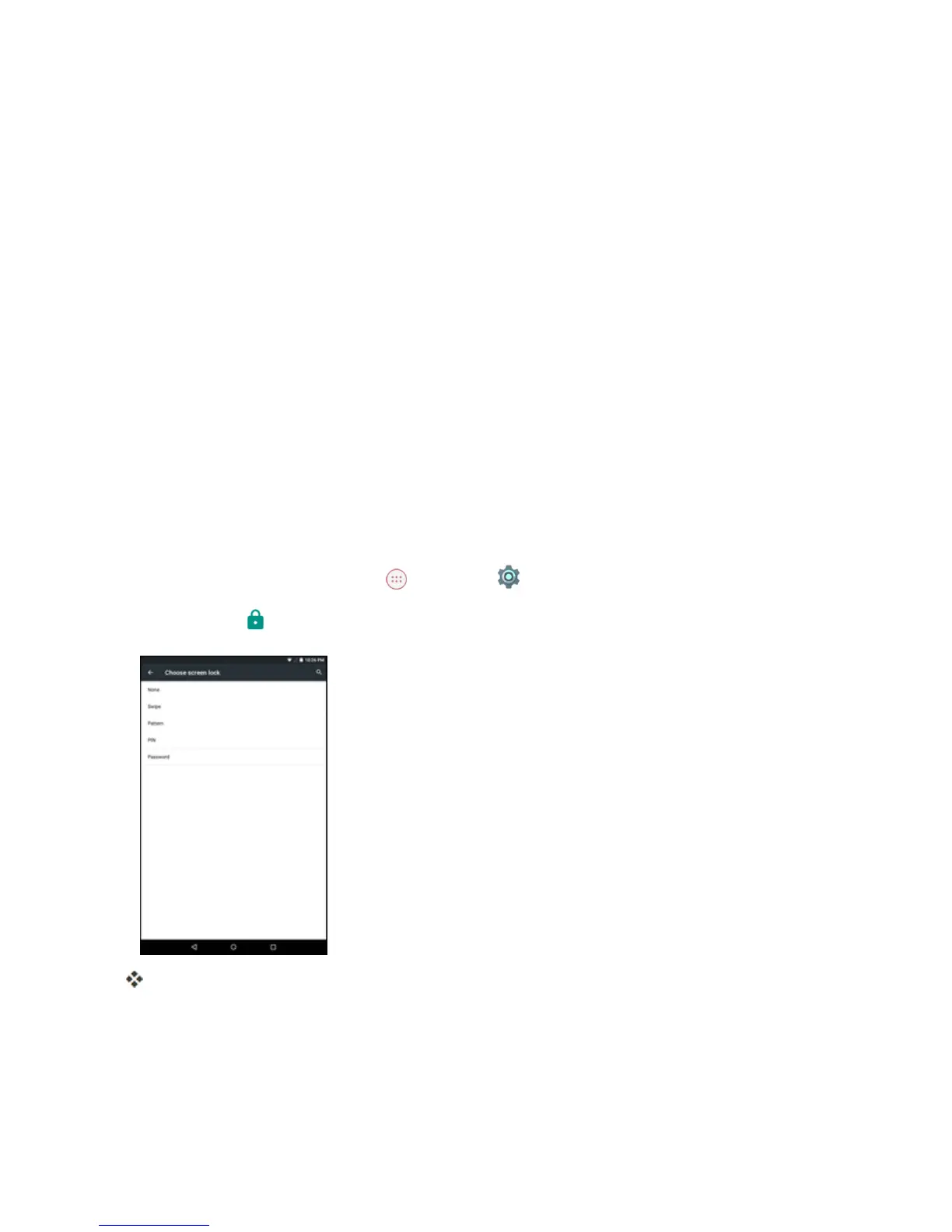
Inorderfromleastsecuretomostsecure,theavailablescreenlockoptionsare:
n None
n Swipe
n Pattern
n PIN
n Password
Important:Toprotectyourtabletanddatafromunauthorizedaccess,itisrecommendedthatyou
usethehighestsecuritylevelavailable(Passwordprotection).Itisalsorecommendedyou
frequentlychangeyourpasswordtoensurethesafetyofyourtabletandpersonaldata.
Access Screen Lock Settings
1.
FromtheHomescreentapApps >Settings .
2.
TapSecurity >Screen lock.
TheScreenlocksettingsmenuopens.



 To Next Page