Settings 141
3. Tapanaccounttypeandthenfollowtheonscreeninstructionstoaddtherequiredaccount
information.
Theaccountisaddedtotheaccountslist.
Manage Existing Accounts
1.
FromtheHomescreentapApps >Settings .
2.
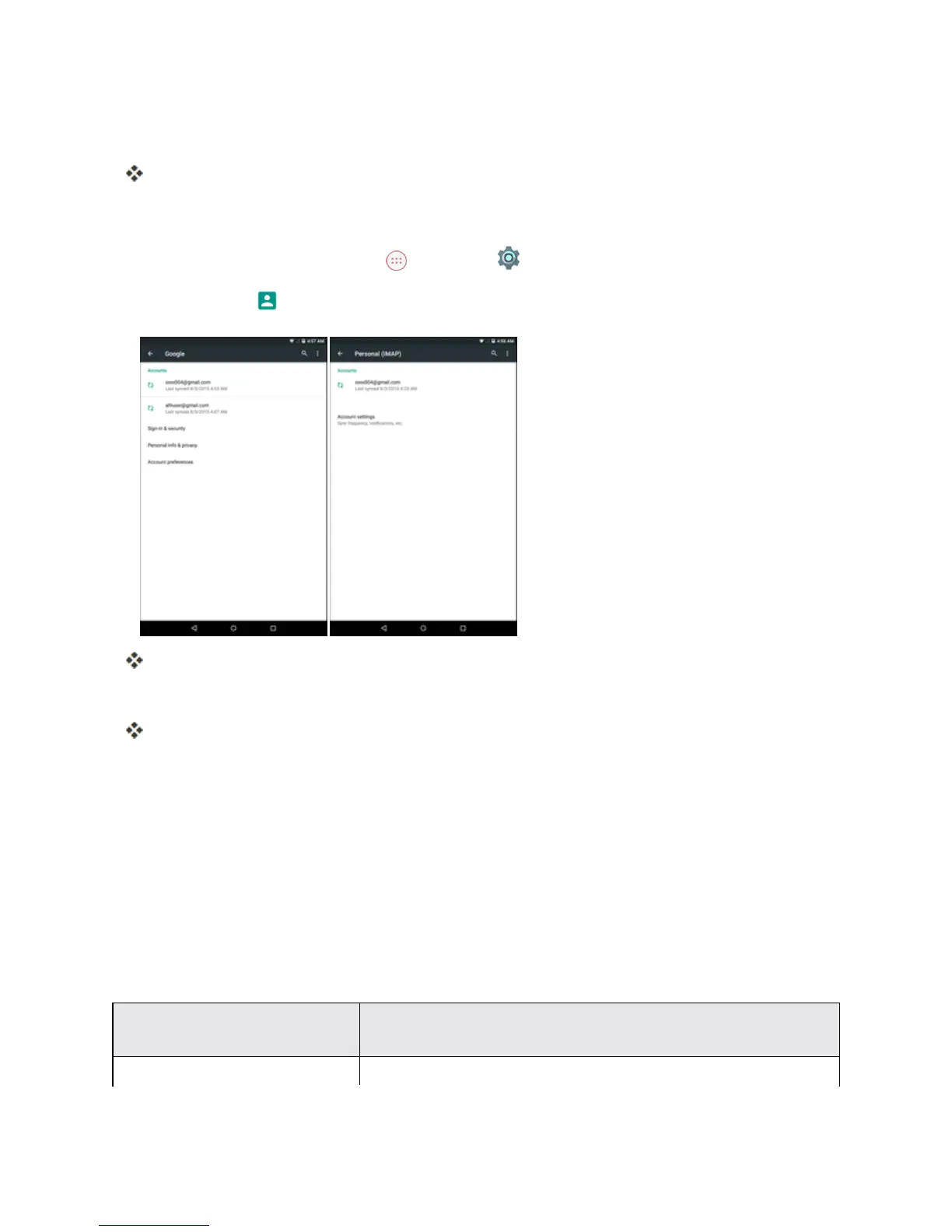
Tap Accounts andselectanaccount.
Theaccountsettingsmenuappears.
3. Selecttheoptiontoconfigureandmodifythenecessarysettings.
Theaccountoptionsareupdated.
Note:Theavailablesettingsoptionsvarydependingontheaccounttype.
Language and Input Settings
Yourtablet’slanguageandinputsettingsletyouselectalanguageforthetablet’smenusand
keyboards,selectandconfigurekeyboardsettings,configurespeechinputsettings,andsetyour
tablet’smouse/trackpadoptions.
Language and Input Settings Overview
YoucansetthefollowingoptionsintheLanguageandinputsettingsmenu:
Language and Input
Setting
Description
Language Setthelanguageforyourdisplayandmenus.



 To Next Page