Settings 142
Language and Input
Setting
Description
Spell checker Enable/disablespellcheckfunction.
Personal dictionary Addoredituserpresetwordstothedictionary.
Current keyboard Setthedefaultmethodforenteringtext.
Google keyboard ConfigureGooglekeyboardsettings.
Google voice typing ConfigureGooglevoicetypingsettings.
Voice input Configureyourvoicesearchsettings.
Text-to-speech output Configuretext-to-speechoutputsettings.
Pointer speed Setthespeedofthepointerforamouse/trackpad.
Access Language and Input Setting Options
1.
FromtheHomescreentapApps >Settings .
2.
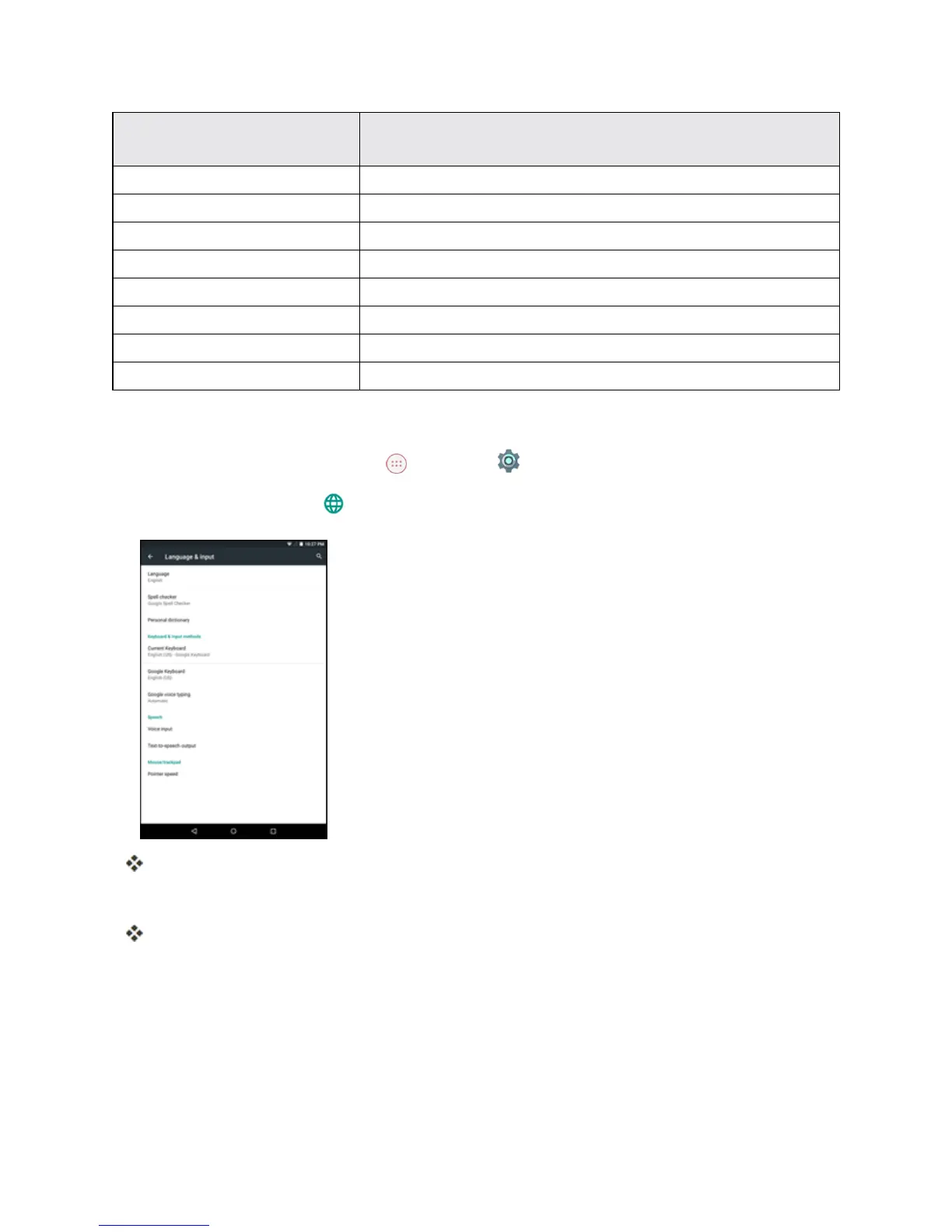
Tap Language & input .
TheLanguageandinputsettingsmenuopens.
3. Selecttheoptiontoconfigureandmodifythenecessarysettings.
Thelanguageandinputsettingsareappliedandsaved.
Language and Input Options
Someofthelanguageandinputoptionsaredetailedbelow.
n Set the Display Language:FromtheLanguageandinputsettingsmenu,tapLanguageand
thentapalanguagetoassignit.



 To Next Page