Apps and Features 96
l
Toresetthestopwatch,tap .
l
Toshareyourresults,tap .
Facebook
Postupdates,readwhatyourfriendsareupto,uploadpicturesandcheck-ins,andmorewithon-
the-goFacebookaccess.
Sign in to Your Facebook Account
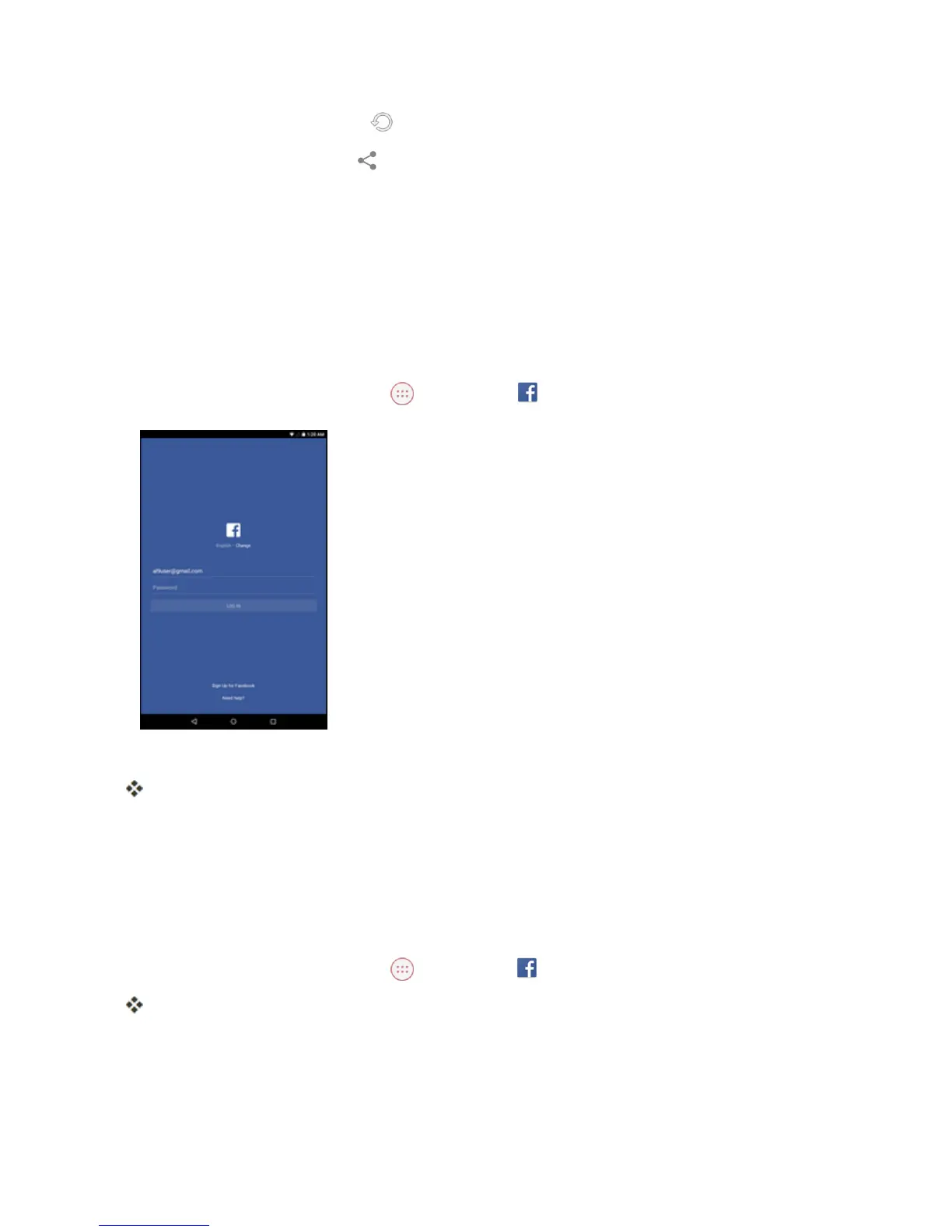
BeforeyouuseFacebookonyourtablet,youmustsigninfirsttoyourFacebookaccount.
1.
FromtheHomescreen,tapApps >Facebook .
2. EnteryourFacebookusernameandpasswordandtapLOG IN.
YourFacebookaccountisaddedtoyourtablet.
Tip:IfyoudonothaveaFacebookaccount,tapSign Up for Facebooktocreateanewaccount.
Use Facebook
Onceyou’vedownloadedtheappandsignedin,youcanpostandreadupdates,uploadpictures,tag
locations,andmore,allfromyourtablet.
1.
FromtheHomescreen,tapApps >Facebook .
TheFacebookapplaunches.
l Ifthisisthefirsttimeyou’veusedFacebookonyourtablet,enteryourFacebookIDand
passwordandtapLOG INtosignintoanexistingaccount,ortapSign Up for Facebookto
setupanewFacebookaccount.



 To Next Page