Basic Operations 38
1.
FromtheHomescreen,tapApps >Settings >Backup & reset .
2. Setthedesiredoptionswitchtoenablethefeature.
l EnabletheBack up my data optiontobackupdata,Wi-Fipassword,andothersettingsto
Googleservices.
l EnabletheAutomatic restoreoptiontorestorebackedupsettingsanddatawhen
reinstallinganapp.
Asanaddedprecaution,topreserveanydataonyourmicroSDcard,pleaseunmountitfromyour
tabletpriortostartingtheupdateprocess.FromtheHomescreen,tapApps >Settings >
Storage >Unmount SD card.
Update Your Tablet’s Software
Onceyouhavebackedupallyourdata,usetheUpdate nowoptiontoupdateyourtablet’s
software.
1.
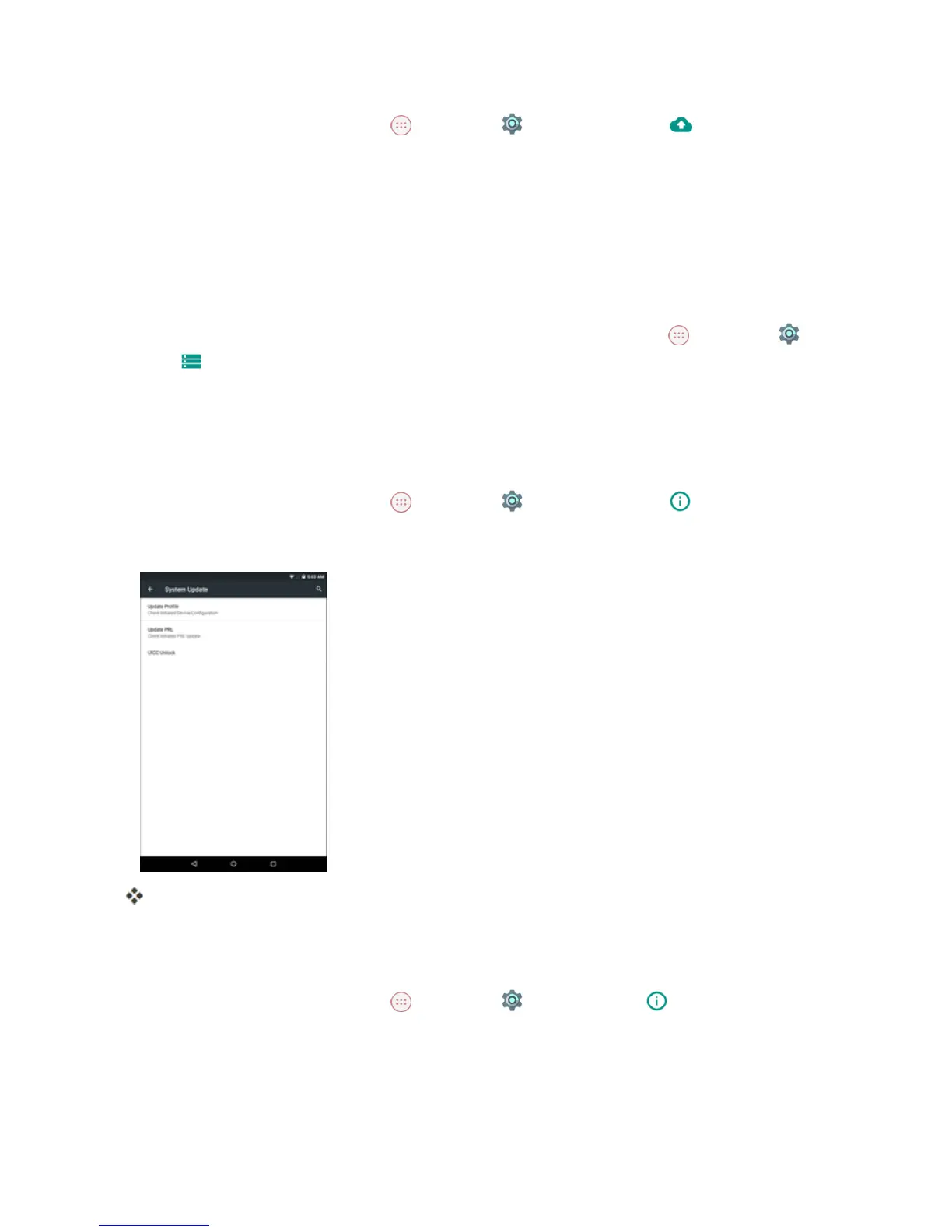
FromtheHomescreen,tapApps >Settings >System Update .
2. TapUpdate Firmware.
Yourtabletautomaticallydownloadsandinstallsanyavailableupdates.Youmayberequired
topoweryourtabletoffandbackontocompletethesoftwareupgrade.
Confirm Your Current Tablet Software
1.
FromtheHomescreen,tapApps >Settings >About tablet .



 To Next Page