Settings 138
Note:DisabletheMake pattern visibleoptionifyoudonotwanttheunlockpatterntodisplayon
thescreenwhenyouunlockit.
Note:Tochangeyourunlockscreenpattern,fromhome,tapApps >Settings >Security
>Screen lock.
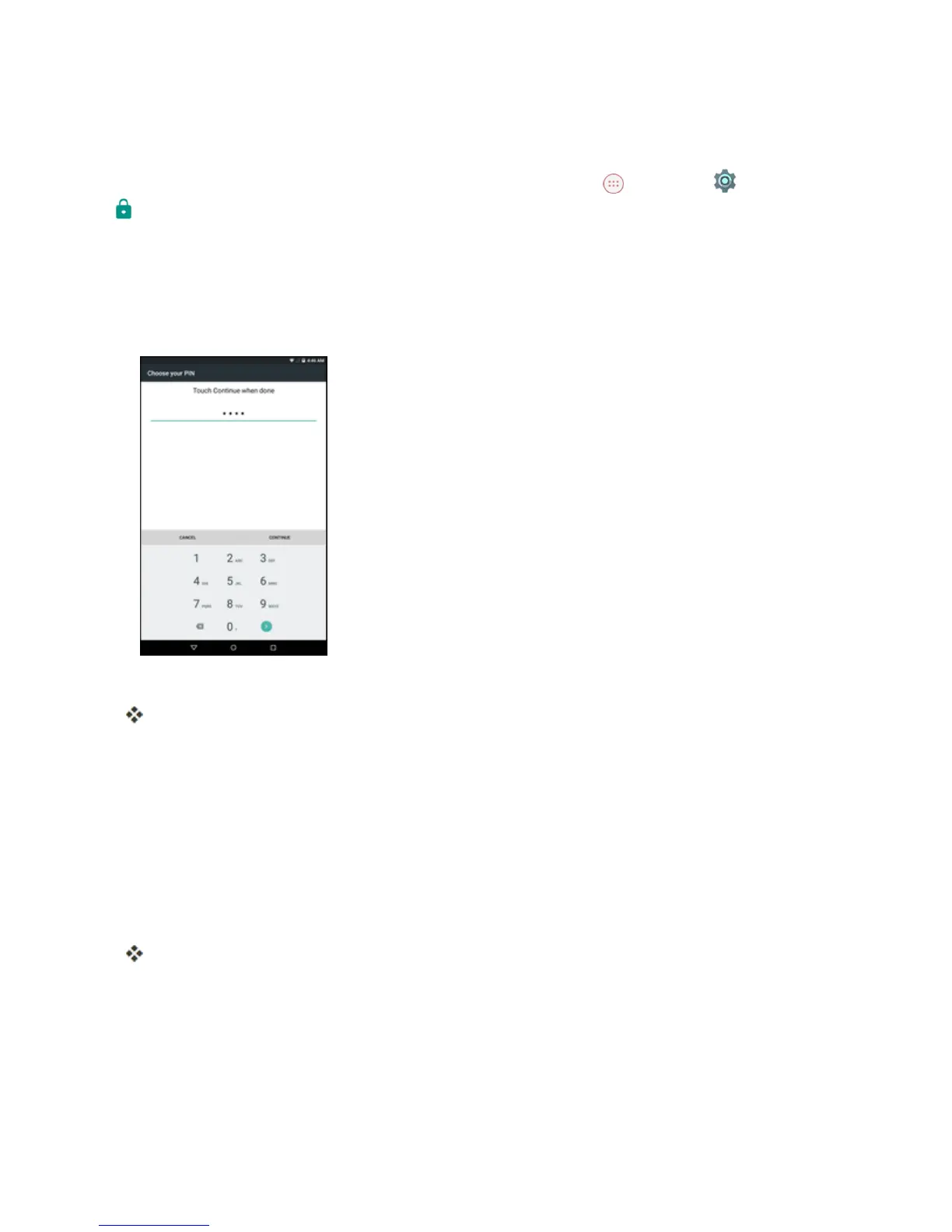
Use a Screen Unlock PIN
1. FromtheScreenlocksettingsmenu,tapPIN.
2. EnteraPINandtapCONTINUE.
3. EnteryourPINagainandtapOKtosavethesetting.
Thescreenlockisset.
l IfyoufailtoenterthecorrectPINafterfiveattempts,youwillbepromptedtowaitfor30
secondsbeforeyoucantryagain.
Use a Screen Unlock Password
1. FromtheScreenlocksettingsmenu,tapPassword.
2. EnterapasswordandtapCONTINUE.
3. EnteryourpasswordagainandtapOKtosavethesetting.
Thescreenlockisset.
l Ifyoufailtoenterthecorrectpasswordafterfiveattempts,youwillbepromptedtowaitfor30
secondsbeforeyoucantryagain.
Important:Toprotectyourtabletanddatafromunauthorizedaccess,itisrecommendedthatyou
usethescreenunlockpassword(highestsecurity).Itisalsorecommendedthatyoufrequently
changeyourpasswordtoensurethesafetyofyourtabletandpersonaldata.



 To Next Page