Get Started 12
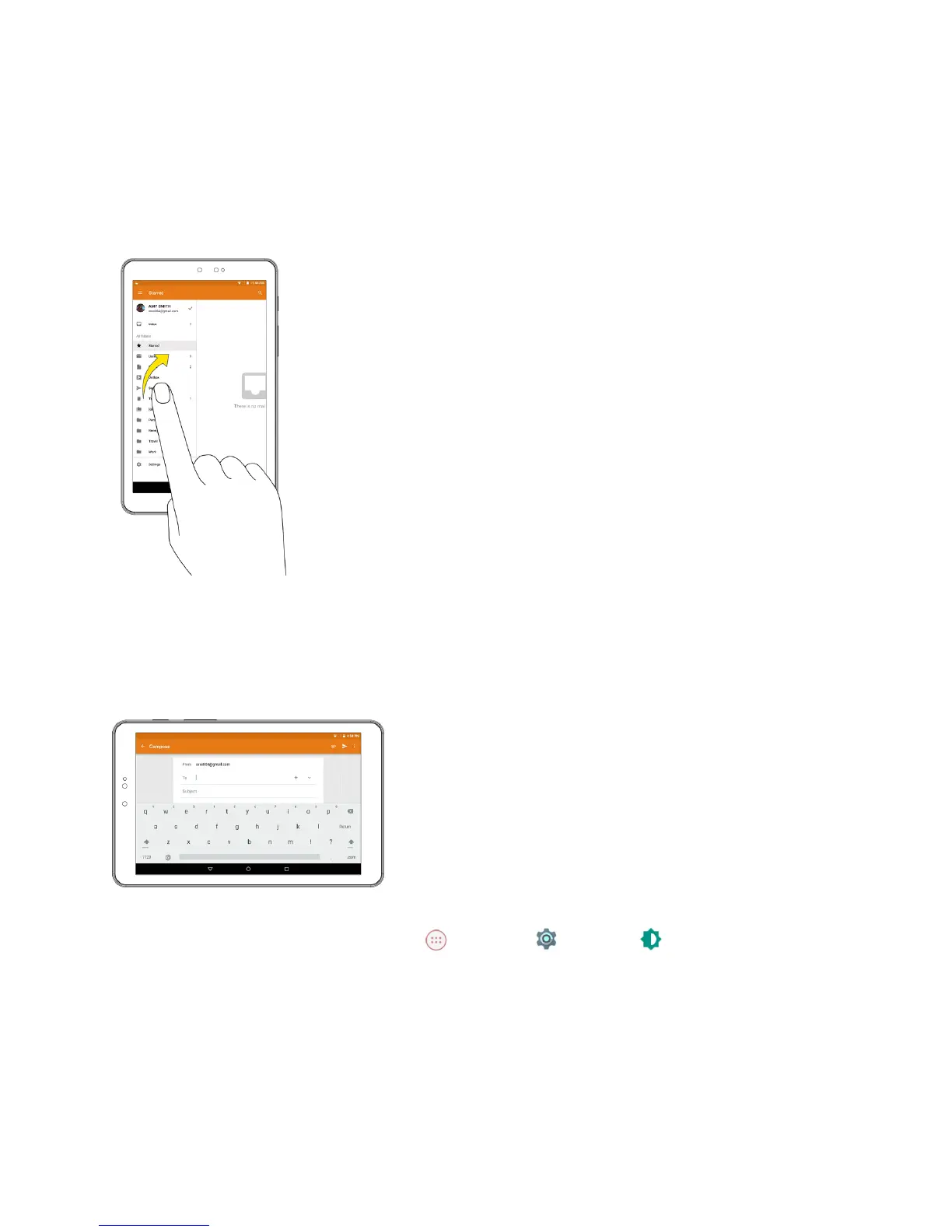
Flick
Flickingthescreenissimilartoswiping,exceptthatyouneedtoswipeyourfingerinlight,quick
strokes.Thisfingergestureisalwaysinaverticaldirection,suchaswhenflickingthecontactsor
messagelist.
Rotate
Formostscreens,youcanautomaticallychangethescreenorientationfromportraittolandscapeby
turningthetabletsideways.Whenenteringtext,youcanturnthetabletsidewaystobringupabigger
keyboard.SeeTouchscreenKeyboardsformoredetails.
Note:TheAuto-rotatecheckboxneedstobeselectedforthescreenorientationtoautomatically
change.FromtheHomescreen,tapApps >Settings >Display >When device is
rotated>Rotate the contents of the screen.
Tip:Youcanalsoaccessthescreenrotationsettingfromthenotificationpanel.Pulldownthestatus
barandtapAuto-rotateorPortraittoselectordeselecttheoption.



 To Next Page