4-12
764333-098
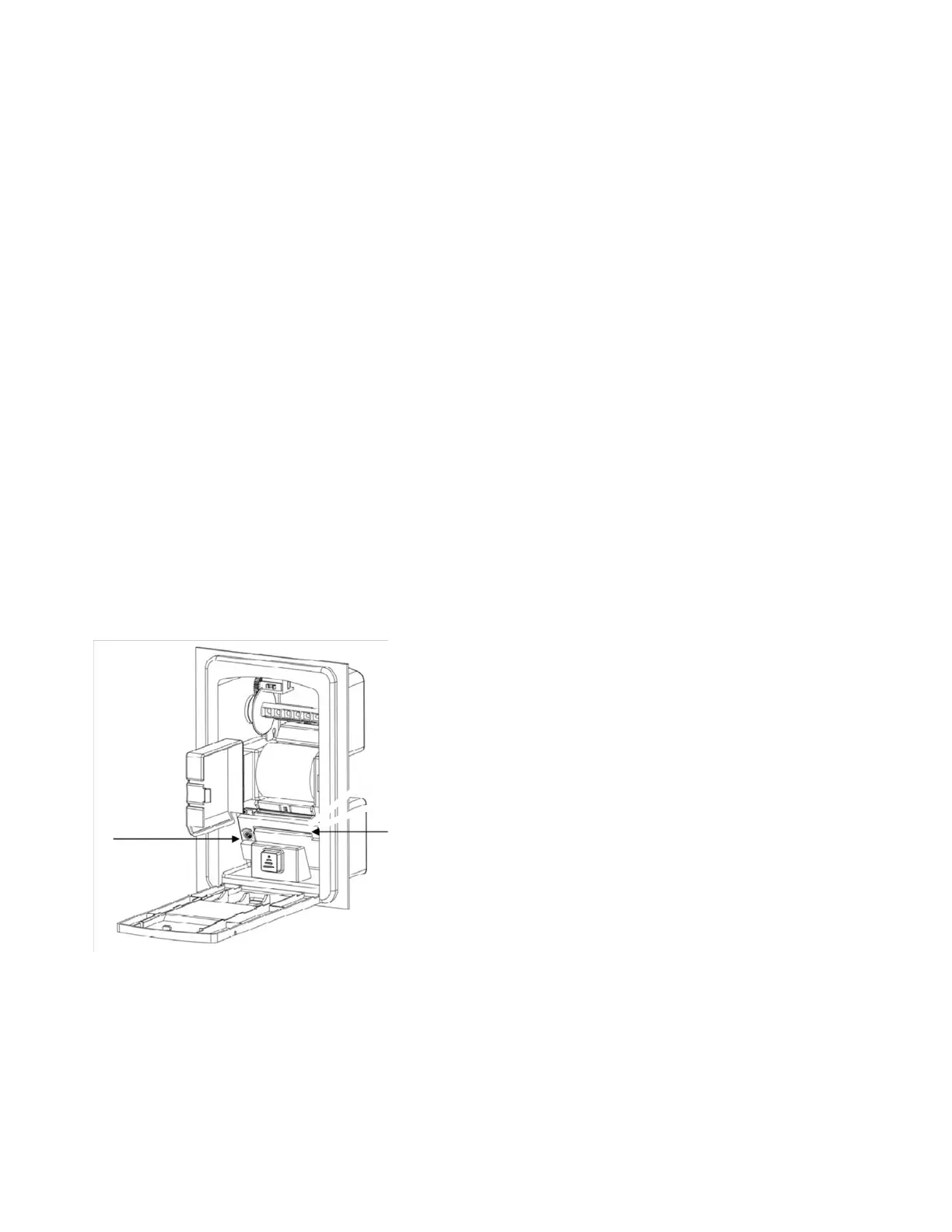
4.8 CHANGING PRINTER RIBBON CAR-
TRIDGE
1. Open printer front cover.
2. Remove paper from inside. Do not pull paper
out. Use a pair of scissors to cut paper, where it
feeds inside mechanism and use Paper Feed But-
ton to remove remaining paper in printer.
3. Remove old cartridge by pressing cartridge,
where marked PUSH, on right side.
4. Turn Ink Cartridge Knob in direction of arrow, to
take up any slack in ribbon.
5. Place new cartridge on mechanism so ribbon
aligns between print head and platen. Push
down until it clicks in.
6. Turn Ink Cartridge Knob in direction of arrow a
few times to take up any slack and ensure ribbon
is installed properly without wrinkles or creases.
NOTE: When changing ribbon cartridge, note the
following:
1) Ensure the power is turned off when replacing the
ribbon cartridge.
2) Replace the ribbon cartridge before it is com-
pletely worn out and dry.
Ink
Cartridge
Knob
Press on
Cartridge
Figure 4-11. Changing Printer Ribbon
Cartridge













 To Next Page