3-5
Component Identification Operator Manual 920509-645
3.3 LOCK/UNLOCK/
INIT Key Switch
The LOCK/UNLOCK/INIT key switch is located on control panel
door and includes three positions:
• LOCK – Use key to turn selector switch to the left to LOCK
position to lock washer for minor maintenance purposes (i.e.
cleaning sump). The operator cannot start a new cycle or enter
into the Service mode.
• UNLOCK – Use key to turn selector switch to UNLOCK position
to unlock washer and enable washer to function normally, i.e.
start cycles or enter into the Service mode.
• INITIALIZATION – Use key to turn selector to the right to reset
washer normal operation after emergency stop cables or
EMERGENCY STOP pushbutton were activated, after a power
up or the return of current after a power failure.
NOTE: Selector returns automatically from initialization to
UNLOCK position when key is released.
LOCK/UNLOCK/INIT key switch can be turned only using a key. For
added safety, key must be accessible only to trained operators.
3.4 Printer See Figure 3-2.
A printer is available for use with the Basil 4700 Cage and Rack
Washer. Refer to printer User’s Manual [PM190/192-TUD] for
detailed information about printer.
Printer allows operator to print cycle data and washer malfunction
data. Specific information is printed from Cycle mode (cycle
parameters, alarms), Service mode (washer configuration values)
and Supervisor mode (supervisor’s list, supervisor setup).
Printer uses 2-1/4" (57 mm) wide, 2" (50 mm) dia. single ply paper
(P117913-393) and Ink ribbon (P117026-048)
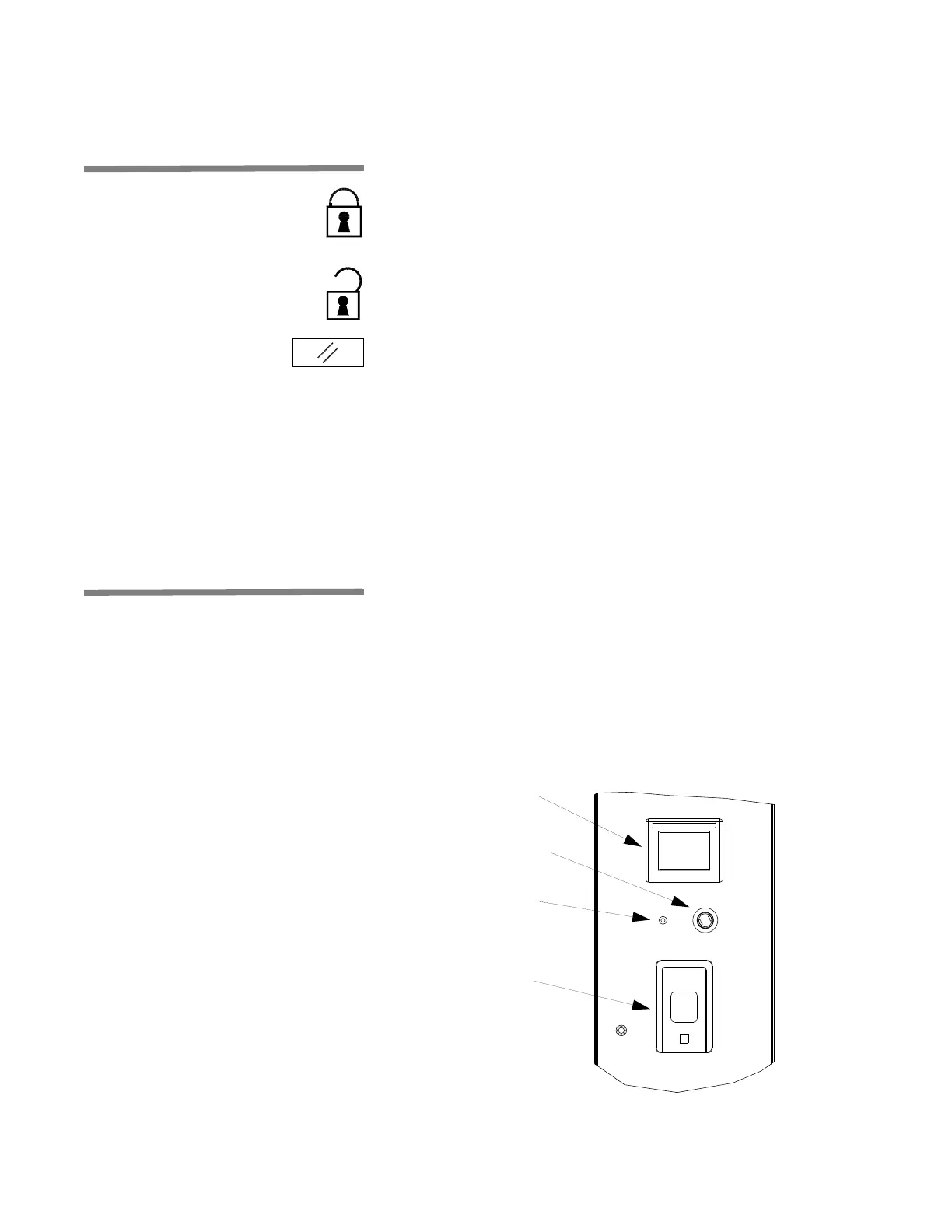
Figure 3-2. Operator Terminal and Printer
Display
EMERGENCY STOP
Pushbutton
Printer
LOCK/UNLOCK/INIT
Key Switch













 To Next Page