4-14
920509-645 Operator Manual Operating Instructions
4.9 Responding to a
Fault
Fault messages warn operator washer is experiencing an abnormal
condition. Fault conditions can be caused by failure of utility sup-
plies or by washer components.
Refer to S
ECTION 7, TROUBLESHOOTING, for a detailed listing of
fault alarms.
NOTE: Some fault conditions can be solved by operator.
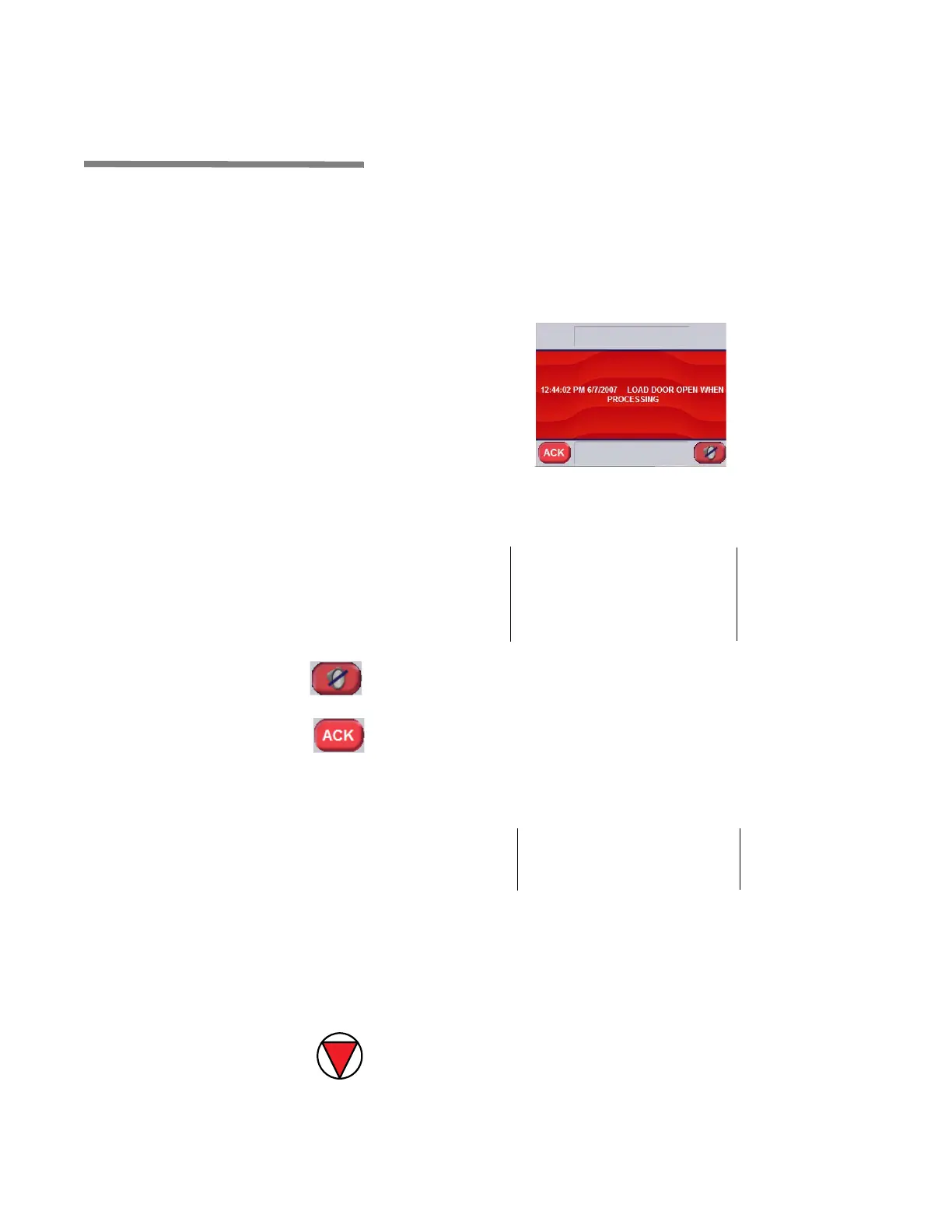
1. When a malfunction or fault occurs before cycle is successfully
completed, an alarm sounds and display shows:
Printer message is:
2. Press SILENCE BUZZER on touch screen to silence buzzer;
or
Press ACK on touch screen to acknowledge alarm and silence
buzzer. This records time at which operator acknowledged
alarm.
Printer message is:
3. If FAULT alarm requires no further action (for example, refer to
S
ECTION 7, TROUBLESHOOTING), or if operator has been able to
solve fault condition using Troubleshooting Charts, press
RESUME CYCLE on touch screen to resume cycle operation.
Cycle resumes at beginning of phase where cycle was inter-
rupted.
4. If FAULT alarm requires to abort cycle, press ABORT CYCLE
on touch screen to abort cycle. Washer performs Abort
sequence. See S
ECTION 4.11, ABORT A CYCLE, for details on
Abort sequence.
===========================
Alarm
YYYY/MM/DD HH:MM
------------------------------------------------
DESCRIPTION OF ALARM
===========================
===========================
ALARM ACKNOWLEDGED09:42:40
* CYCLE RESUMED AT 09:42:44
===========================













 To Next Page