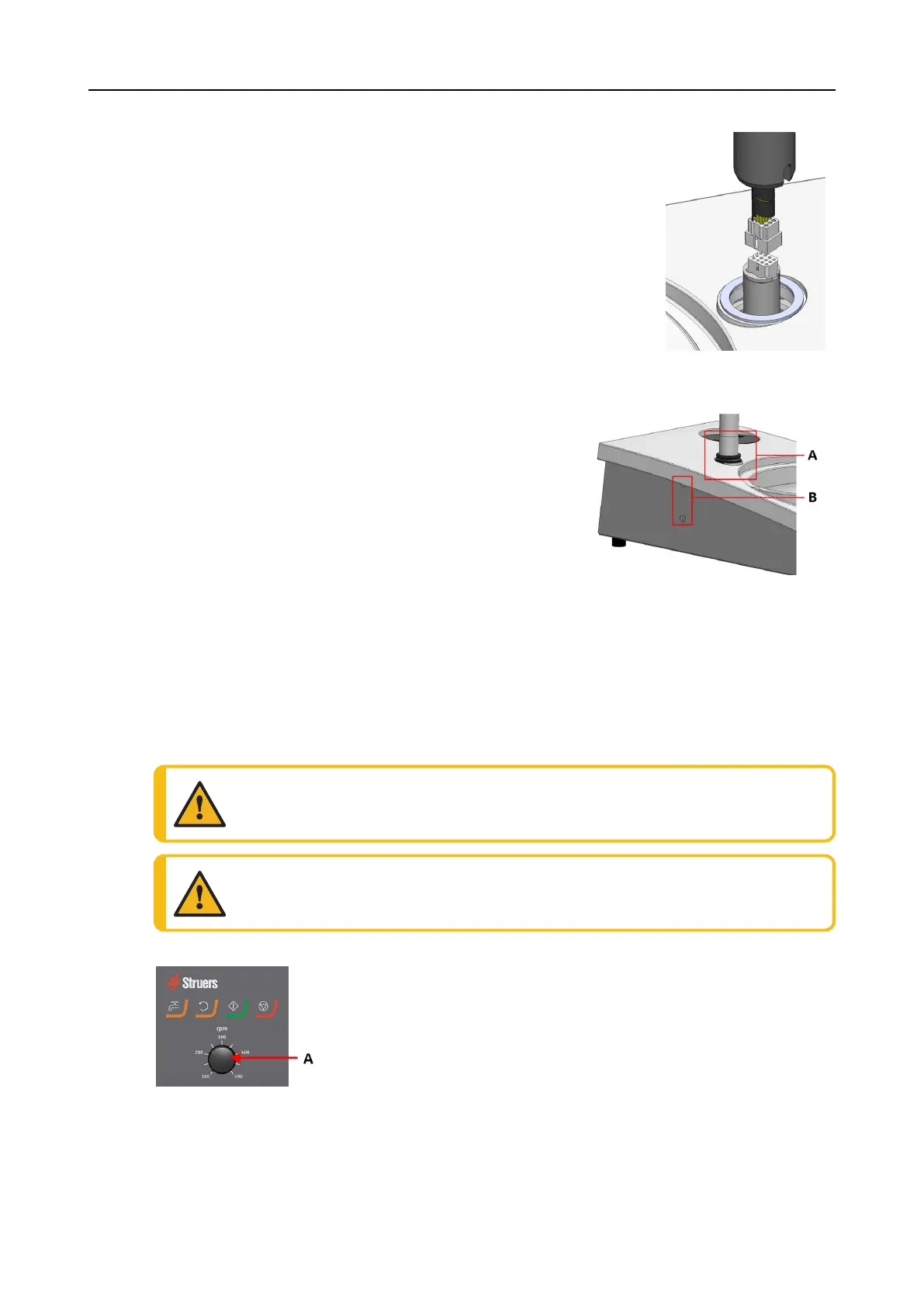
1. Remove the plastic disc protecting the communication
cable.
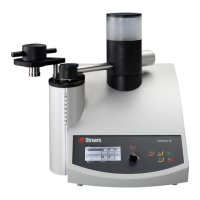
2. Connect the communication cable on the column to the
connection port on the machine.
3. Guide the column down into the connection hole.
4. Slide the black V-ring down the column until it covers the
connection hole.
5. Use the Allen key to tighten the two fastening screws. Do
not tighten the screws completely.
6. Cover the holes with the two cover caps.
Allen key and cover caps are supplied with LaboPol.
A V-ring
B Fastening screws
6.2 Operate the device
6.2.1 Control panel functions
CAUTION
Keep clear of rotating parts during operation.
CAUTION
When working at machines with rotating parts, take care to prevent clothes and/or
hair from being caught by the rotating parts.
A Disc speed control
26 LaboPol-30
6 LaboUI









 To Next Page