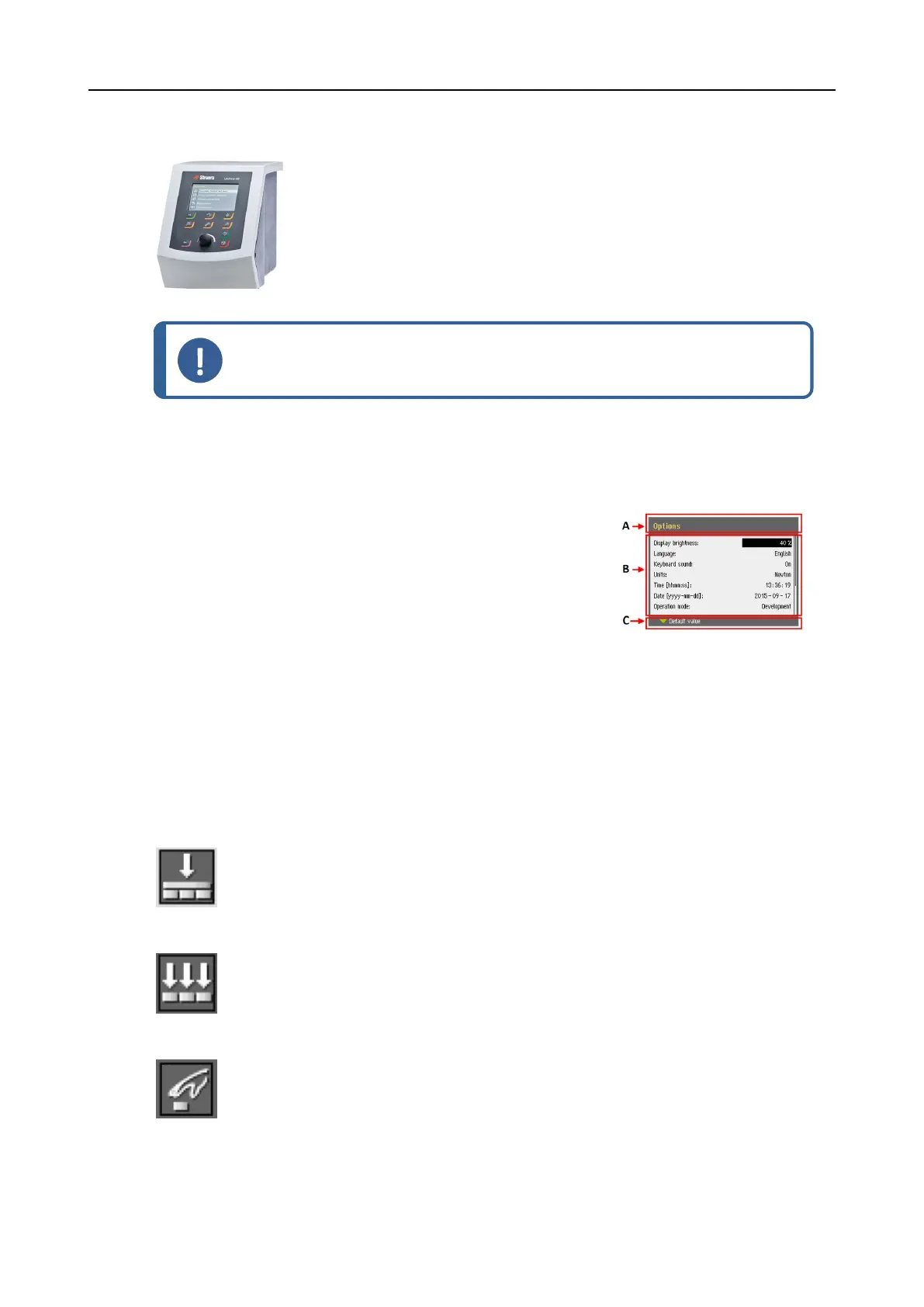
8.2.5 The display
Note
The screens shown in this manual may differ from the actual screens in the
software.
The display is the user-interface to the software.
When you switch on the machine, the display shows the configuration and the version of the
installed software.
The display is divided into some main areas. See this example.
A Title bar
The title bar shows the function you have selected.
B Information fields
These fields show information about the selected function.
In some fields you can select and change the value.
C Function key options
The functions shown depend on the screen that is
displayed.
8.2.6 Main menu
From the Main menu screen you can choose between the following options:
• Specimen holder methods
• Single specimen methods
• Manual preparation
You can also access the maintenance and configuration screens.
8 LaboForce-100
LaboPol-30 53











 To Next Page