11.2 Operating LaboDoser-100
LaboDoser-100 can only be operated from LaboForce-100.
The following buttons on the LaboForce-100 control panel apply specifically to operating
LaboDoser-100:
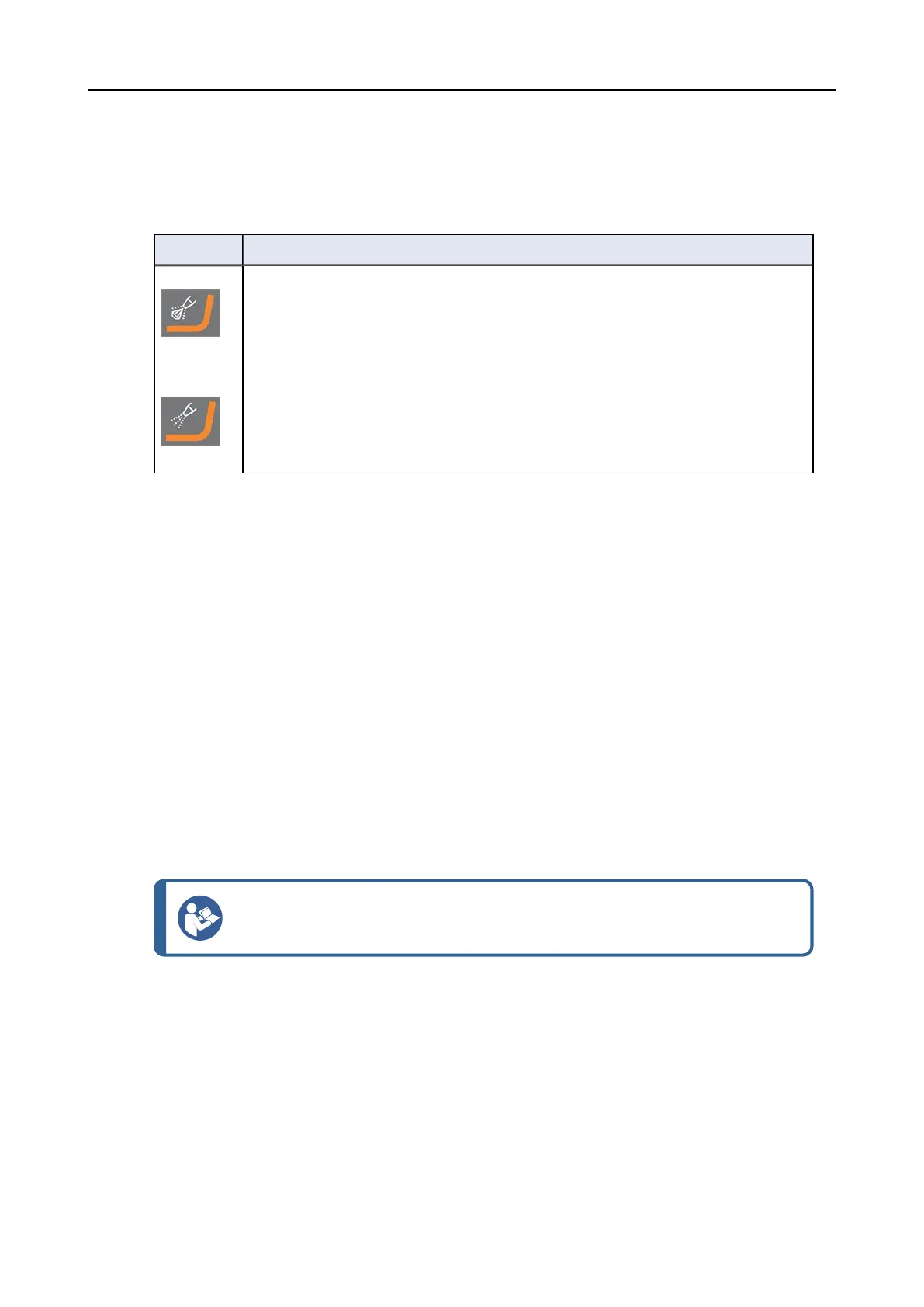
Button Function
Abrasive
This function is only active when dosing units are installed.
• Manual override: Press this button to apply diamond suspension from the
doser bottle.
Lubricant
This function is only active when dosing units are installed.
• Manual override: Press this button to apply lubricant from the doser bottle.
11.2.1 Changing lubricant/suspension
Struersrecommends using a separate bottle cap for each consumable.
To use the bottle cap with another consumable:
1. Remove the bottle.
2. Hold the bottle firmly and remove the bottle cap.
3. Empty the bottle and fill it with a mild soap solution.
4. Open the valve and clean the dosing nozzle.
5. Exchange the soap water with clean water and repeat the above procedure.
6. Put the bottle cap on a Struerslubricant/suspension bottle.
11.2.2 Cleaning the tubes
Clean the tubes and easy connectors when you switch between different types of
lubricants/suspensions.
Hint
If the equipment is not to be used for a prolonged period of time, Struers
recommends that you clean the tubes.
LaboForce-100 is equipped with an automatic cleaning function for flushing the tubes between
the bottles and the dosing nozzles.
11 LaboDoser-100
LaboPol-30 83













 To Next Page