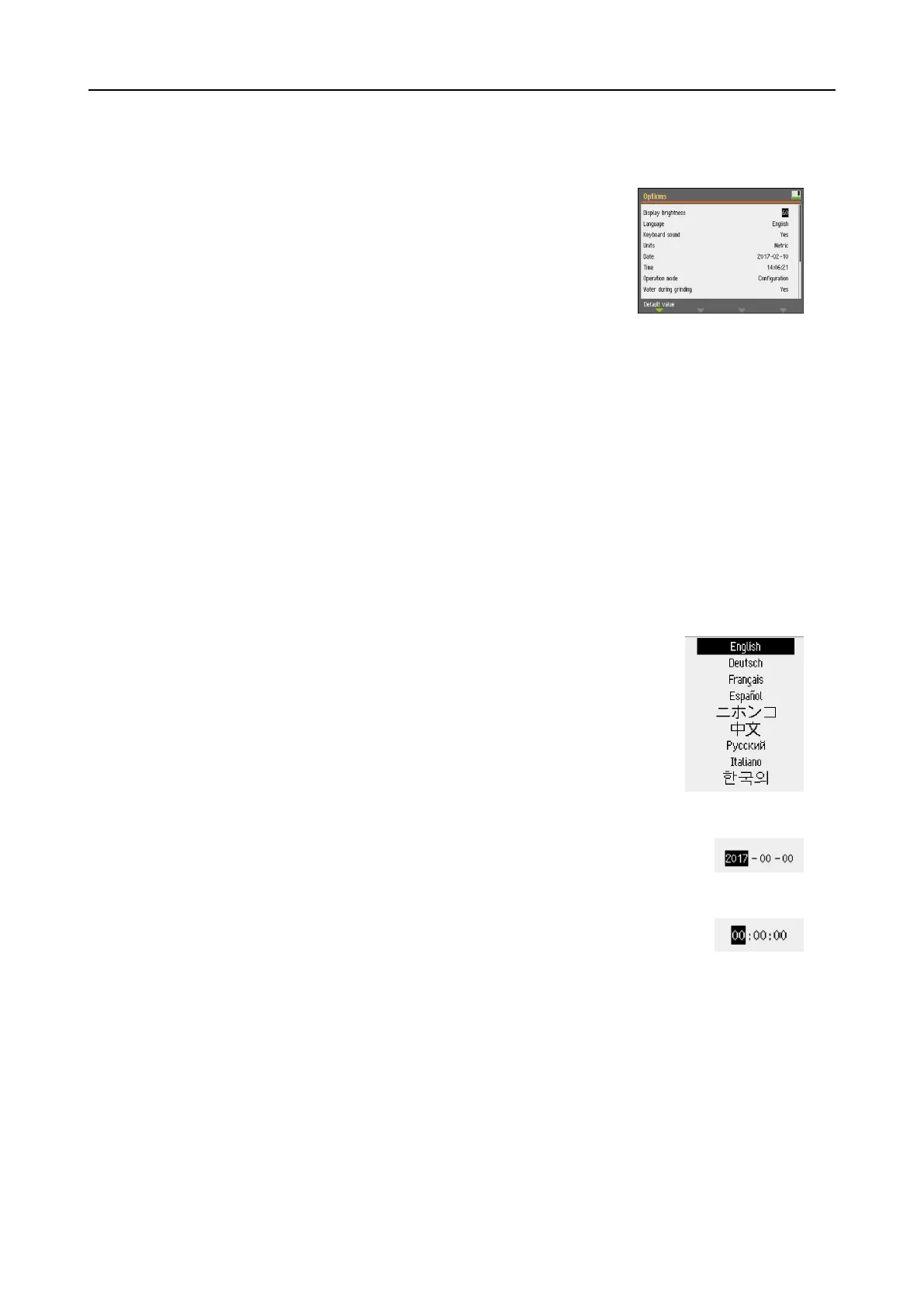
Change the settings
To change a setting, select the field for changing the setting.
1. Turn the Turn/push knob knob to go to the field where
you wish to change the setting.
2. Press the Turn/push knob knob to enter the field.
– More than two options:
Turn the Turn/push knob knob to scroll up or down
in a list of values.
– Two options:
Press the Turn/push knob knob to toggle between
the options.
3. Navigate to select Save & Exit.
4. Press the Turn/push knob knob to exit the screen.
8.2.9 Software settings
Start-up - the first time
See Navigating in the display ►54for instructions on how to navigate in the display.
Select language
1. Select the language you wish to use. If
needed, you can change the language at a
later date.
– From the Main menu select
Configuration > Options > Language.
2. Date
You will be prompted to set the date.
3. Time
You will be prompted to set the time.
Start-up - daily operation
When you switch on the machine, the screen that was shown when the machine was switched off
is shown just after the start-up screen.
8.2.10 Configuration
You can set a number of settings and parameters.
8 LaboForce-100
LaboPol-30 55









 To Next Page