S Class 2 cutter Service manual
Replacements guidelines 2-13
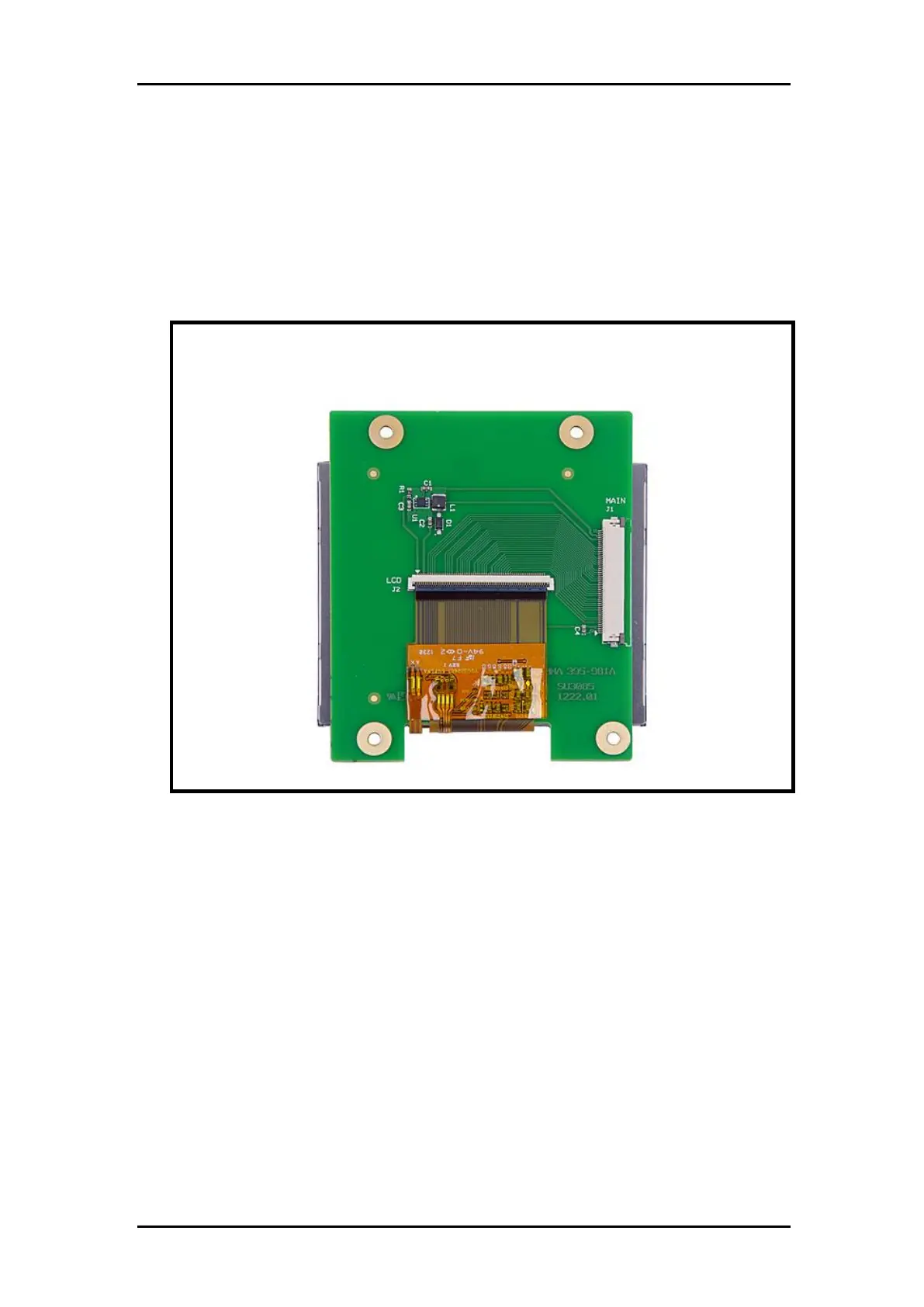
2.11 Replacing the touch screen
To replace the touch screen, proceed as follows:
1. Remove the right-hand cover (see Section 2.4, Removing the right-hand cover).
2. Remove flatcable of the touch screen.
3. Loosen the 4 screws of the touch screen.
To re-install, proceed in the reverse order of removal. Make sure to firmly tighten all screws.
Note:
When re-installing, be extremely careful to plug the connector into the correct
positions.



 To Next Page