S Class 2 cutter Service manual
Calibration 3-4
3.2 Length calibration
3.2.1 The unit has to be recalibrated when:
a drum has been replaced
the pinchrollers have been replaced
the PCB has been replaced or defaulted
The media calibration can be done by either Summa Cutter Control or via the touch panel.
Media calibration is user depended. So if a user is changed, then length calibration can be
different. When calibrating in user mode, then only the X direction can be calibrated via the
touch panel. When calibrating in service mode, then both X and Y axis can be calibrated.
NOTE: One of the characteristics of a drum driven machine is that different thicknesses of
media give different results while calibrating in the x-direction. If a high accuracy is needed,
the unit has to be recalibrated when different thicknesses of material are used.
3.2.2 Calibration via touch panel:
1. Power on the cutter, load media, and mount knife.
NOTE: The wider and longer the loaded media, the more accurate the calibration will be.
Use a piece of vinyl of maximum width and a length that is approximately 1.5 times the
width.
2. Press .
3. The main menu will appear on the screen.
4. Press .
5. More menu options appear on screen.
6. Press .
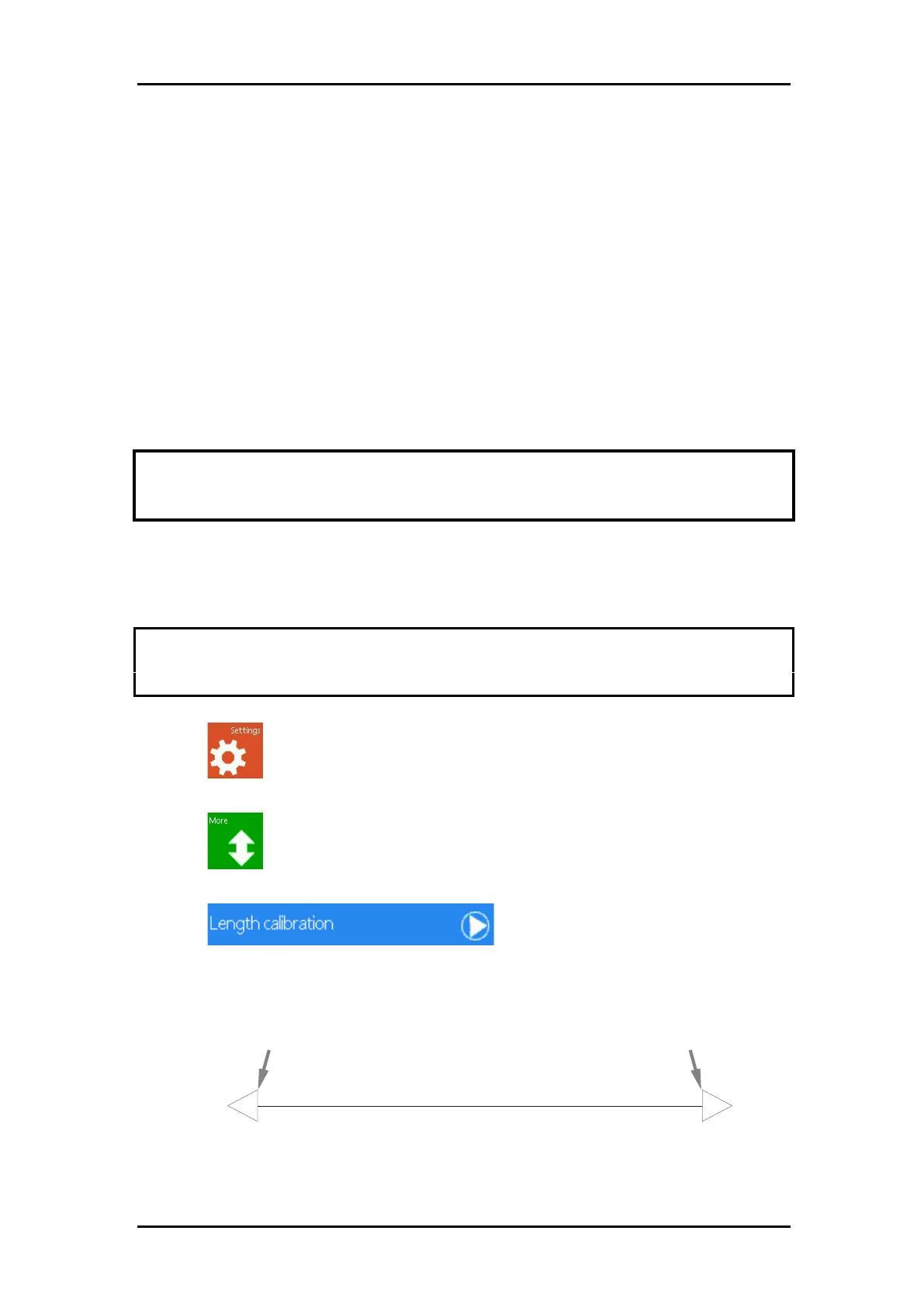
The cutter will reload the media and perform the length calibration test. Take out the
media and measure the length of the cut line with a ruler (measuring device). The length
that has to be entered is the distance between line 1 and line 2 as shown in the figure.



 To Next Page