S Class 2 cutter Service manual
Replacements guidelines 2-15
2.13 Replacing the main PCB
This procedure describes how to replace the main board (reference number 395-990)
in an S Class 2 series cutter.
2.13.1 Required Tools
Philips screw driver #0, part number MT9004
2.13.2 Procedure
To replace the main board, proceed as follows:
1. In case communication with the cutter is still possible, then create a back-up of the
parameters. Skip this step if communication is not possible.
1. Remove all media completely from the cutter.
2. Reboot the cutter.
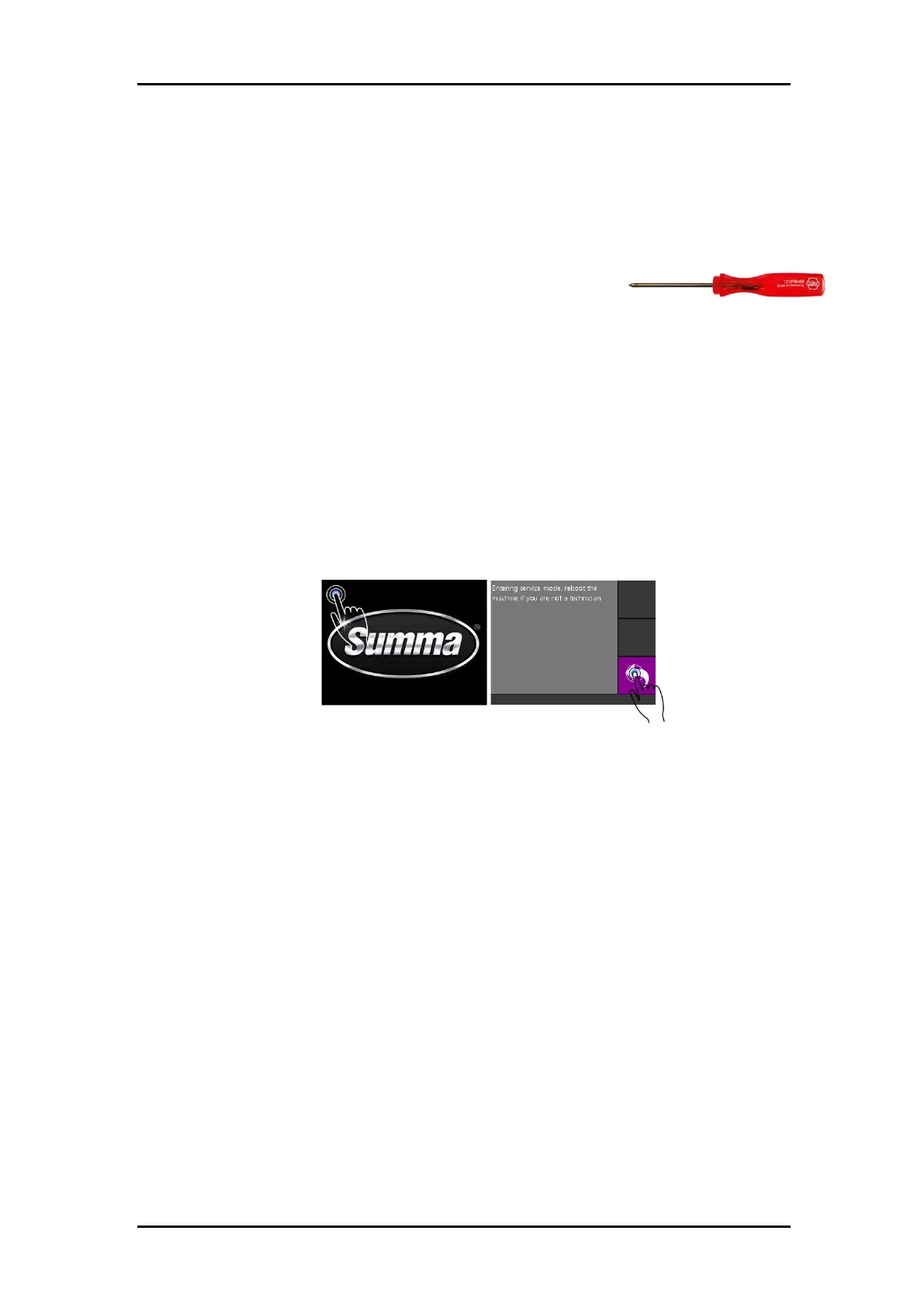
3. Set the cutter in “Service Mode” by tapping and holding the top left corner of the
display while the machine displays the Summa logo.
Confirm by clicking the back key.
4. Connect the cutter with a computer. Verify communication parameters on cutter
and computer to match.
5. Start Summa Cutter Control.
Click [Menu], [Backup].
By default, the serial number of the machine is used as the name of the backup
file.



 To Next Page