S Class 2 cutter Service manual
Calibration 3-12
3.4 Media sensor calibration
3.4.1 The media sensors have to be recalibrated when:
sensors have been changed.
the PCB has been replaced or defaulted
3.4.2 Calibration of the media sensors:
Do the sensor calibration with a pinchroller assy above the rear sensor and a piece of media
with good reflecting backing. In case there is a problem with a certain type of media (e.g. with
black backing) then use this media, however check it afterwards again with media with
normal backing.
1. Power on the cutter, press .
2. The main menu will appear on the screen.
3. Press two times .
4. Press .
5. Press or to select the sensor that will be tested.
6. Put a piece of media half on the chosen sensor and under the two outer pinch rollers.
Press .
7. There are five levels of sensitivity to choose from.
8. Use or to change sensitivity level.
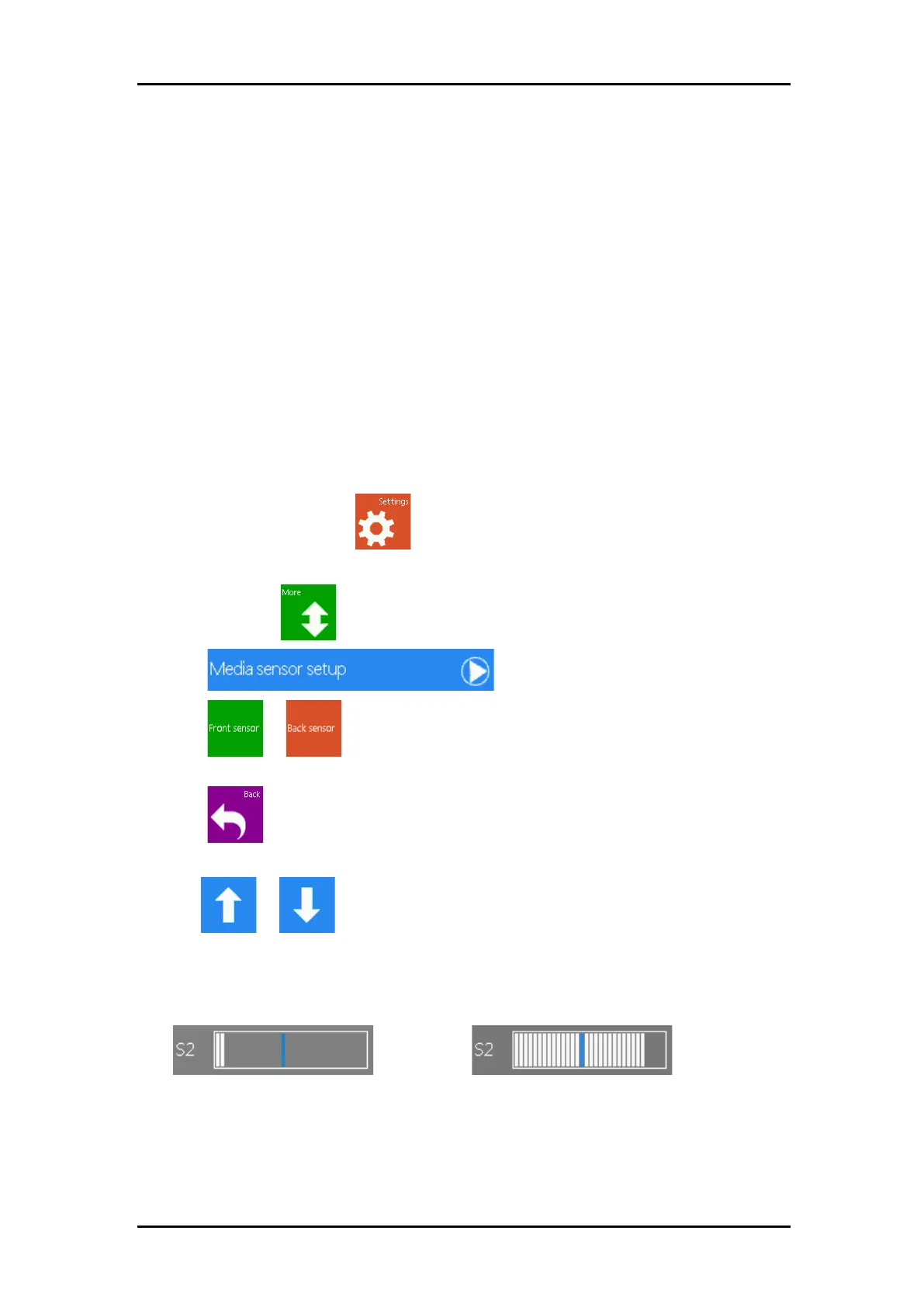
After choosing a sensitivity level, there will be a rectangle next to the sensitivity. When the
sensor is covered then the rectangle will be (completely) filled with black squares. When the
senor is uncovered, there will be (almost) no black squares in the rectangle.



 To Next Page