EasyManua.ls Logo

Summa S2 CLASS - 4.2 Configuration Menu

Summa S2 CLASS
105 pages
Print Icon
To Next Page IconTo Next Page
To Previous Page IconTo Previous Page
Loading...
S Class 2 cutter Service manual
Basic Operation 4-1
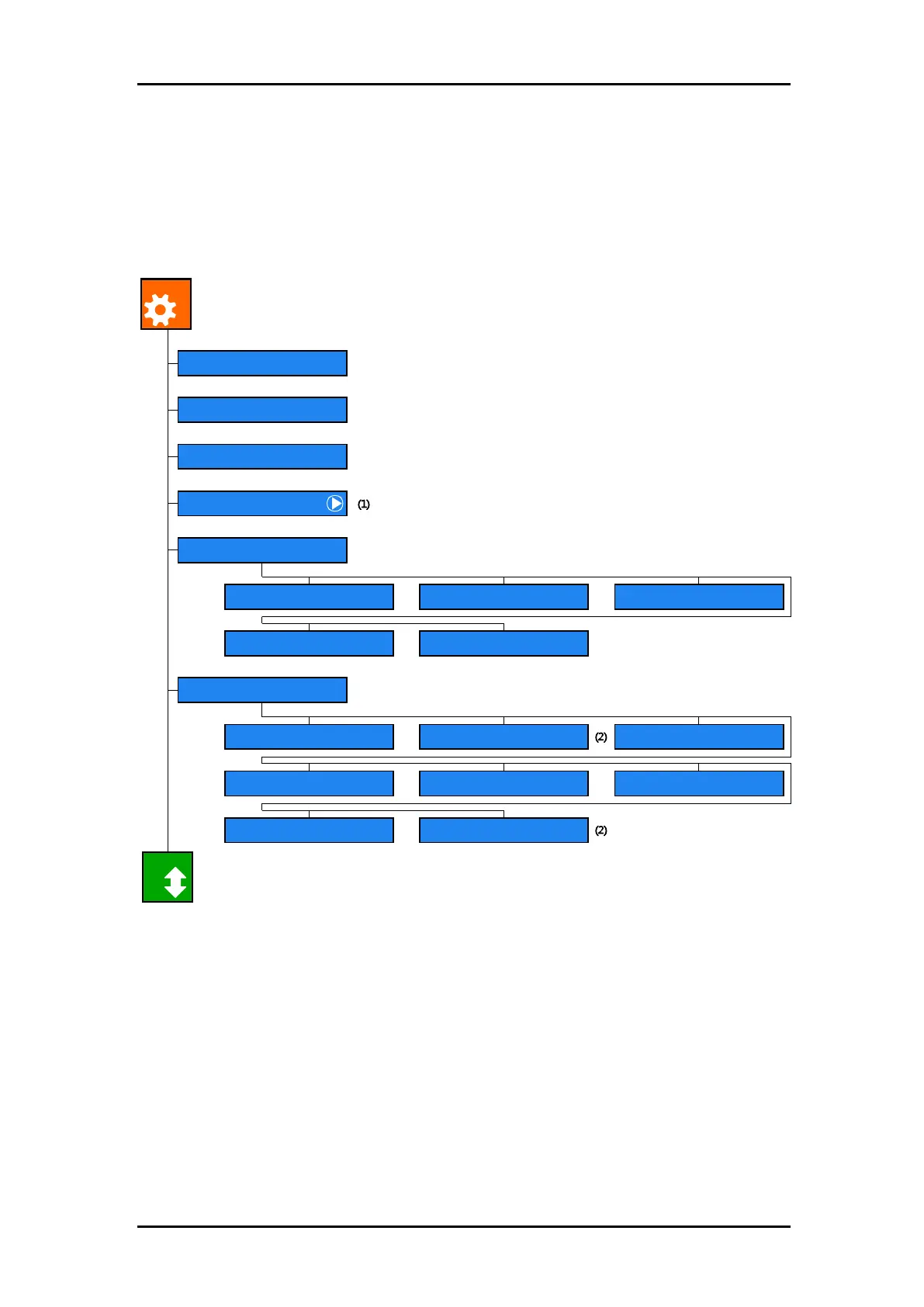
4.2 Configuration Menu
The Settings button gives access to the main menu. Pressing this button will cause the cutter
to go offline and suspend all operations in progress. The main menu contains all submenus
and access to tests and calibration routines.
The chosen tool will influence the displayed configuration.
Settingss
Tool Tangential knife
Velocity
Knife pressure
Calibrate knife
800 mm/s
90 gr
FlexCut ...
Full pressure 210 gr
Flex pressure cut length 1.000 mm
Overcut 0.1 mm
Full pressure cut length 10.000 mm
FlexCut velocity auto
OptiCut Off
TurboCut On
Flex pressure 85 gr
Long vectors Automatic
Advanced cutting ...
Sorting vectors OffPanel replot 0Panel size 10 cm
Panelling Off

Table of Contents

Related product manuals