S Class 2 cutter Service manual
Basic Operation 4-2
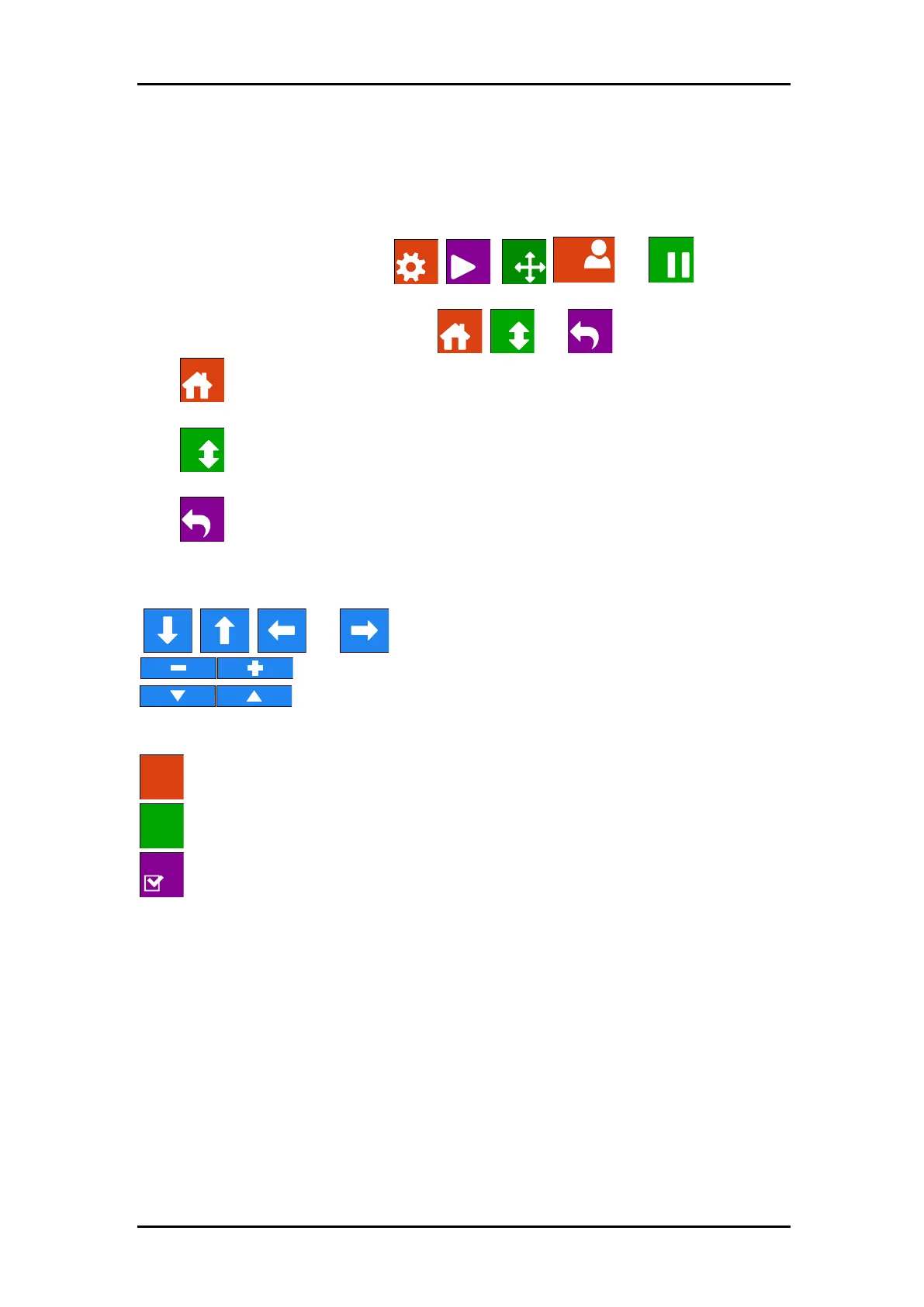
➢ Most common buttons on touch screen:
Normally, the status or current value is visible on the left side of the screen, while the control
buttons appear on the right side.
There are five main control buttons: ,
,
,
and .
If a menu is entered, 3 navigation buttons: , and may appear.
Press to return to the status screen. If media is loaded in the cutter, then the cutter
will come online and be ready to cut a job sent from the computer.
Press for more menu options. If there are more than six options for the chosen menu,
then pressing this button will reveal the rest of the options onscreen.
Press to return one step in the menu structure.
➢ Other buttons that will appear on the screen are:
, , and arrow buttons to move tool carriage or media or
to change the values of parameters.
to scroll through a list of settings for a certain parameter.
to cancel an instruction or change in parameter.
to apply a change in parameter.
to initiate an internal test.
➢ Status line:
The bottom line gives extra information on the way the cutter is connected to the computer.
If it is connected through the Ethernet connection, then the IP address is shown.
In other cases, the current USB class is shown.
When in menu mode, it shows which menu the machine is in.



 To Next Page