S Class 2 cutter Service manual
Calibration 3-18
3.7 Touch screen calibration
3.7.1 The touch screen has to be recalibrated when:
Touch screen was changed.
The PCB has been replaced or defaulted.
3.7.2 Touch screen calibration
1. Power on the cutter.
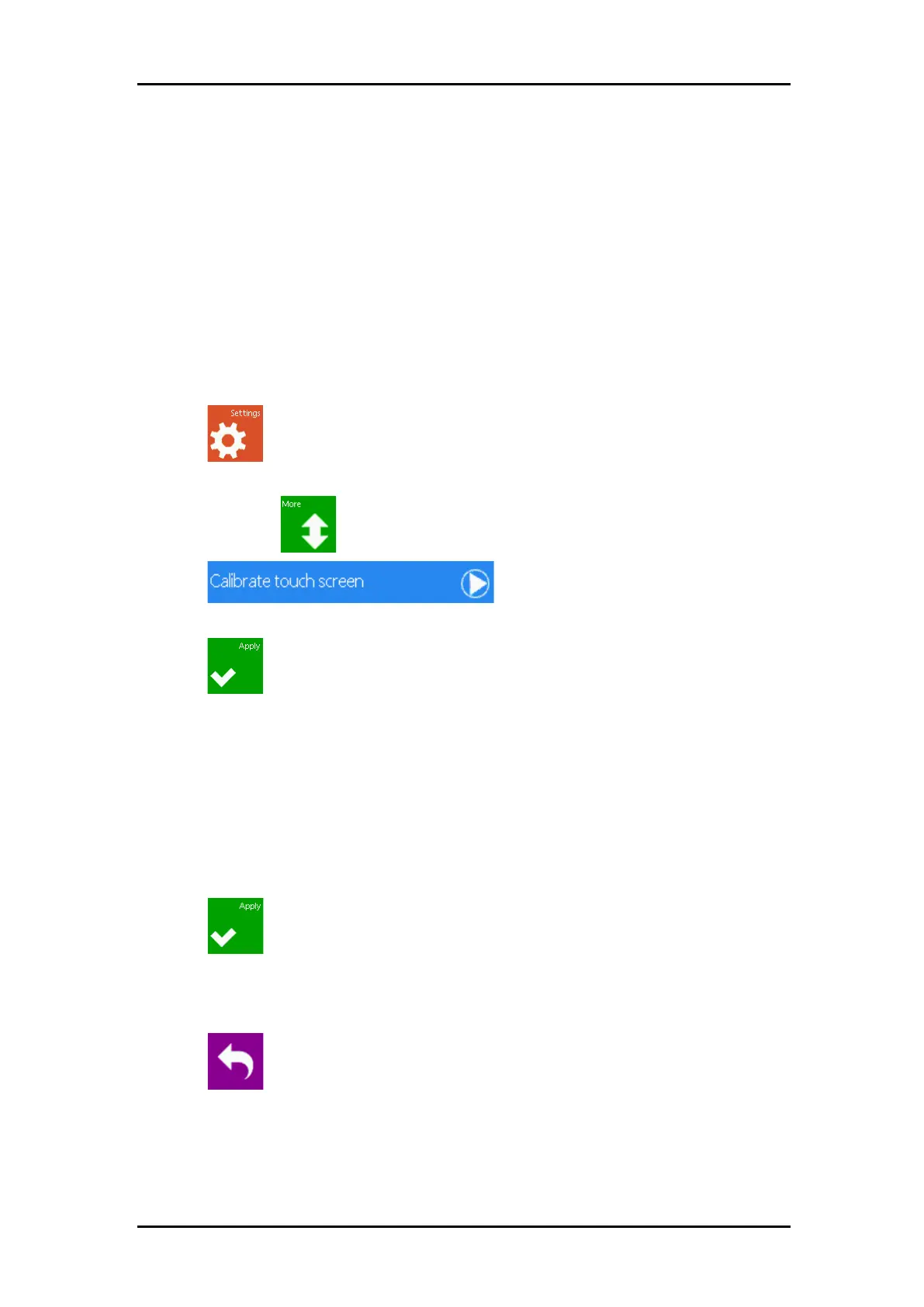
2. Press .
3. The main menu will appear on the screen.
4. Press two times .
5. Press .
6. Follow instructions on screen.
7. Press .
3.7.3 Alternative method
1. Power on the cutter.
2. Touch and hold the upper right corner of the display while the Summa logo is displayed.
3. Release the screen when the touch screen calibration image appears.
4. Follow the onscreen instructions:
With a pen, tip once on the four crosses.
5. Press .
6. A new image appears. Tap all crosses with a pen to verify calibration. The X and Y values
should correspond to the value indicated with each cross. A deviation of up to 10 units on
some crosses may occur.
7. Press to return to the normal operation mode.



 To Next Page