S Class 2 cutter Service manual
Calibration 3-10
3.3.2 Coil calibration
3.3.2.1 The coil has to be recalibrated when:
the cut quality is dubious.
the tool carriage has been replaced
the PCB has been replaced or defaulted
3.3.2.2 Calibration:
Before setting doing the coil setup, it is imperative to check the height of the carriage. If the
height is not correct, then setting coil will not be correct.
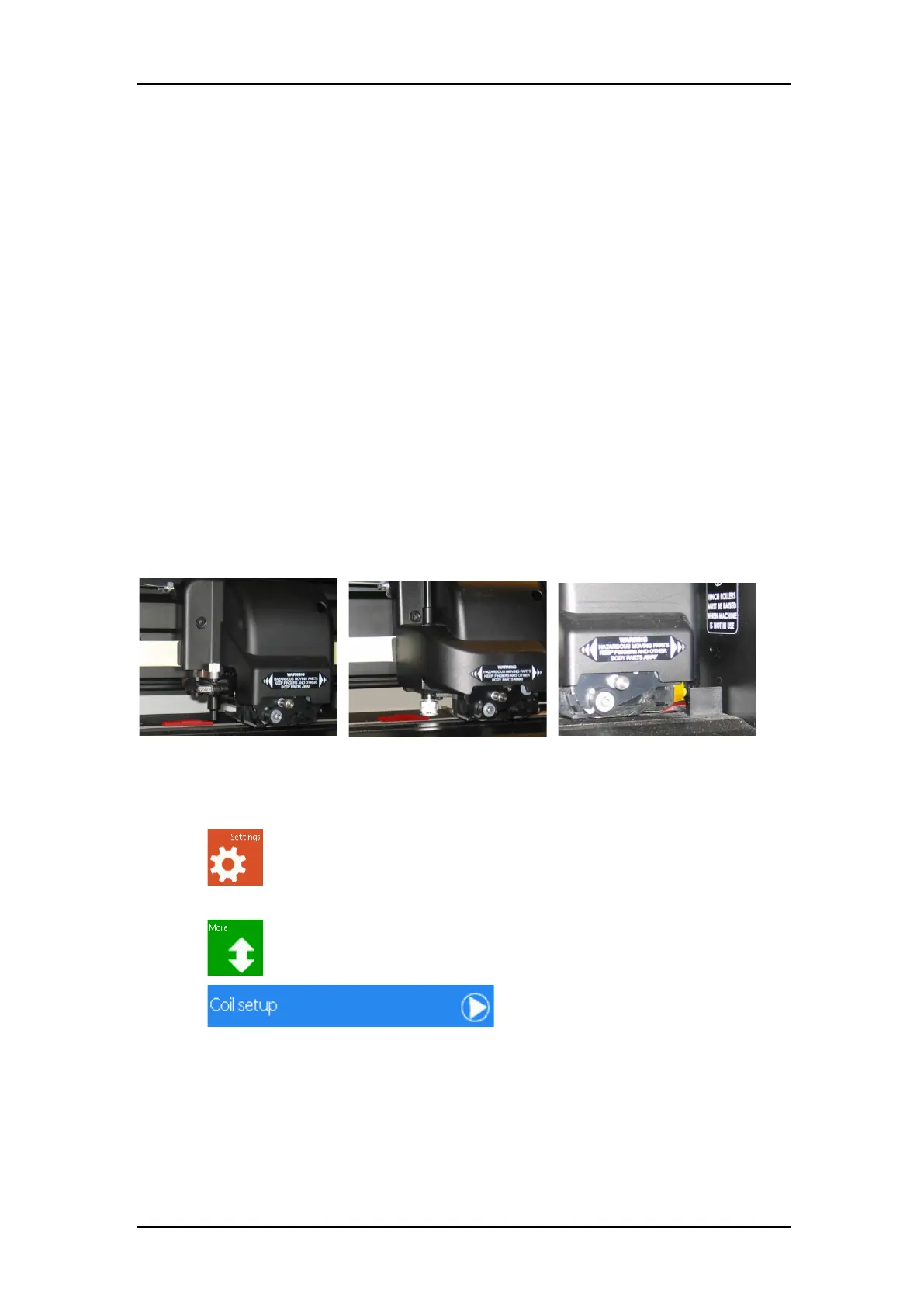
With the power switched off, check the clearance between the knife holder (nose piece) and
base. It should be 2.6mm – 2.9mm, use the special tool for quick reference (is made red in
figure warning: do not push knife holder upwards while testing!). While checking tool height,
check also the height of OPOS. Move the carriage all the way to the right the part on the base
(made red) should push the OPOS sensor (made yellow) about 0.3 to 0.5mm. This together
with the height check is also an indication of the perpendicularity of the carriage.
If the height is not correct, then reset the carriage.
1. Power on the cutter, load media, and mount tangential knife.
2. Press .
3. The main menu will appear on the screen.
4. Press to advance to the next screen.
5. Press
6. The coil setup menu with the different parameters will appear on screen.



 To Next Page