S Class 2 cutter Service manual
Replacements guidelines 2-37
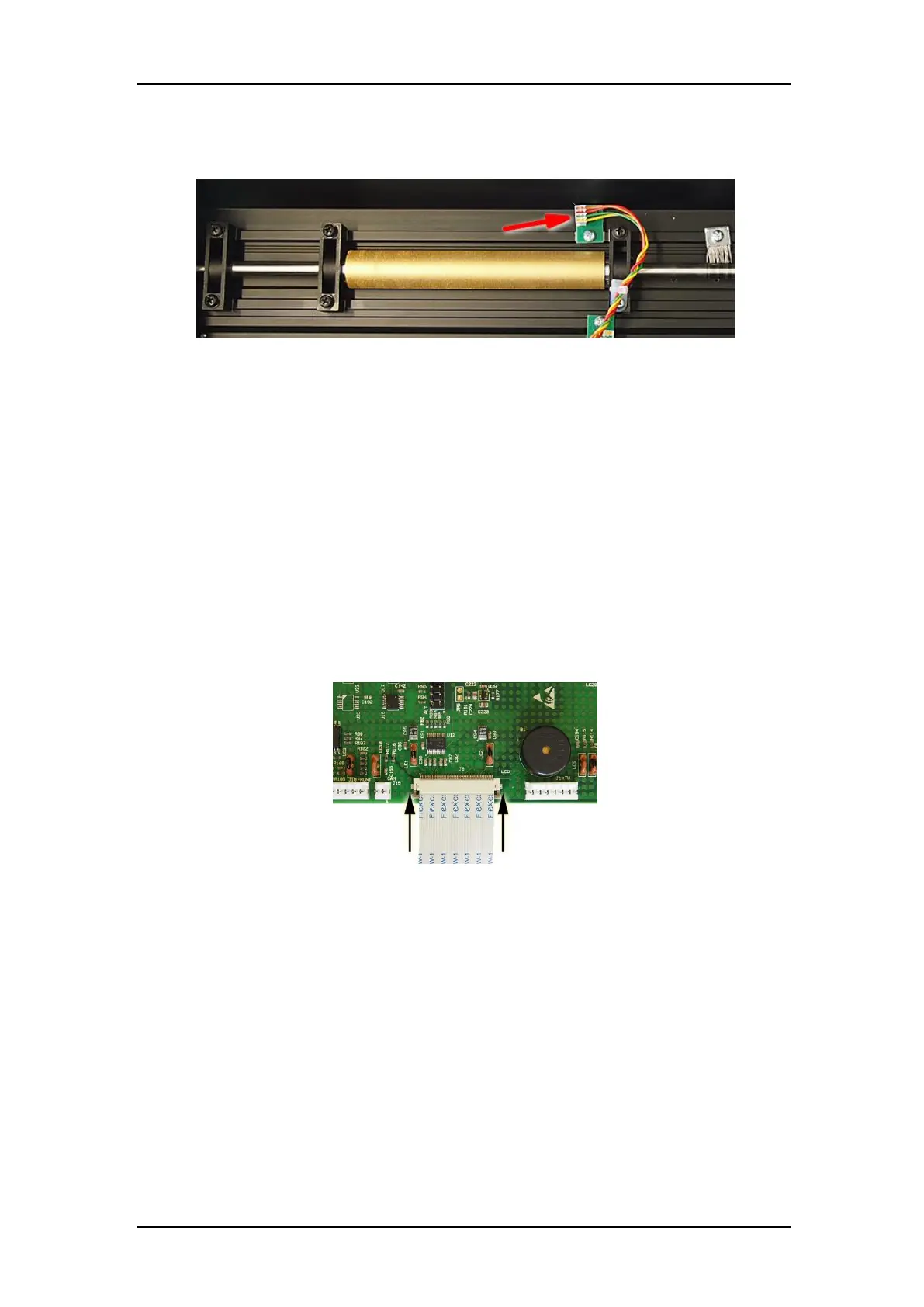
Reconnect the front media sensor.
2.19.5 Reassemble the parts
Re-install the bottom plate. Attach some ty-wraps on the fan cable. Reconnect the
fan-connector.
Turn the unit the right side up again.
Push the pulley back into its place. Make sure the distance between the pulley and
the side plate are the same as before and that the setscrews are positioned correctly
so that it locks itself into the slot on the drive drum. Firmly tighten the screws of the
drive drum pulley. Check for the belts between the pulleys on the drive drum and the
motors.
While sliding the right end cover back over the main board, reconnect the flat cable
from the display. Secure by sliding the latch. Fix the cover with the 5 screws.
In case the left end cover and top cover were removed, fix them again to the
machine.



 To Next Page