Basic Operation 4-1
4 Basic Operation
4.1 Touch Screen
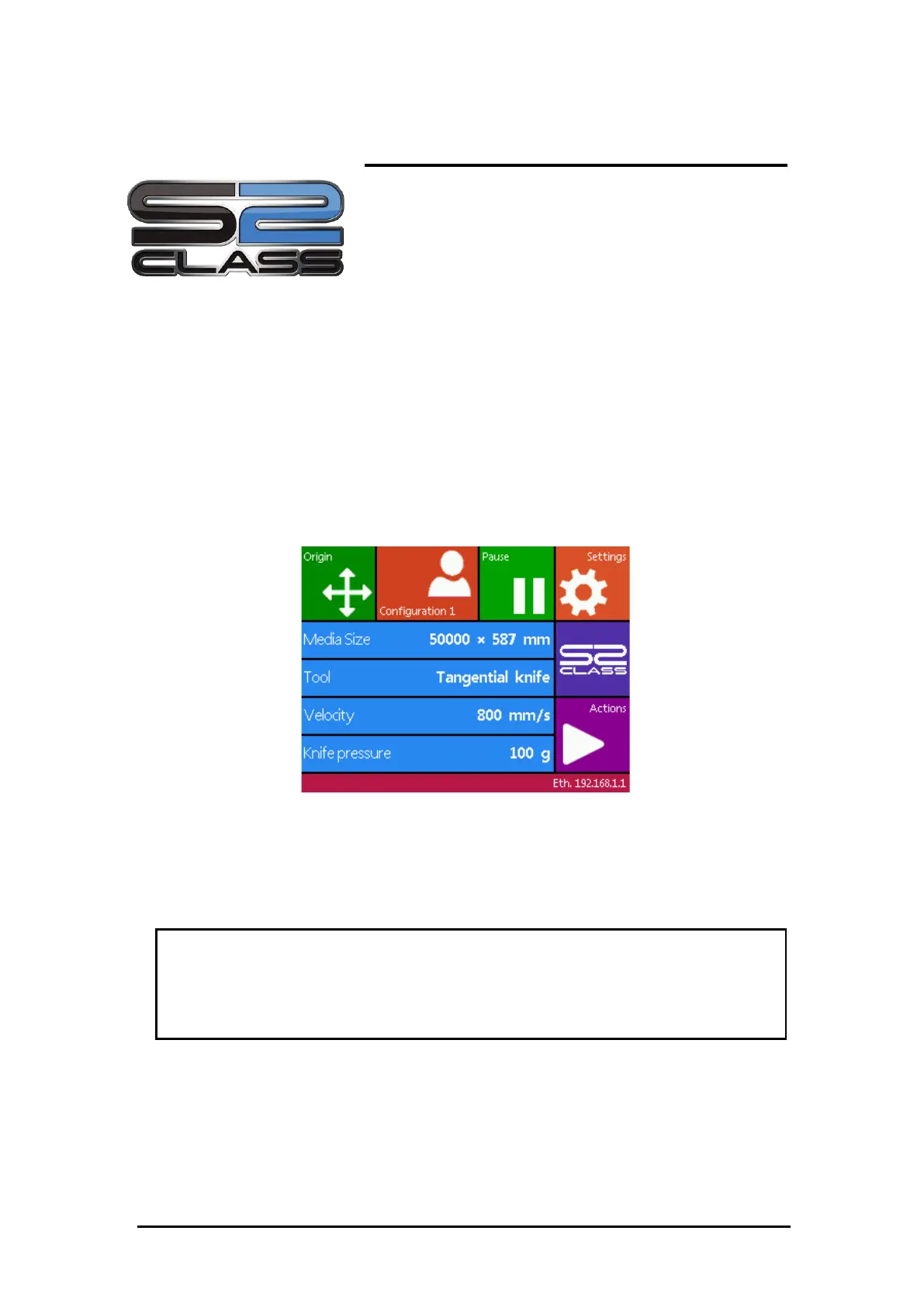
The 320x240 dot touch screen provides a unique interface system allowing detailed cutter
status information and a more flexible and powerful control of the configuration of the
cutter.
All screen and optional panel controls on the touch screen are easily formatted to allow quick
access to the most common cutter settings.
Next to the status messages and/or menu options displayed on touch screen, symbols of
buttons are displayed that can be pressed to change menu items or to change the value for a
given submenu/parameter.
FIGURE 2-1:
TOUCH SCREEN
Each keystroke can initiate an internal test and movement of head or media.
WARNING
KEEP FINGERS AND OTHER BODY PARTS AWAY FROM THE CUTTING AREA. THERE ARE
HAZARDOUS MOVING PARTS.
4.1.1 Touch screen familiarization
The touch screen provides information and lets the user change the cutter’s parameters.



 To Next Page