S Class 2 cutter Service manual
Calibration 3-17
3.6 Right margin calibration
3.6.1 The margin has to be recalibrated when:
Pinchroller sensor on head was changed.
The PCB has been replaced or defaulted.
3.6.2 Margin calibration
1. Turn on the cutter in Service Mode and load vinyl.
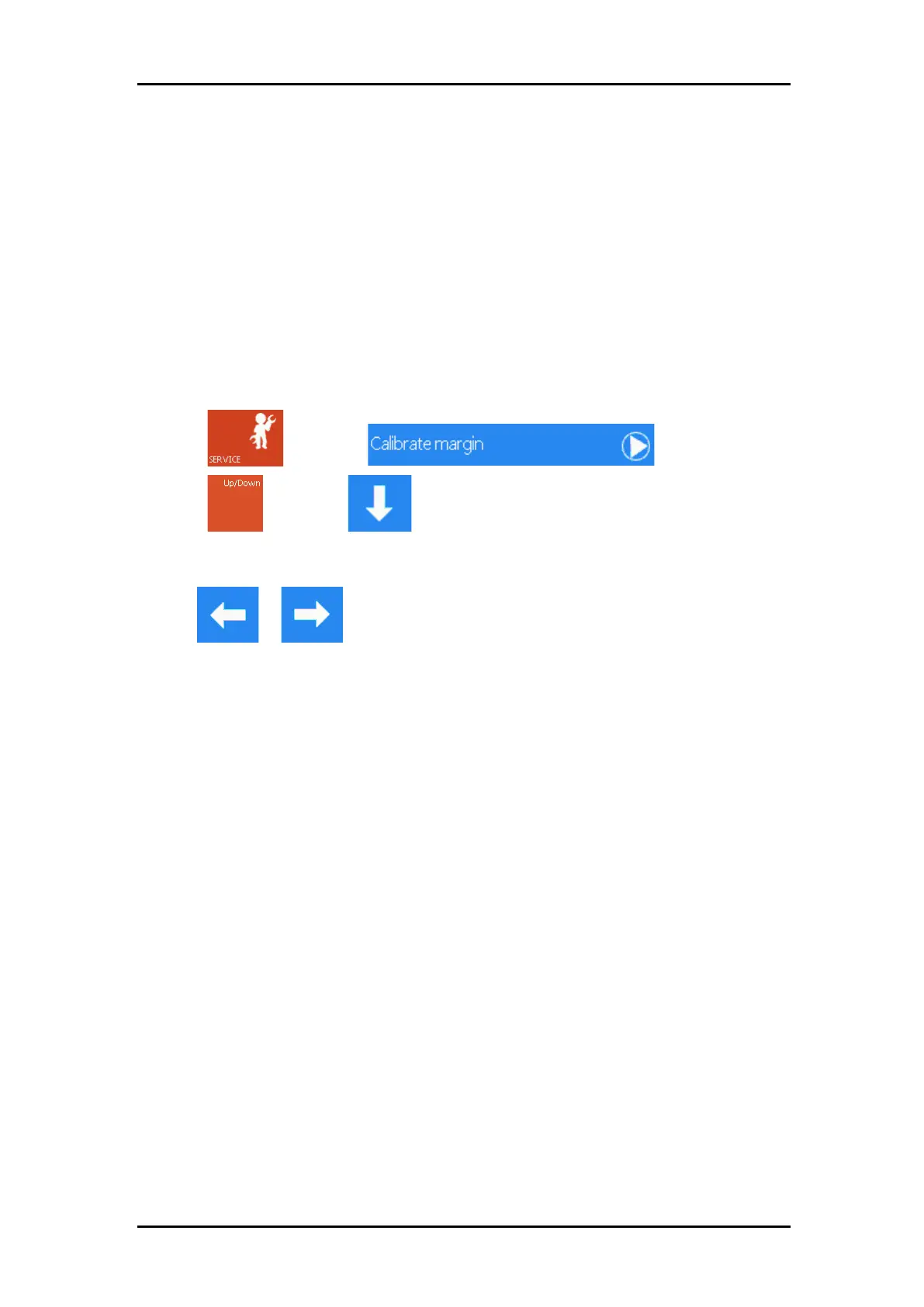
2. Press , then press .
3. Press , then press
.
Now the cutter cuts a line in the X axis left of the imprint of the pinch roller. Check the
position of that line in reference to the imprint.
4. Use or to move the origin of the carriage so that the line is just left of
the imprint (not in the imprint, but not too far from it also).



 To Next Page