S Class 2 cutter Service manual
Calibration 3-11
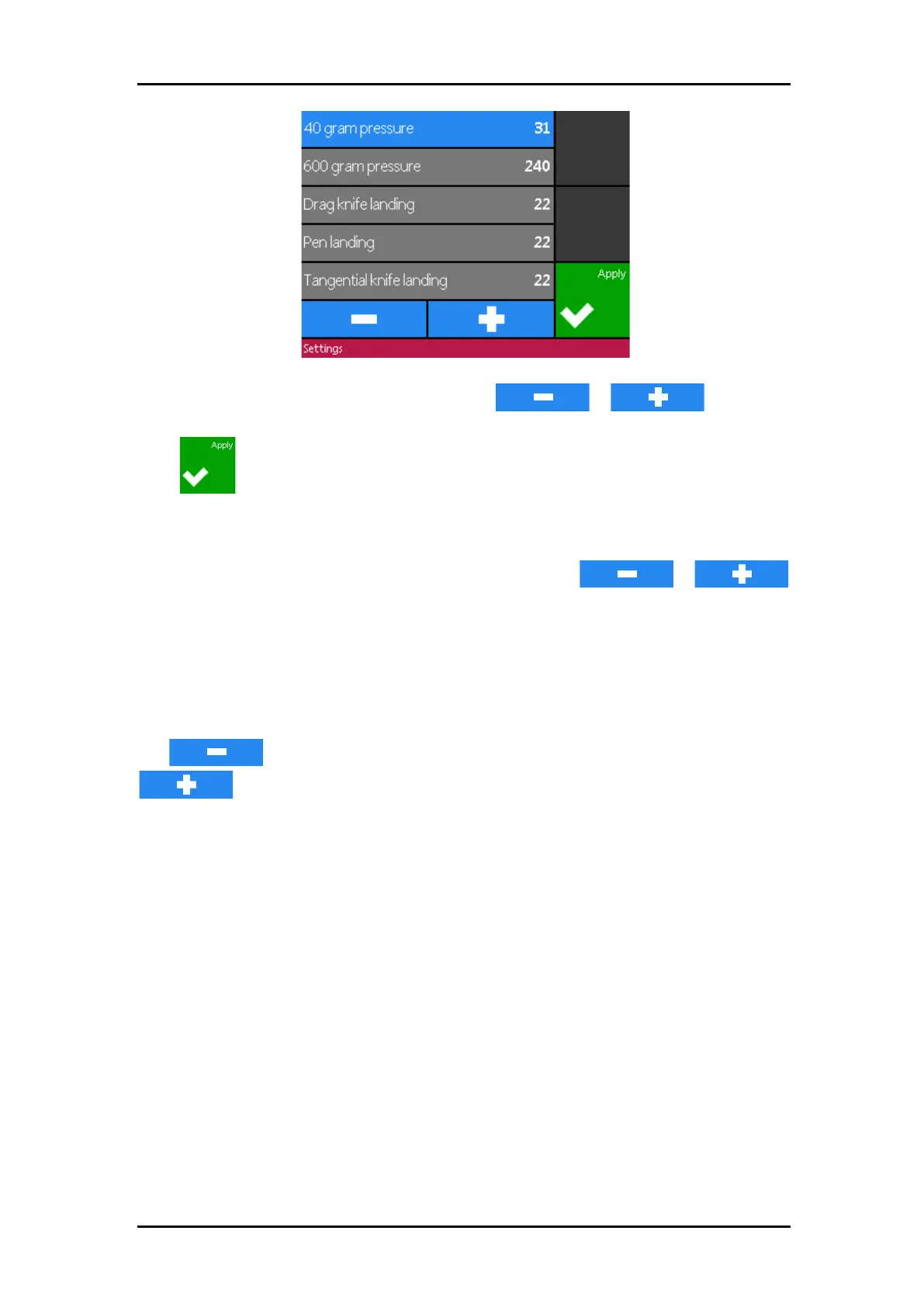
Click on the parameters you like to change and use
or to change
the value of the highlighted parameter.
Press to terminate this setup.
Setting 40g pressure and 600g (400g) pressure.
To execute this test, a tension gauge of ± 100 gr and ± 600 gr is required.
Measure the pressure on the knife with the tension gauge. Use
or
to change the value of the parameter so that the readout on the tension gauge matches the
value on the touch screen (40g, 400g or 600g depending on the parameter that is calibrated).
Setting the landing
The landing determines, among other things, the force at which the tool hits the media.
When calibrating the landing, the tool holder with the knife must be inserted in the head. Be
sure that the knife does not protrude.
Use to lower the landing value until the tool is in the “up” position. Then use
to raise the value of the parameter. With each unit of change, continue
checking if the tool is completely down yet. Once the tool is completely down, raise the value
back up two units, and this becomes the proper setting.



 To Next Page