Chapter 4: Removal and Reinstallation Procedures
4 –31
Reinstalling
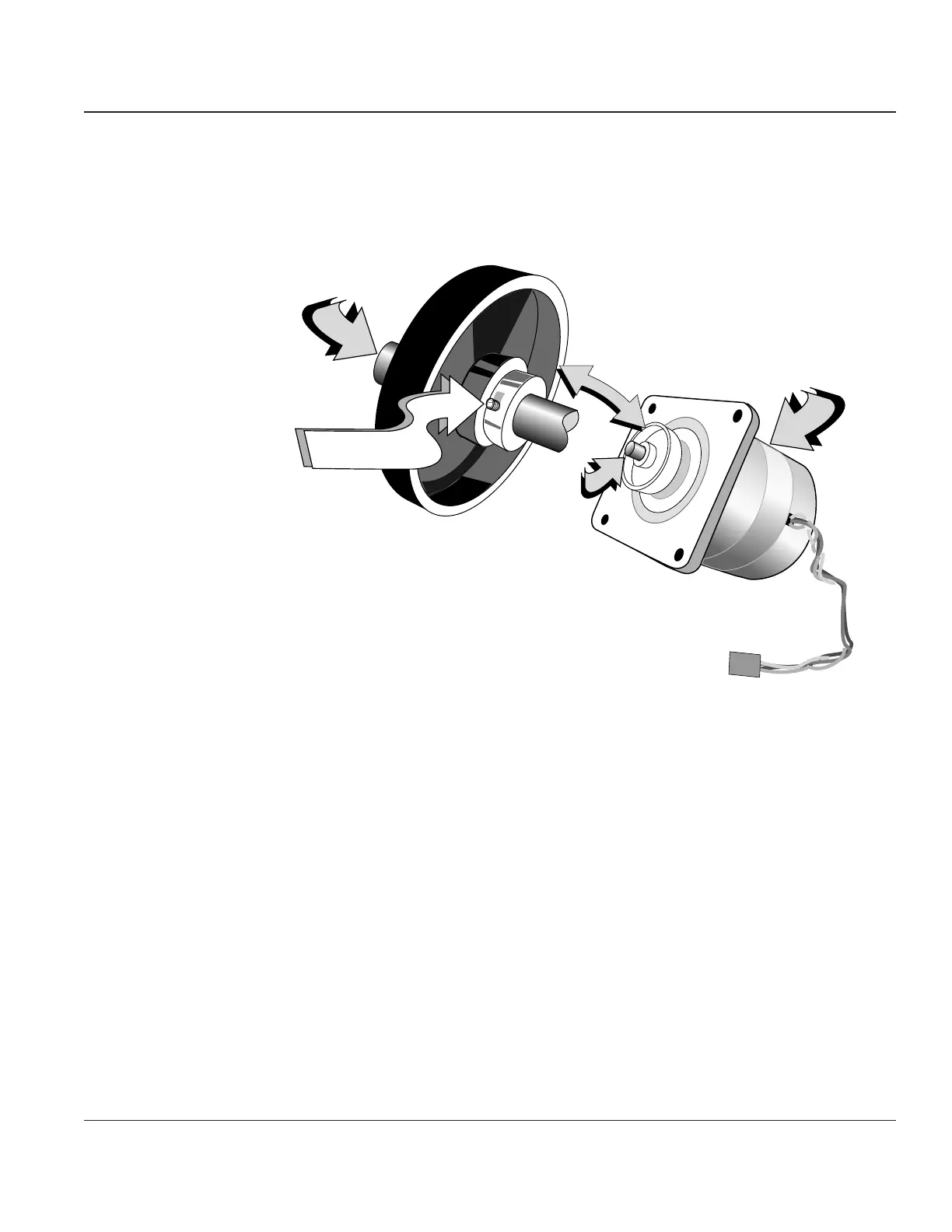
STEP 1. Reinstall the Shuttle Motor Pulley onto the output shaft of the new motor. There should be
approximately 1/2" of motor output shaft protruding from the top of the pulley to the end of
the output shaft.
J501
Shuttle Motor
Pulley
Shuttle
Motor
Output
Shaft
Output
Shaft
Shuttle Motor
Pulley Set Screw
Figure 4–28. Reinstalling Shuttle Motor Pulley
STEP 2. Insert the new motor into the mounting bracket on the printer, making sure that the motor
cable is on the side nearest the Engine Controller CBA, then reinstall the mounting screws.
STEP 3. Reinstall the cable back through the cable support, reinstall the ferrite bead, and reconnect
J501 into the Engine Controller CBA.
STEP 4. Reinstall the Shuttle Drive Belt, the Right End Cover, and the Printer Control Panel.



 To Next Page