Chapter 4: Removal and Reinstallation Procedures
4 –13
Procedure 7 – Power Supply
Before beginning this procedure, turn the printer off and disconnect the power cable.
Removing
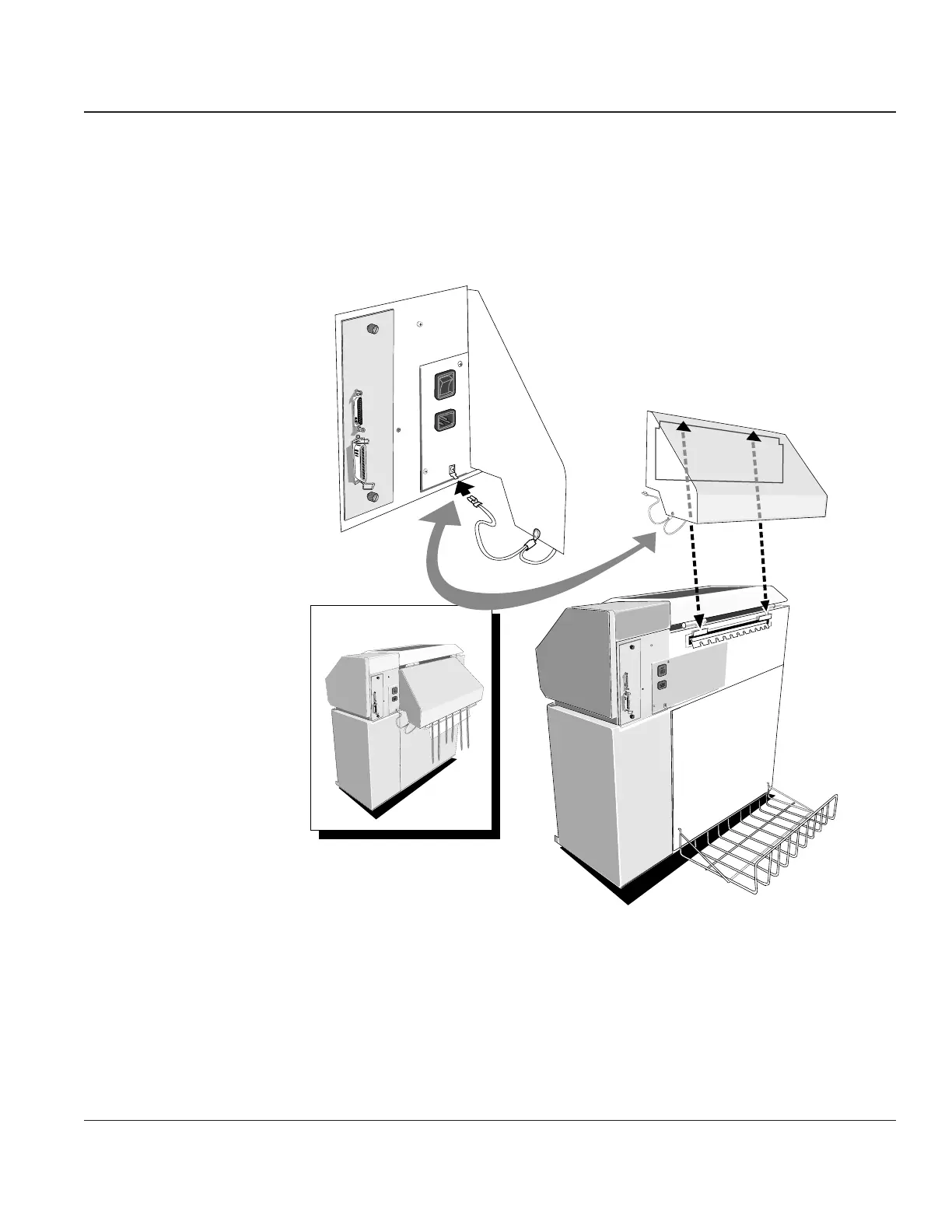
STEP 1. Remove any printed forms along with the Paper Stacking Tray, if they are present. Disconnect
the Static Ground from the printer and remove the hood from the back of the printer.
Paper Rack
Sound Deadening Hood
Static
Ground
Wire
Figure 4–11. Disconnecting the Static Ground and Removing the Sound Deadening Hood



 To Next Page