Chapter 4: Removal and Reinstallation Procedures
4 –23
Procedure 13 – Hammer Bank Air Duct
Before beginning this procedure, turn the printer off and disconnect the power cable.
Removal
STEP 1. Remove the Hammer Bank (see Procedure 11).
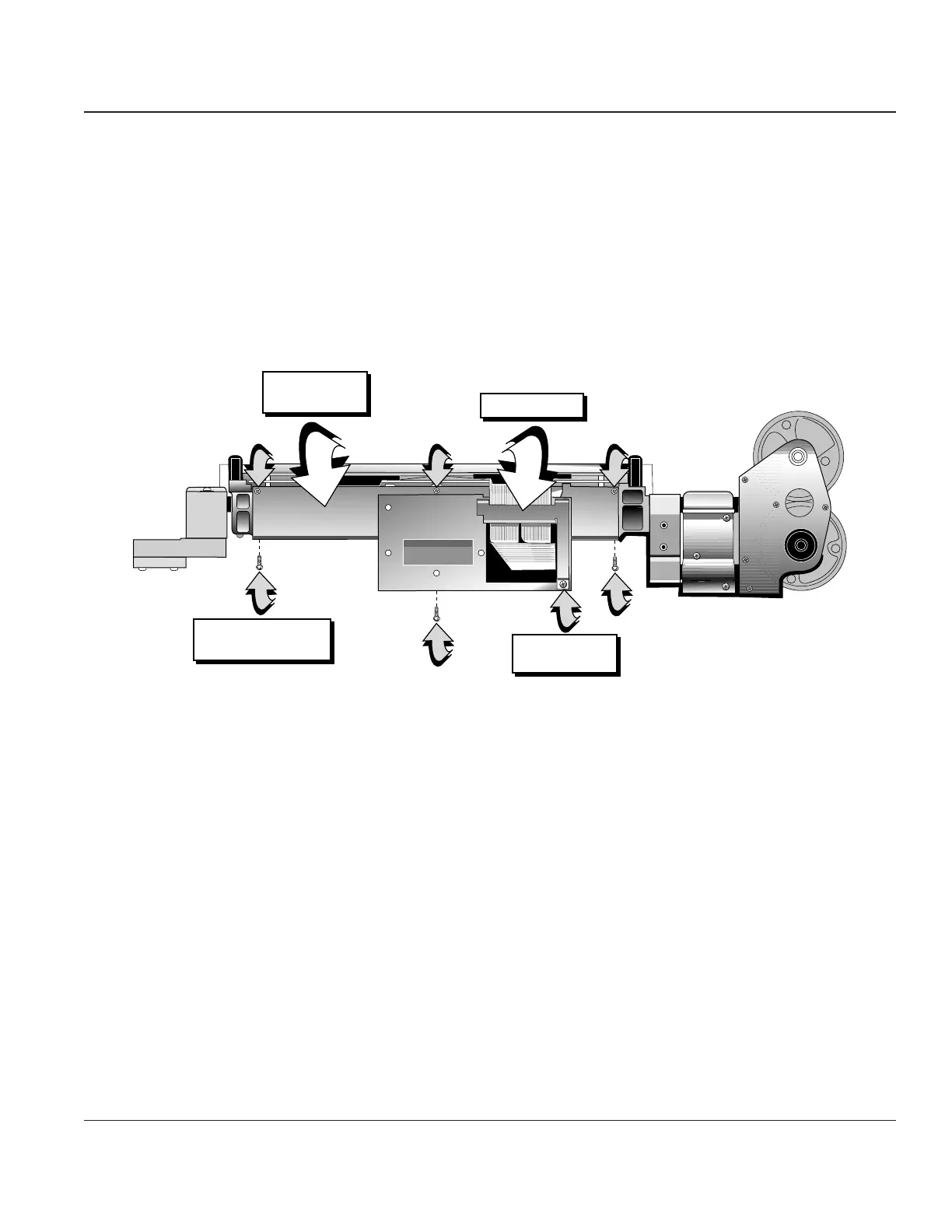
STEP 2 Remove the cable clamp bracket and screw.
STEP 3. Remove the six screws that attach the airduct to the Hammer Bank. You now can remove the
airduct from the Hammer Bank.
Hammer Bank
Air Duct
Air Duct Mounting
Screws, 6x
Cable Clamp
Cable Clamp
Screw
Figure 4–20. Removing Hammer Bank Air Duct
Reinstallation
To reinstall, reverse the sequence of removal.



 To Next Page