Chapter 4: Removal and Reinstallation Procedures
4 –11
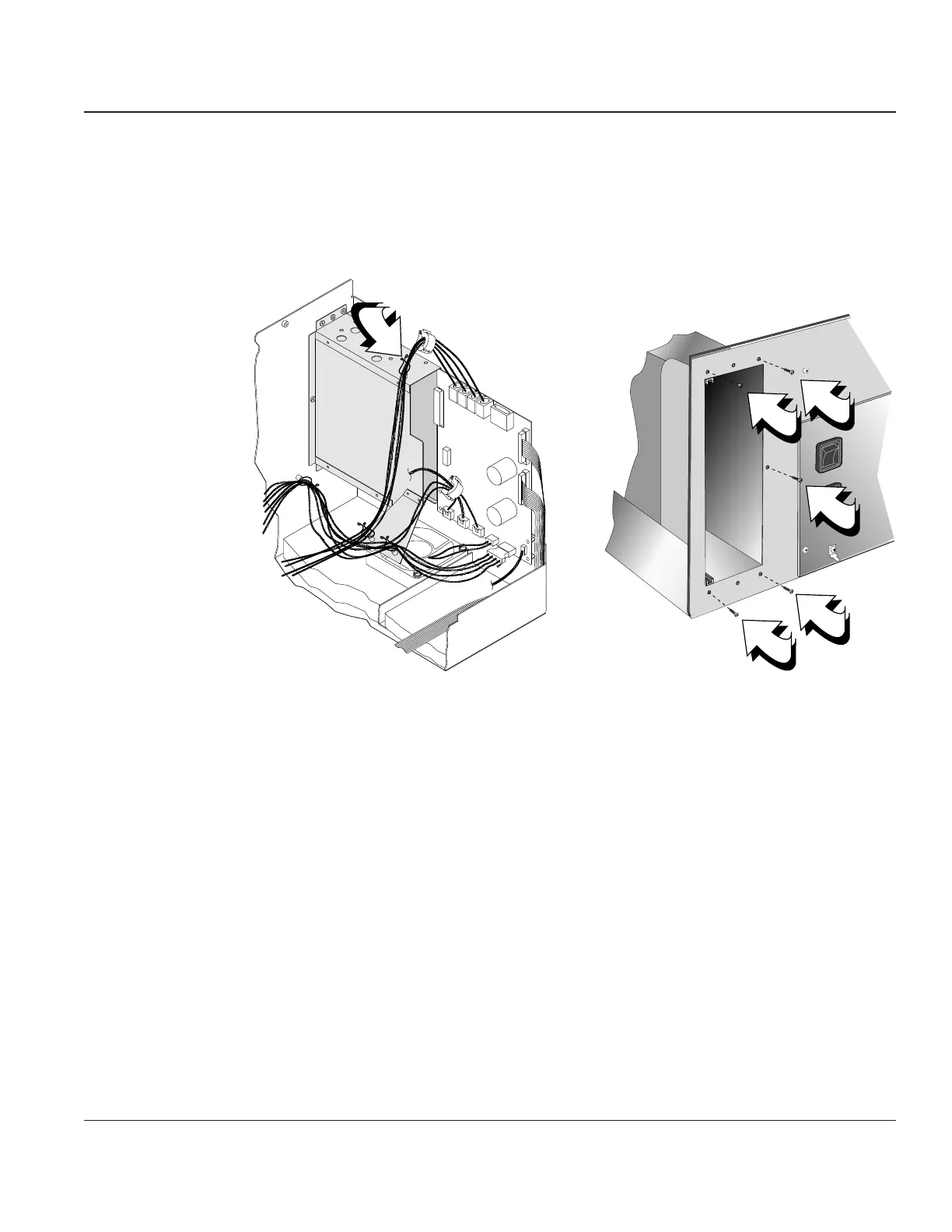
STEP 4. Remove the cables from the cable support located on top of the enclosure.
STEP 5. Remove the five screws securing the enclosure to the back of the printer. Once the screws are
removed you can remove the enclosure from the printer.
Cable Support
Figure 4–9. Removing the Personality Module Enclosure
Reinstalling
To reinstall the Personality Module and its Enclosure, reverse the sequence and actions of the
above steps.



 To Next Page