Chapter 4: Removal and Reinstallation Procedures
4 –7
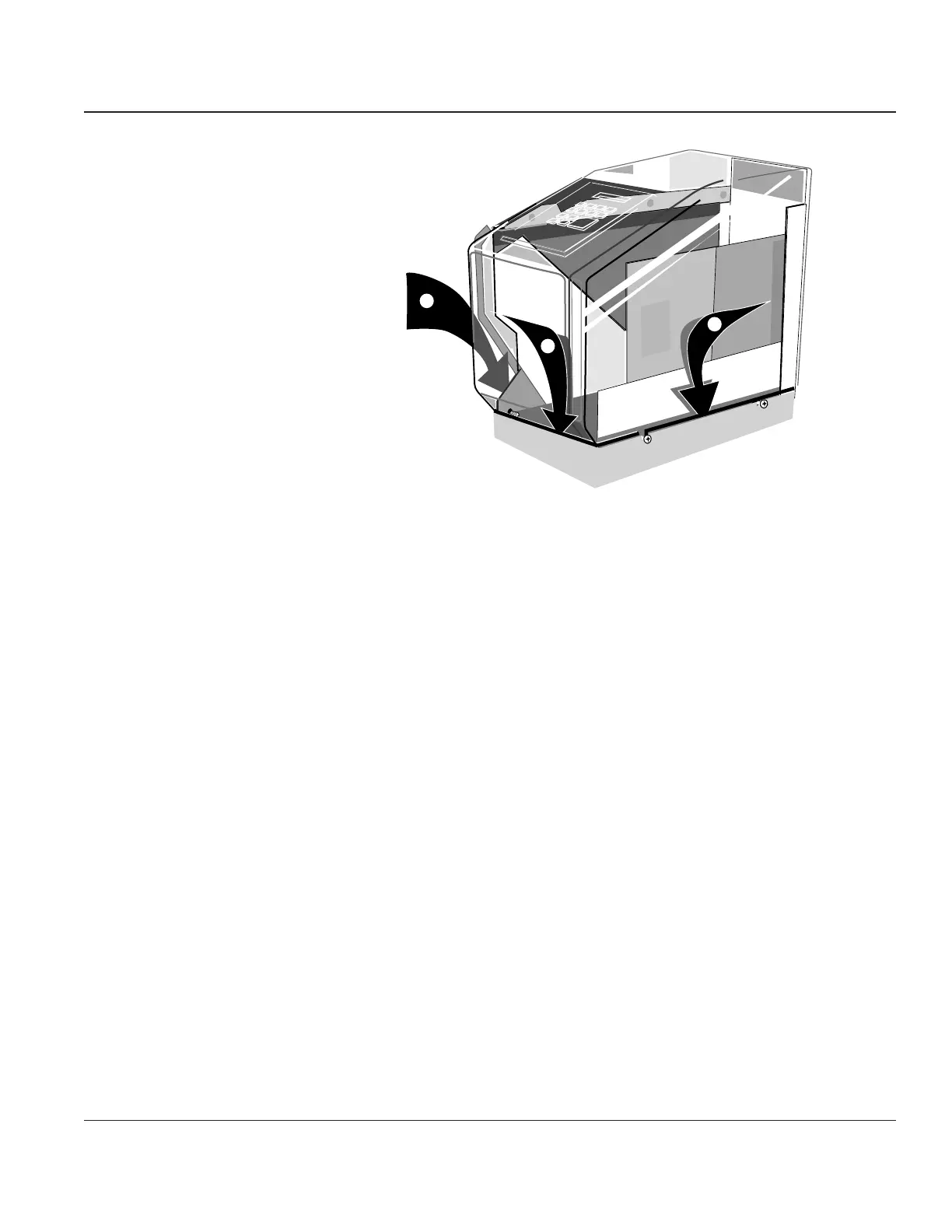
Place in
front of
printer lip
1.
2.
3.
Place in
channel
Place in
channel
Figure 4–6. Reinstalling the Right End Cover
STEP 3. It may be a tight fit and require considerable downward pressure to get the cover to set down
completely. Before pressing down, make sure that all cables are clear of the contact area
between the cover and printer.
STEP 4. Reinstall the screws in position 1 and 2, then tighten the screws at positions 3, 4, and 5 (see
Figure 4–5).
STEP 5. Reinstall the Printer Control Panel.



 To Next Page