T6090 Maintenance Manual
4–10
Procedure 5 – The Personality Module CBA and Enclosure
Before beginning this procedure, turn the printer off and disconnect the power cable.
Removing The Personality Module
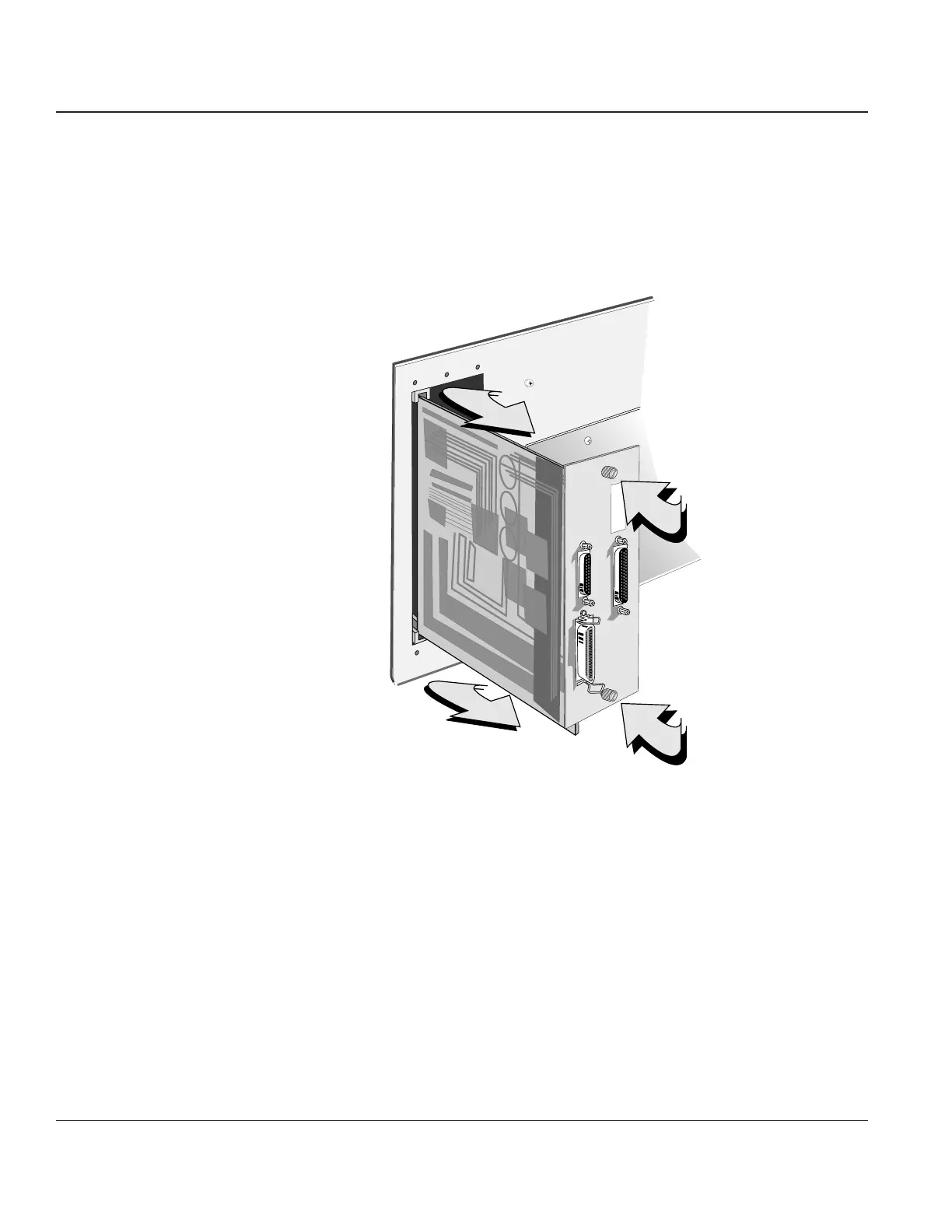
STEP 1. Loosen the knurled screws securing the Personality Module CBA into its enclosure, then slide
it out and set it aside.
Figure 4–8. Removing the Personality Module CBA
STEP 2. Remove the Right End Cover (see Procedure 3).
STEP 3. Remove the Engine Controller CBA (see Procedure 4).



 To Next Page