Chapter 4: Removal and Reinstallation Procedures
4 –5
Reinstalling
STEP 1. If the Control Panel was removed from the printer, plug the new panel into the Engine Control-
ler CBA (J801). Then advance to STEP 2.
If the Control Panel is still connected to the Engine Controller CBA and is lying in the inside
of the printer, lift it out of the opening gently.
Make sure the Control Panel cable is clear of the Shuttle gears. If the cable gets
entangled in the shuttle gears it may be damaged and it may also damage the
shuttle.
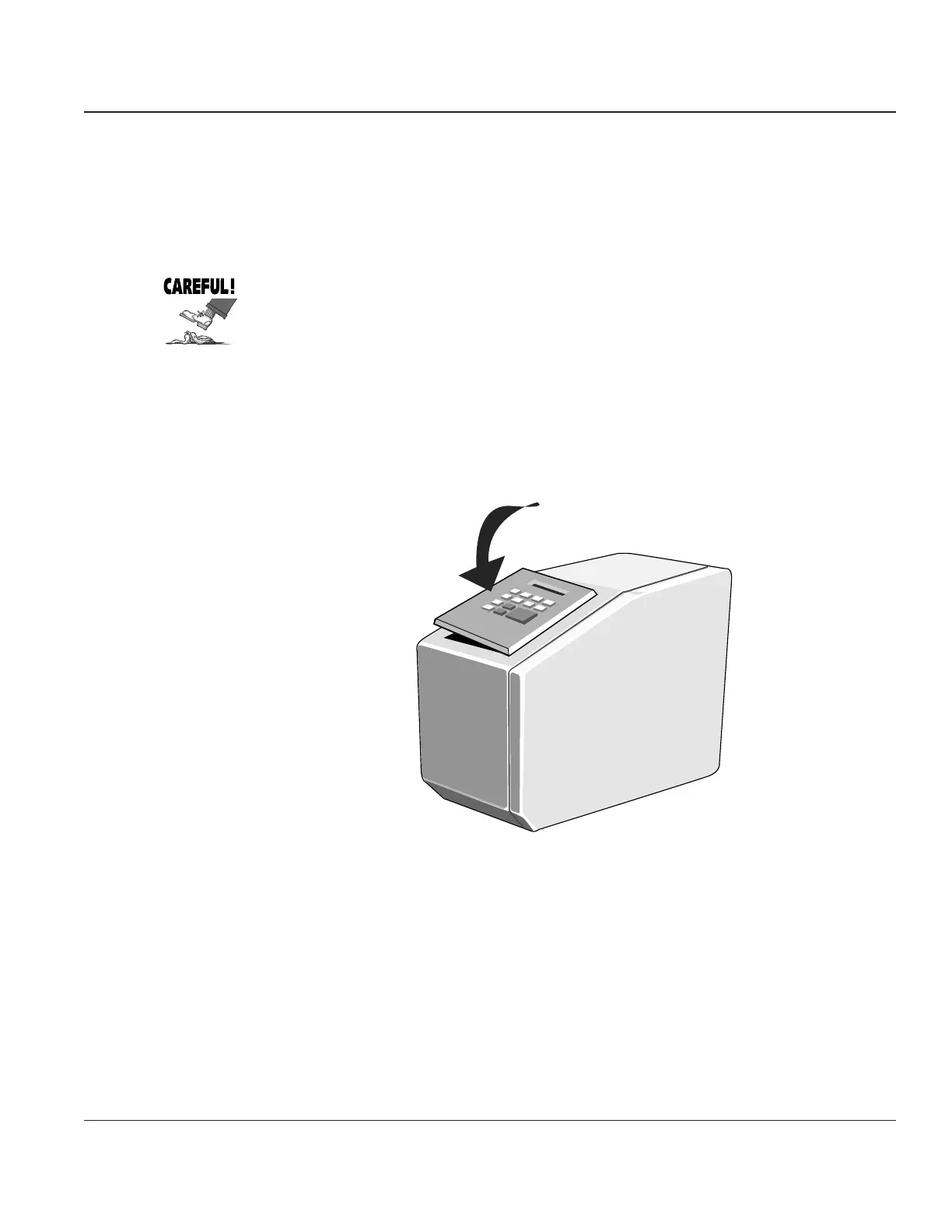
STEP 2. Insert the right edge of the Control Panel into the opening and push it all the way to the right.
STEP 3. Lower the left edge down until it rests on the edge of the opening. Push in on the latch until the
panel slides easily into the opening.
STEP 4. Push down on the left edge of the Control Panel until it is securely latched into place.
Figure 4–4. Reinstalling the Control Panel



 To Next Page