Chapter 4: Removal and Reinstallation Procedures
4 –25
Reinstalling
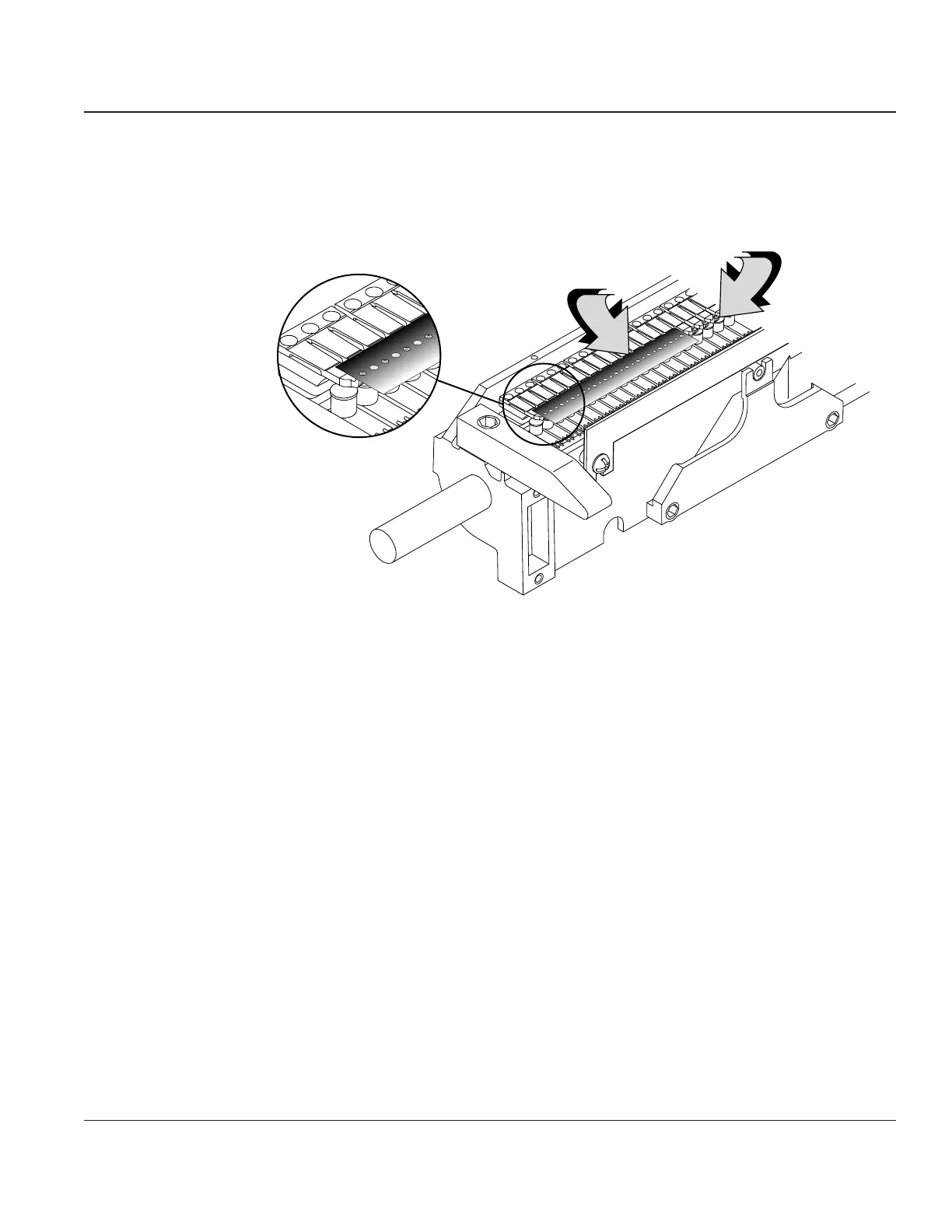
STEP 1. Install the new Module on the Hammer Bank. Use the Hammer Alignment Tool (#080614
available in tool kit, #081147) to realign the Hammers. Tighten the two mounting screws, then
reinstall the Ribbon Shield.
6-Pack
Hammer
Modules
Hammer AllignmentTool
P/N 080614
Figure 4–22. Using the Hammer Alignment Tool
STEP 2. Reinstall the Hammer Bank.
Before you reinstall the Ribbon Platform, check the hammer to platen gap and adjust as
necessary (see Procedure 25).
After completing the installation, perform a Hammer Calibration to maintain optimum print
quality (see PrntCal Parameter in Chapter 2).



 To Next Page