Chapter 4: Removal and Reinstallation Procedures
4 –19
Procedure 11 – The Hammer Bank
Before beginning this procedure, turn the printer off and disconnect the power cable.
Removing
STEP 1. Remove the Printer lid and the Control Panel (see Procedures 1 and 2).
STEP 2. Remove the Right End Cover (see Procedure 3).
STEP 3. Remove the Ribbon Platform (see Procedure 9).
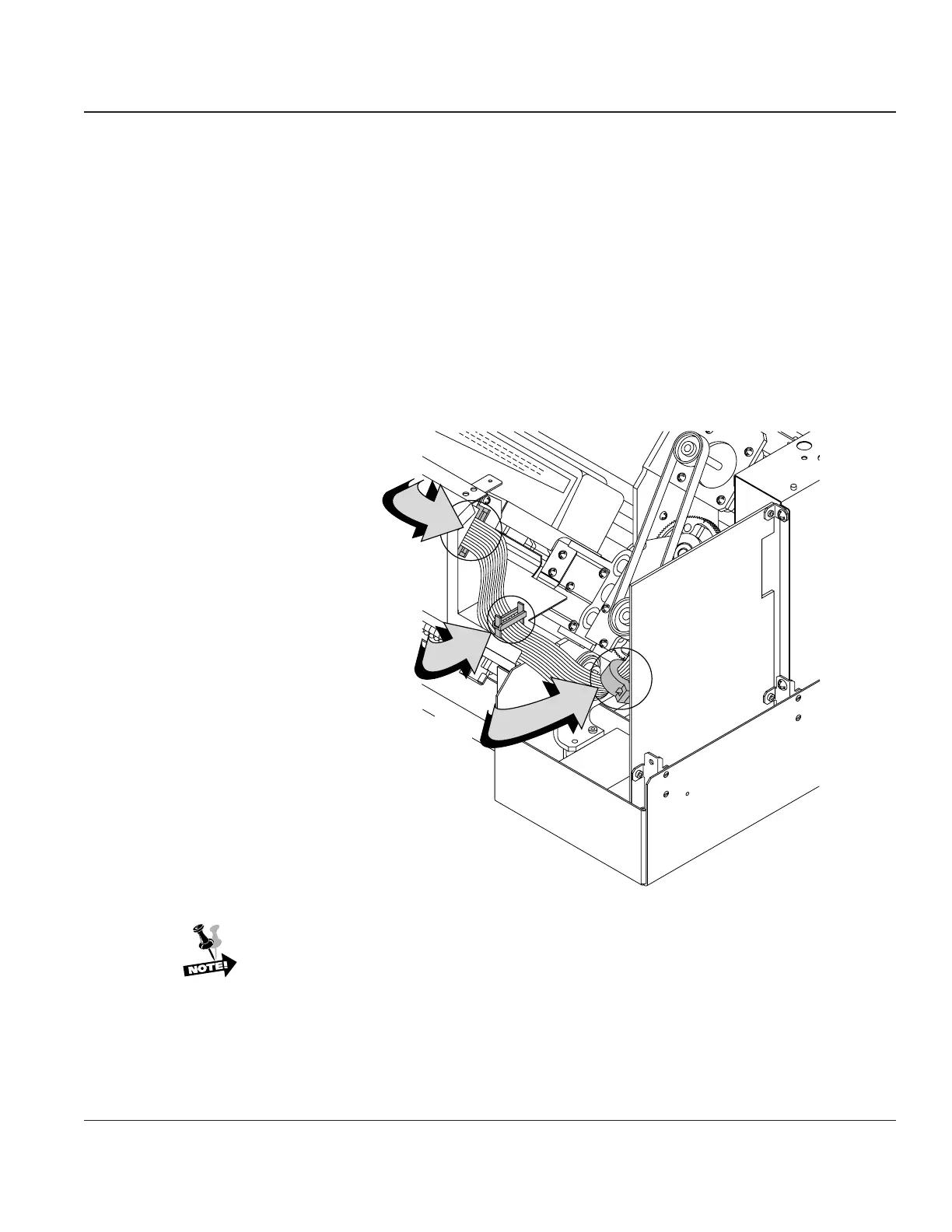
STEP 4. Disconnect the Hammer Bank cables from the Engine Controller CBA (J703 & J704). Re-
move the two screws from the flex loop bracket and remove the Hammer Bank cables from the
cable clamp near the flex loop bracket.
Flexloop
Bracket
Cable
Clamp
Ferrite
Bead
Figure 4–17. Disconnecting the Hammer Bank
If you are replacing the Hammer Bank, remove the ferrite bead from the cable and
install it on the new Hammer Bank cable.



 To Next Page