5. CONFIGURING TECHNOGYM ELLIPTICAL
5.1 SW UPDATE (VIA PC USING THE USB-MICRO USB
CABLE)
• Equipment switched o;
• PC (laptop) switched on with ESL updated;
• USB-MICRO USB cable.
• With a USB-MICRO USB cable, connect the equipment to the laptop;
• Run the Equipment Software Loader program.
If the ESL is updated it’s not necessary to enter your login credentials.
• Click on SETTINGS and select the right serial port used for the communication between the ma-
chine and the laptop;
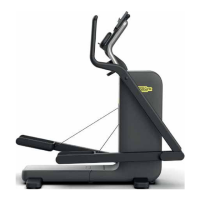
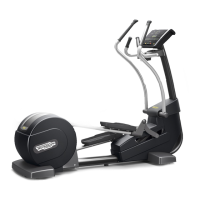
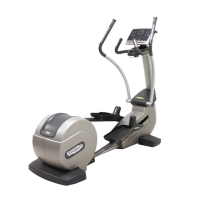
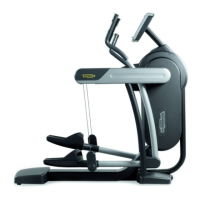
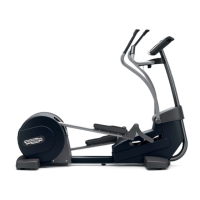
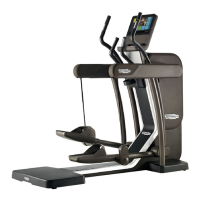
• Click on FIRMWARE WIZARD and select TECHNOGYM ELLIPTICAL equipment by clicking on
the relative picture or by agging the box. Then click on the Next button to proceed;
• Click on HIGHKIT picture and click on the Next button
• Equipment Software Loader runs automatically some commands (machine type, machine serial
number, display sw version, low-kit fw version, type of display) to check the display setup. The
sleep time of the display is automatically set at 7000 sec to keep the display on during the after
sales operations.
If necessary, it is also possible to write the machine serial number and set the correct machine
type by pressing “CHANGE MACHINE TYPE” button.
• Click on the Next button to proceed.
• Switch o the machine and wait 10 sec. Then keep pressed the lever upwards (+) while you
switch the machine on. When “BOOT” appears on the display, press “CHECK CONNECTED DE-
VICE” button, select the FSL storage and then click on Next to upgrade the fw.
• Follow the guide message, then switch o the machine for 10 sec and switch it on to install it.
Remember to set the sleep time to 60 sec after the sw upgrade
TECHNOGYM ELLIPTICAL Technical Service Guide
Rev. 1.1
- 29 -
Uncontrolled copy if printed




 To Next Page