• Click on LOWKIT picture and click on the Next button.
• Equipment Software Loader runs automatically some commands (machine type, machine serial
number, display sw version, low-kit fw version, type of display) to check the machine setup. The
sleep time of the display is immediately set at 7000 sec to keep the display on during the after sales
operations.
It is not possible to write the machine serial number or set the machine type.
• Switch o the machine and wait 10 sec. Then keep pressed the lever upwards (+) while you
switch the machine on. When “BOOT” appears on the display, press “CHECK CONNECTED DE-
VICE” button, select the FSL storage and then click on Next to copy the low-kit fw in the CPU.
• Follow the guide message, then switch o the machine for 10 sec and switch it on to install it in
the low-kit
Remember to set the sleep time to 60 sec after the fw upgrade
5.2 SW UPDATE (VIA TABLET USING THE APP)
During the connection of the equipment to iOS/Android Tablet, the Technogym Live App checks if
there is a more updated version available to download, from a Network Repository.
If there is a new version, the App starts downloading packages that puts inside a memory area of
equipment, dedicated to this operation.
The pairing should last at least 6 minutes to make sure all packages are fully downloaded.
Then, it is shown a popup that warns the user of the presence of a new FW and asks him to restart
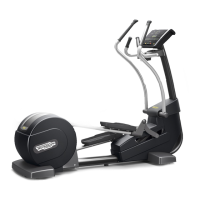
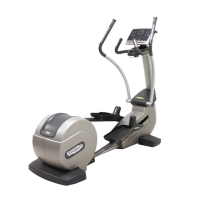
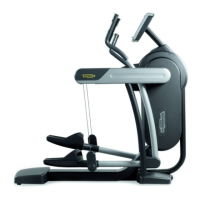
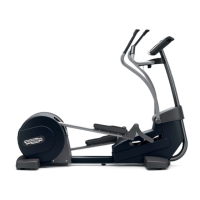
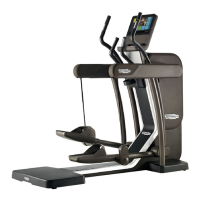
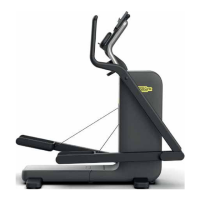
the TECHNOGYM ELLIPTICAL:
_If the user selects Yes, the equipment reboots, by updating the FW.
On the TECHNOGYM ELLIPTICAL display the user can see the message UPD with progressive
numbers from 1 to 100. Once the upload is complete, the equipment restarts and is ready to be
used.
Duration of operations about 30 seconds
_If the user selects No, the update will not start: every time the equipment is disconnected and
reconnected with the Tablet, the memory area where the FW upgrade was downloaded is deleted
and a new FW Download starts again with the same procedures described above.
_If the user selects No and the equipment is turned o and on with the physical O / On button: the
FW is uploaded when the TECHNOGYM ELLIPTICAL is restarted.
TECHNOGYM ELLIPTICAL Technical Service Guide
Rev. 1.1
- 30 -
Uncontrolled copy if printed Uncontrolled copy if printed




 To Next Page