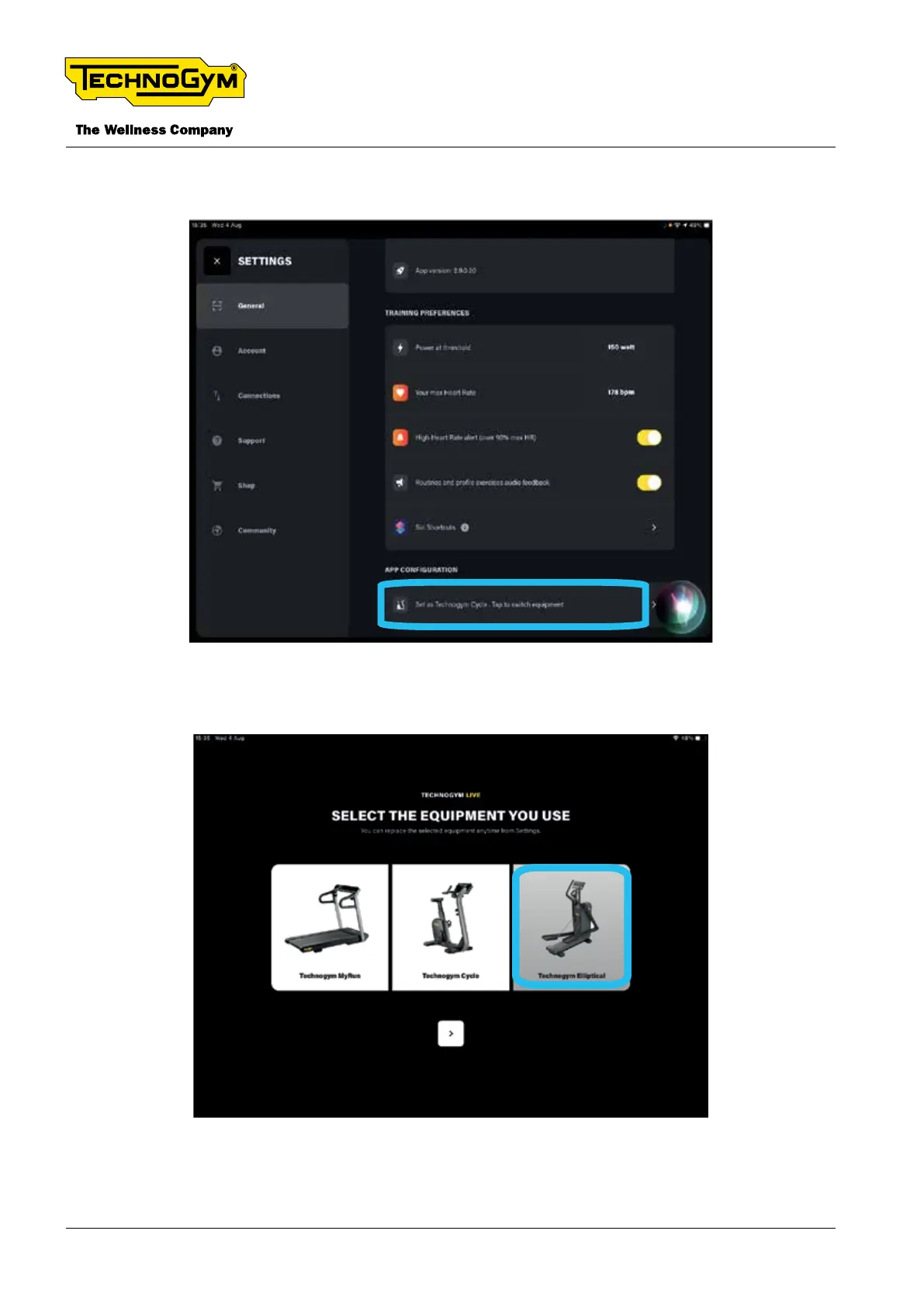
the equipment is set as a dierent equipment (e.g. Technogym Cycle) select “Set as Techno-
gym Cycle. Tap to switch equipment” as indicated in the gure.
Fig. 13
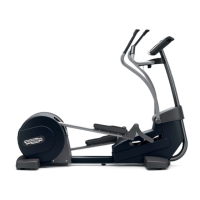
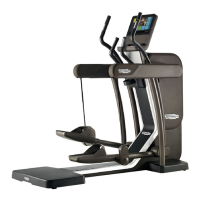
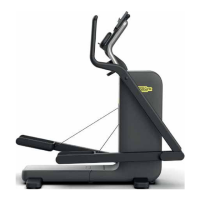
▪ Select the relative equipment: “TECHNOGYM ELLIPTICAL” and click > to proceed
Fig. 14
▪ Wait a few seconds so that the Tablet nds automatically the equipment.
TECHNOGYM ELLIPTICAL Technical Service Guide
Rev. 1.1
- 32 -
Uncontrolled copy if printed Uncontrolled copy if printed




 To Next Page