RUN XT: Service & Maintenance Manual - rev. 2.0
Page 7.8
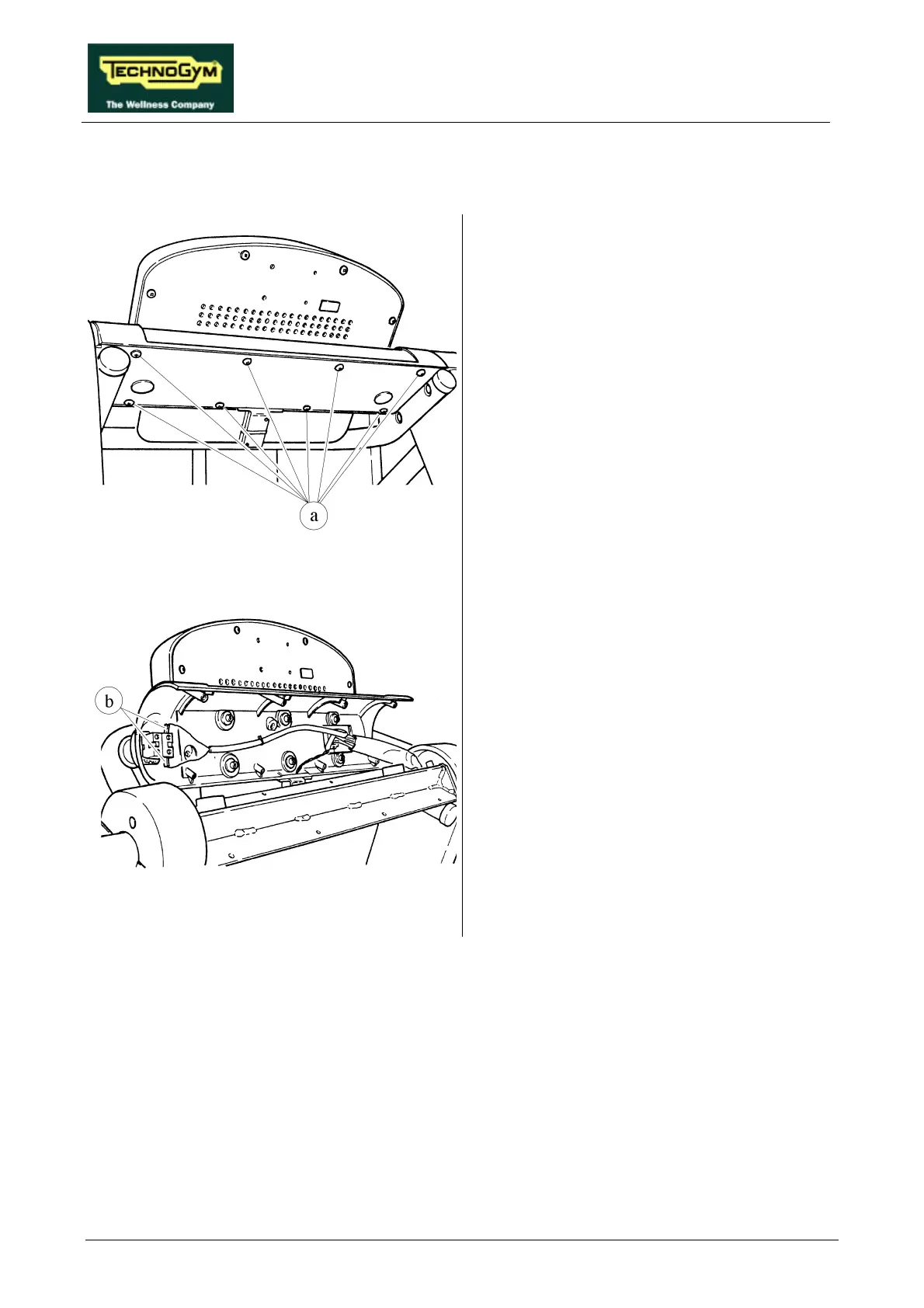
7.6. DISASSEMBLING THE EMERGENCY BUTTON
Figure 7.6-1
1. Turn off the machine and unplug the mains
lead from the wall outlet.
2. Unscrew the 8 self-tapping screws a which
fix the DISPLAY, using a large Phillips
screwdriver.
Figure 7.6-2
3. Open the display panel support.
4. Disconnect the two EMERGENCY
BUTTON wires b, using a large Phillips
screwdriver.
Continued on the following page→











 To Next Page